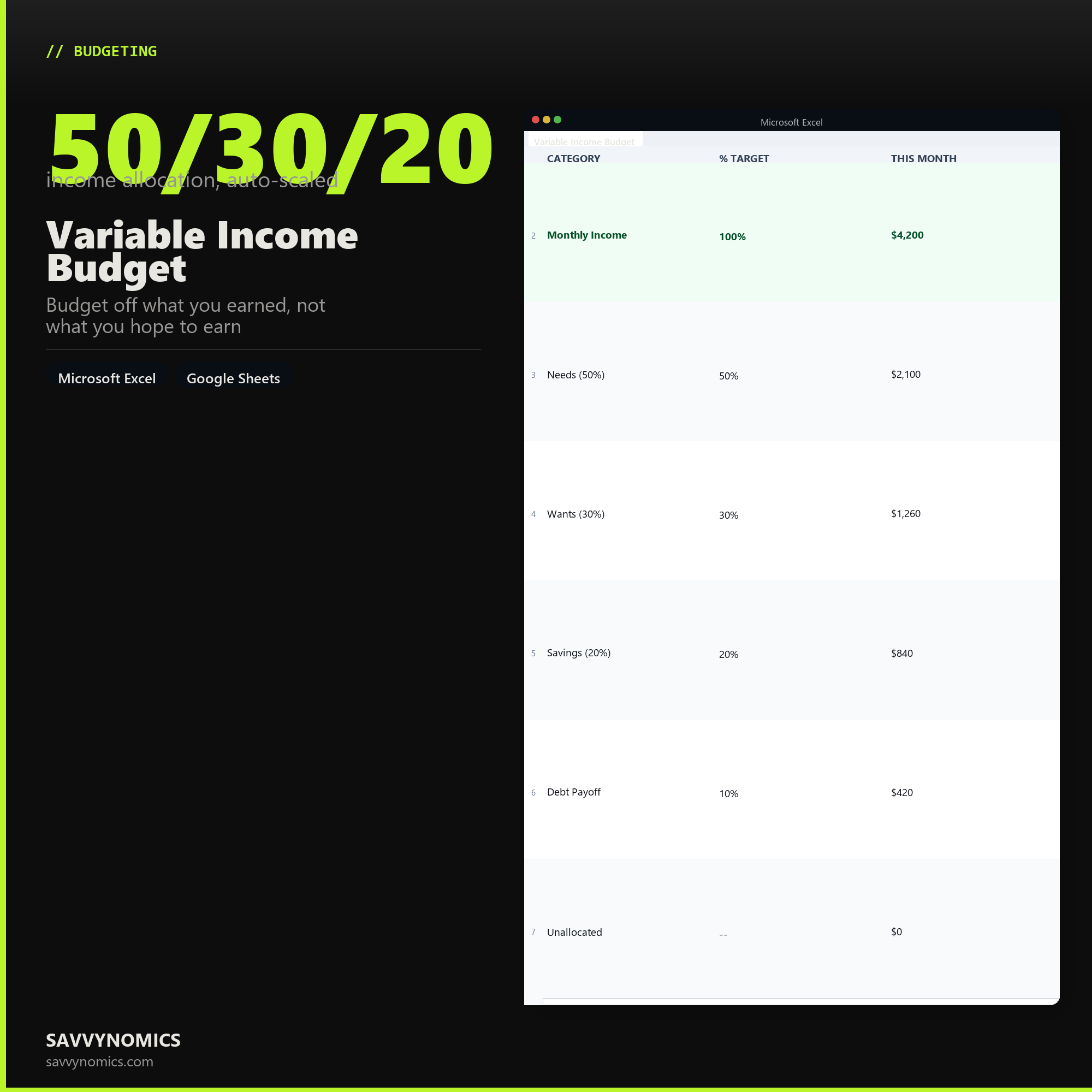
Variable Income Budget
Budget off what you earned, not what you hope to earn
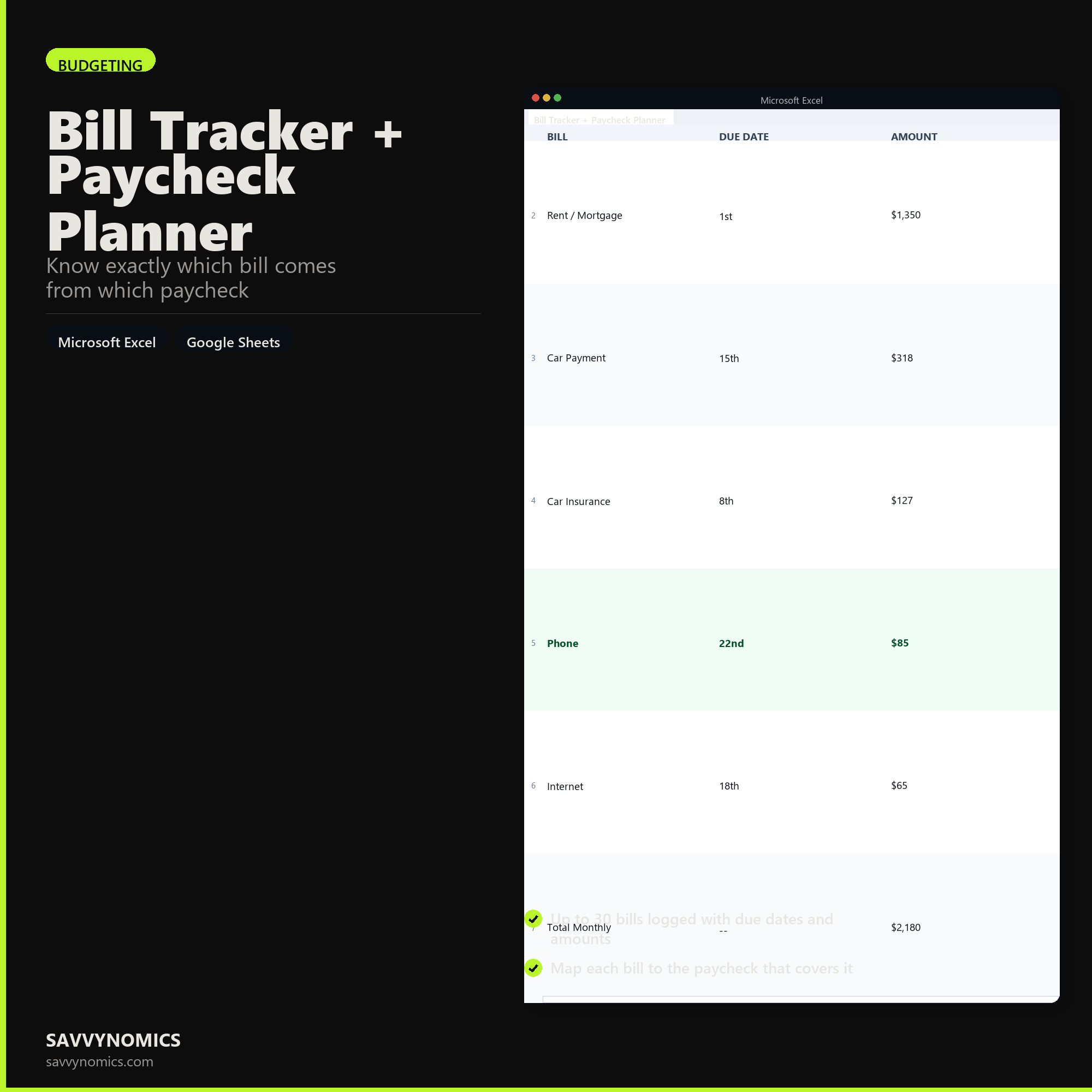
Bill Tracker + Paycheck Planner
Know exactly which bill comes from which paycheck
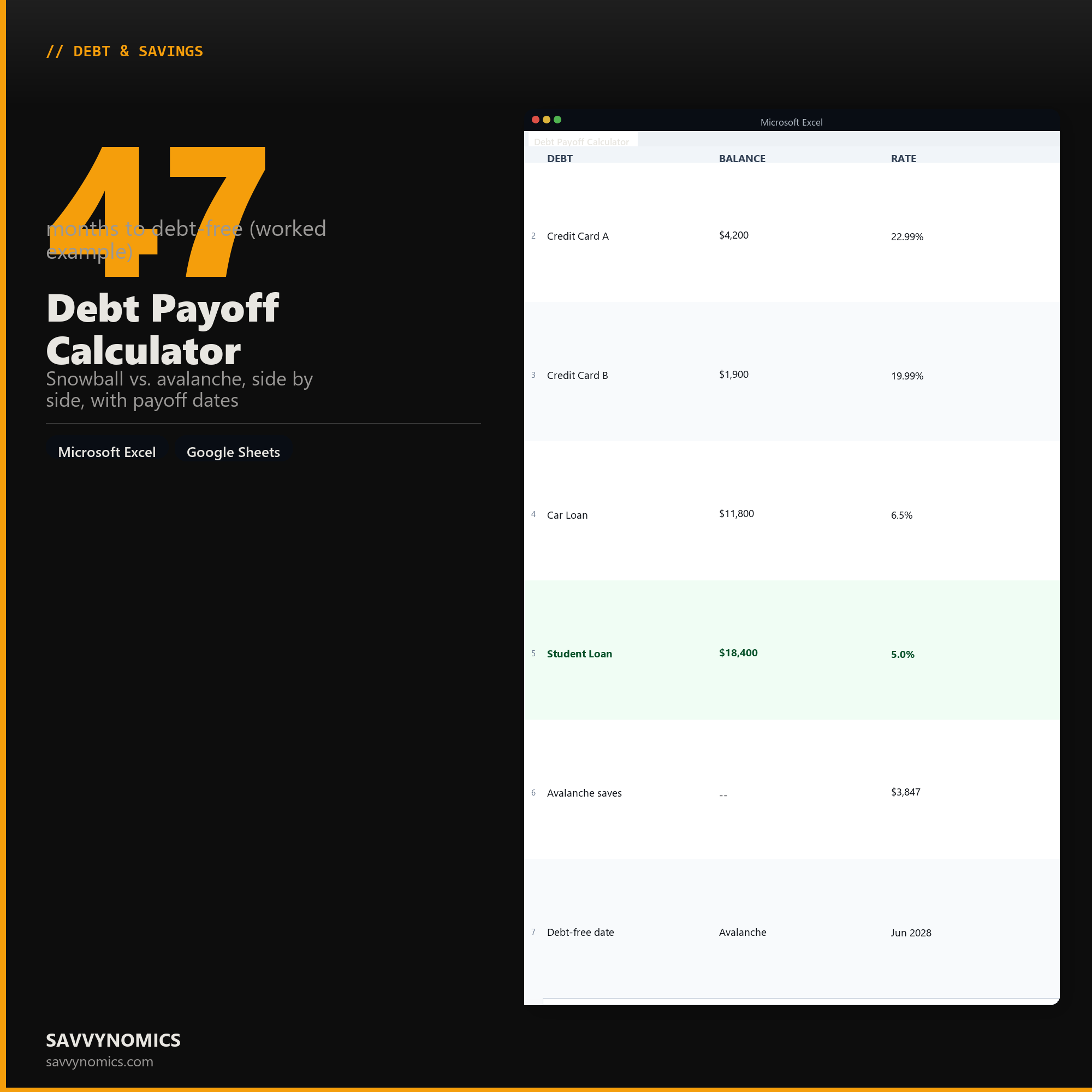
Debt Payoff Calculator
Snowball vs. avalanche, side by side, with payoff dates
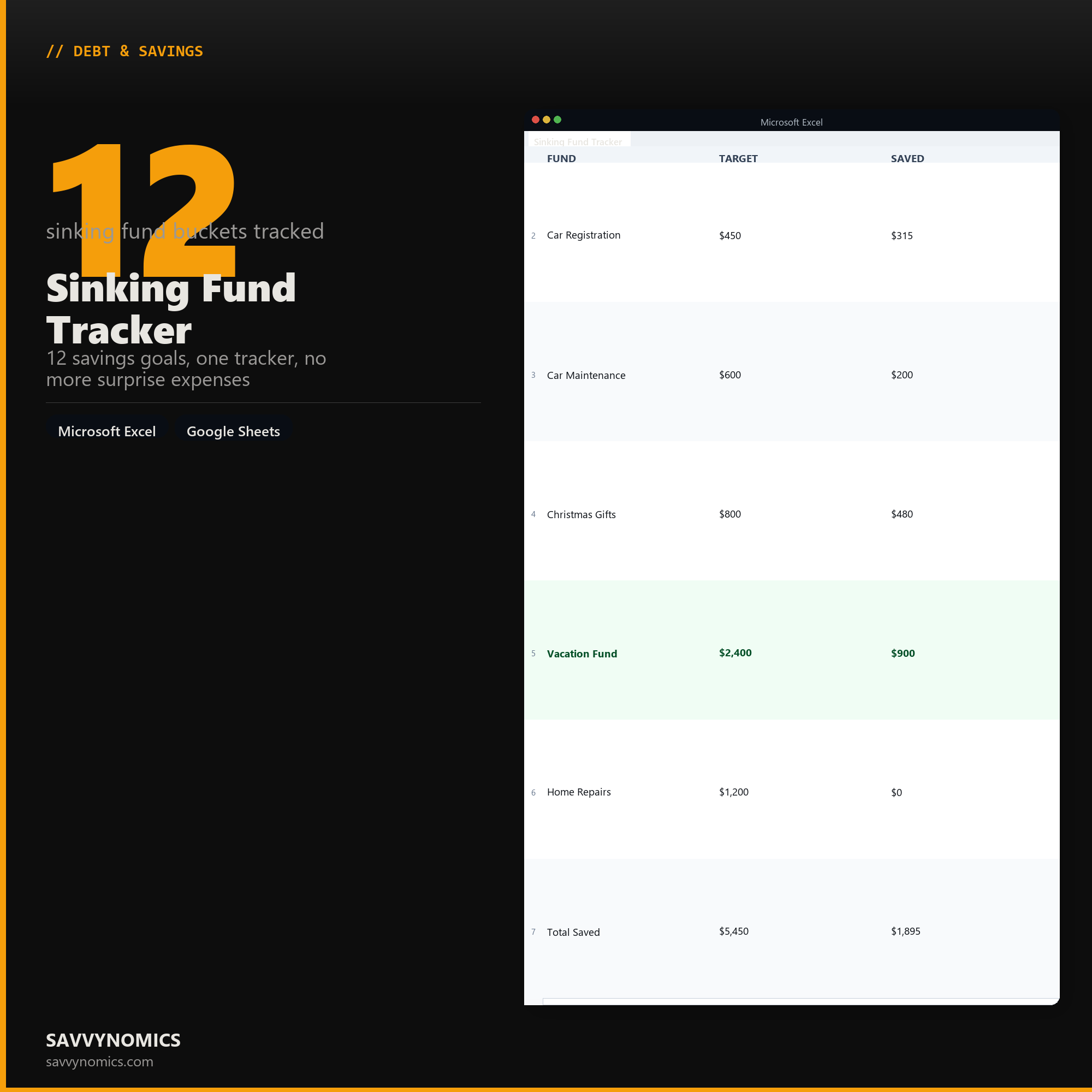
Sinking Fund Tracker
12 savings goals, one tracker, no more surprise expenses
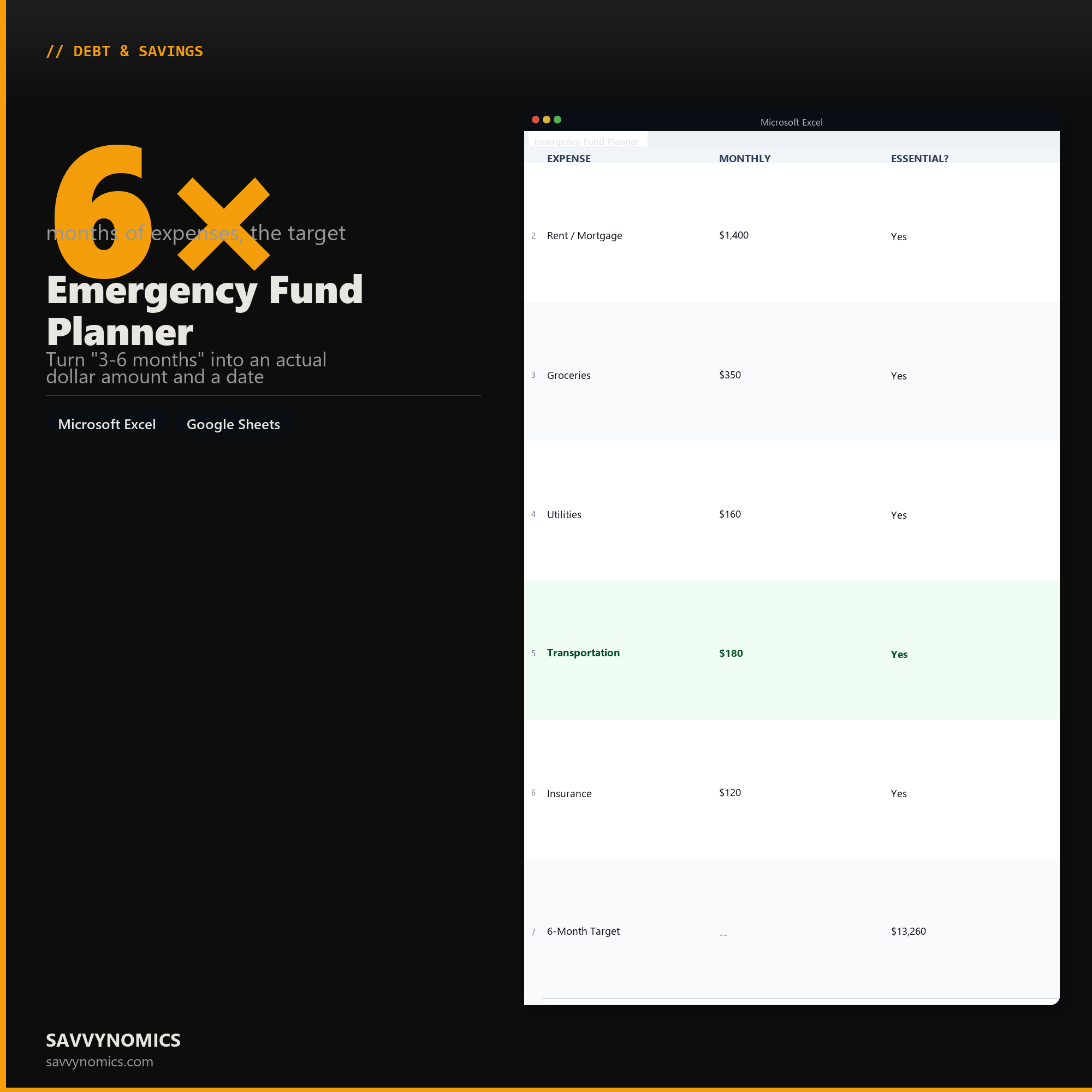
Emergency Fund Planner
Turn "3-6 months" into an actual dollar amount and a date
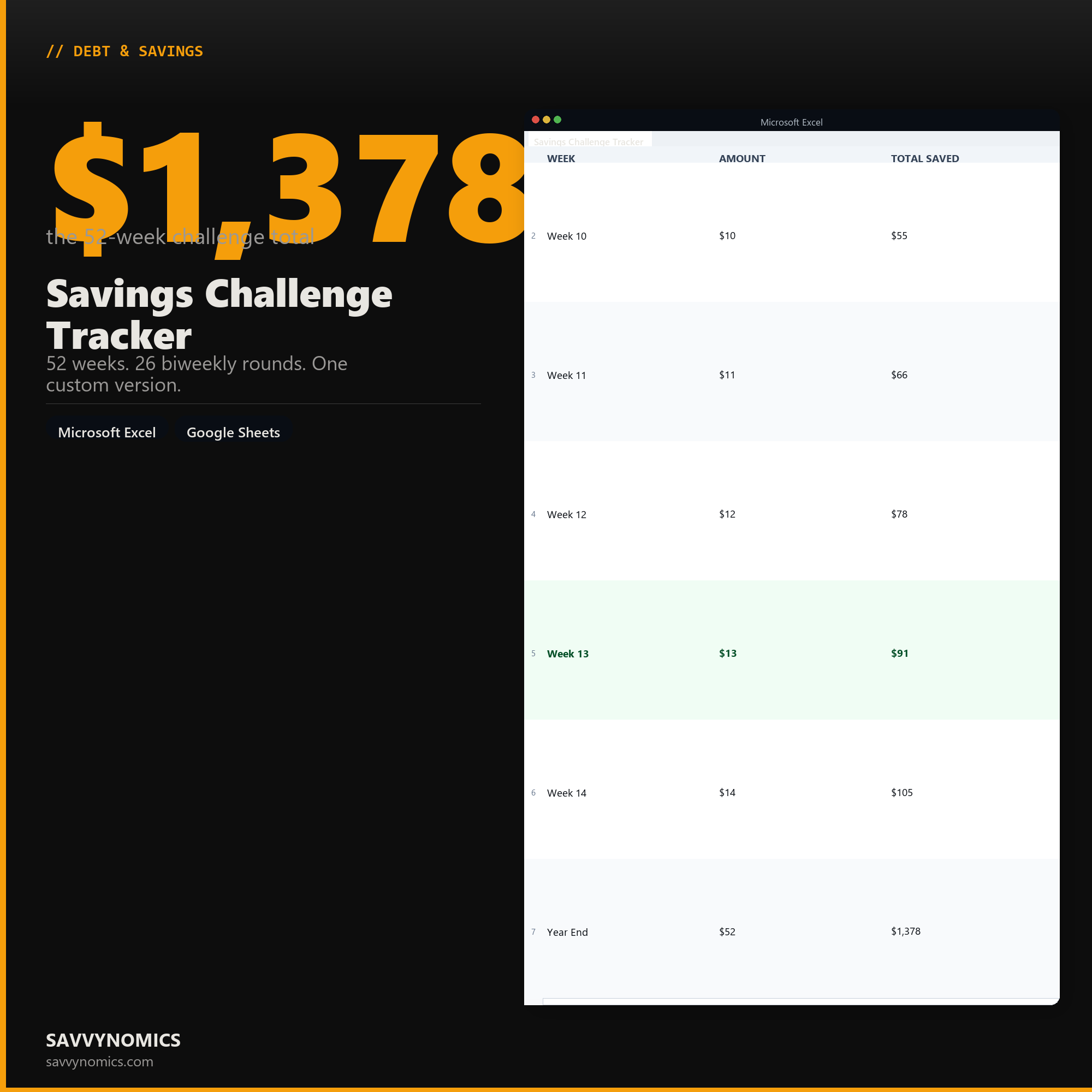
Savings Challenge Tracker
52 weeks. 26 biweekly rounds. One custom version.
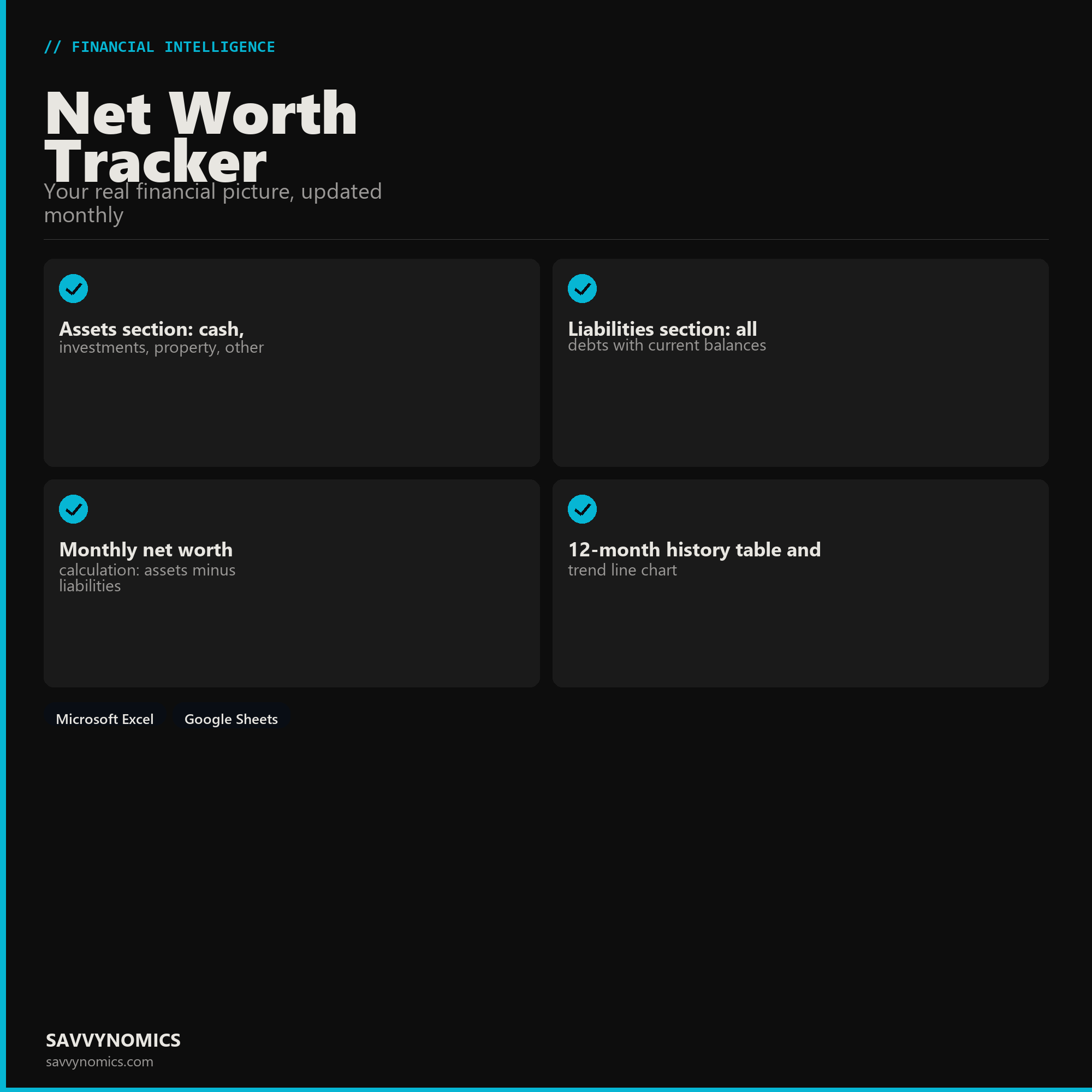
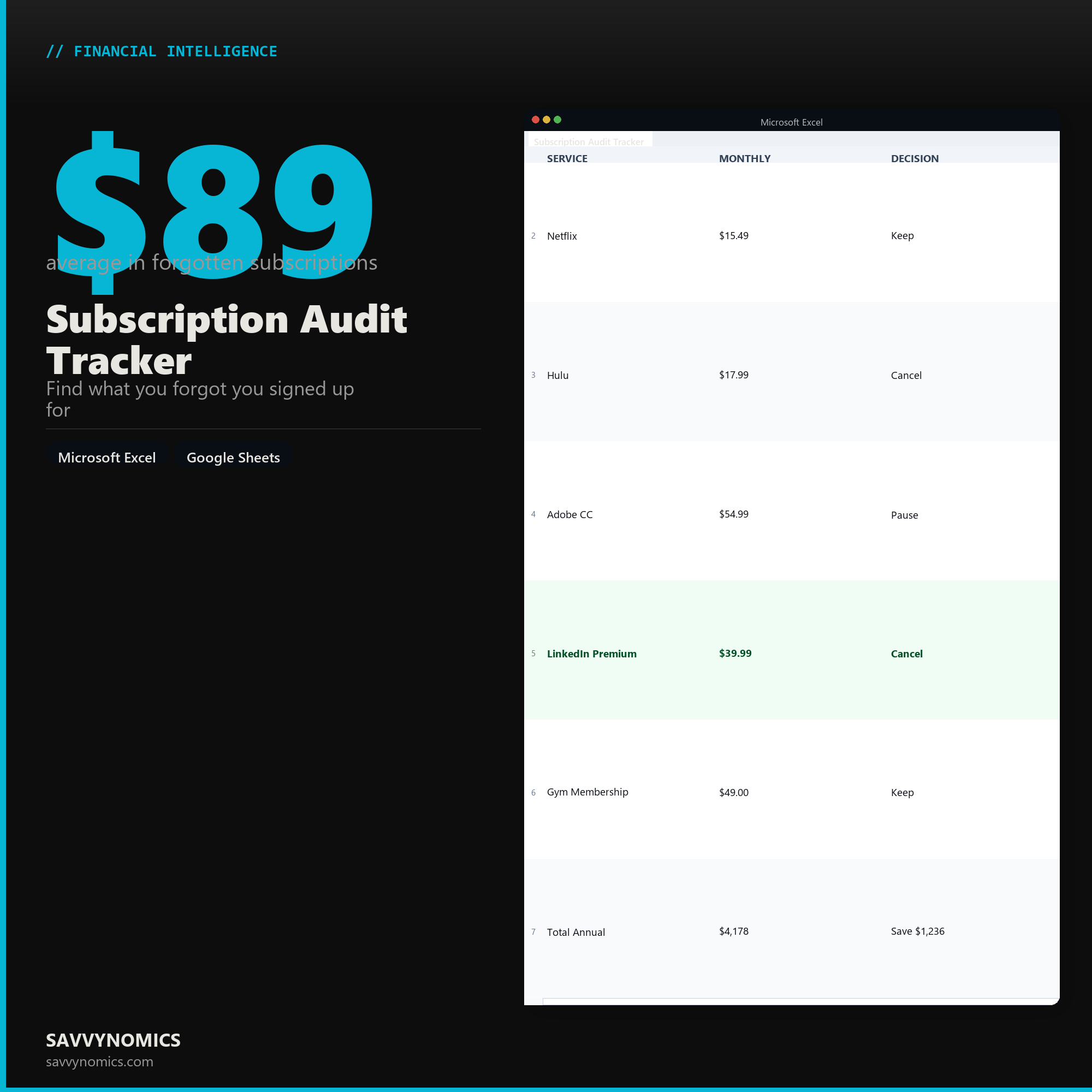
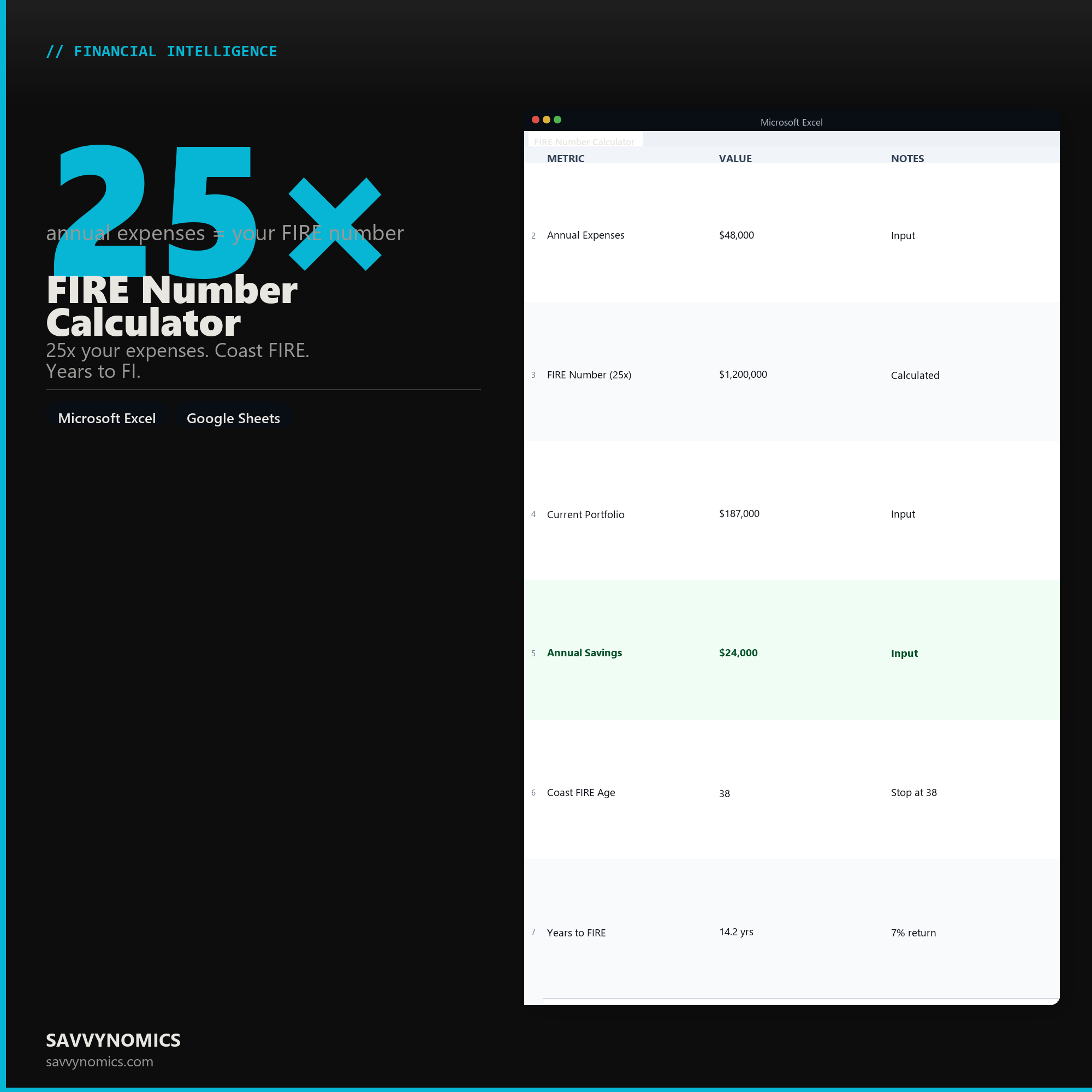

Investment Portfolio Tracker
See your allocation. Know what needs rebalancing.
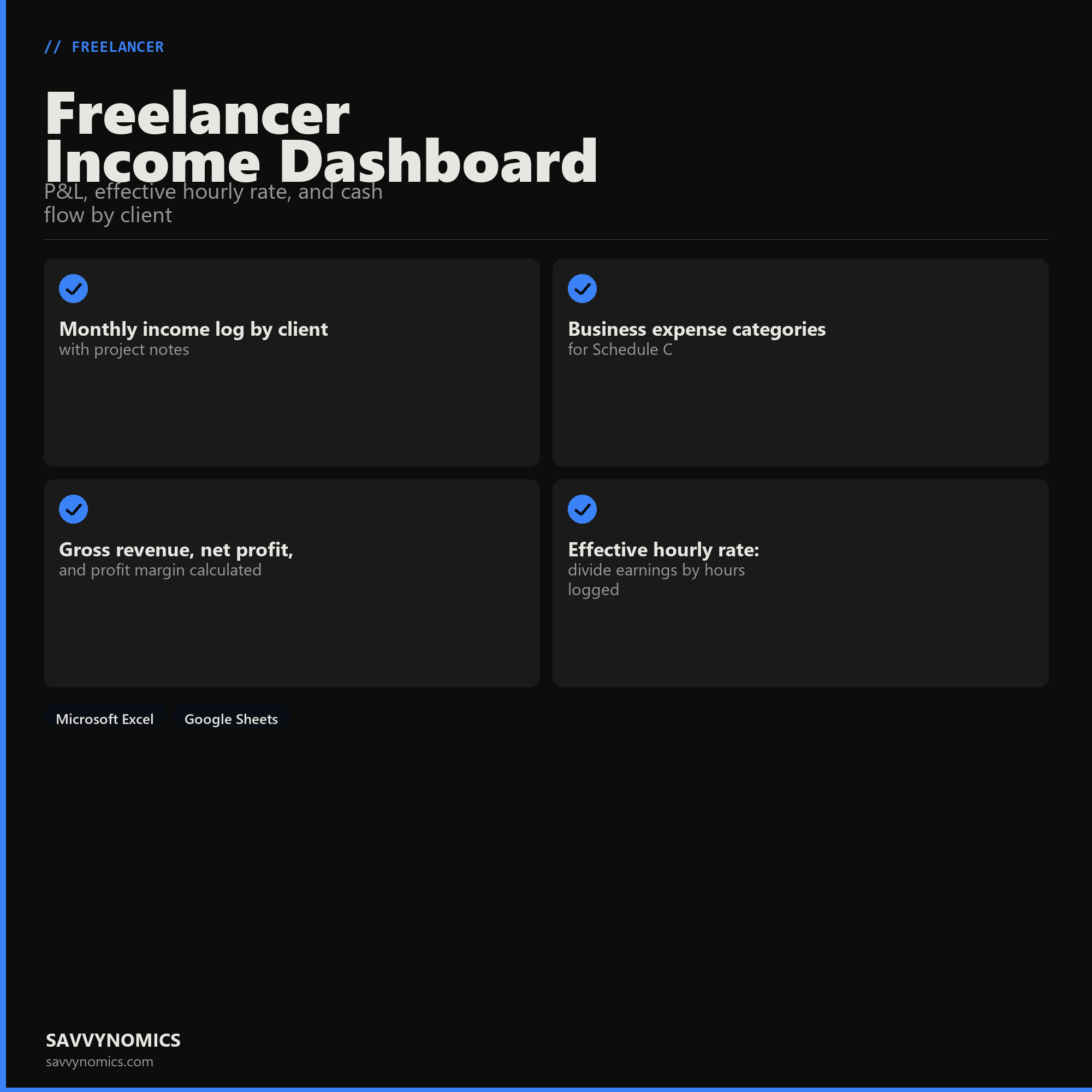
Freelancer Income Dashboard
P&L, effective hourly rate, and cash flow by client
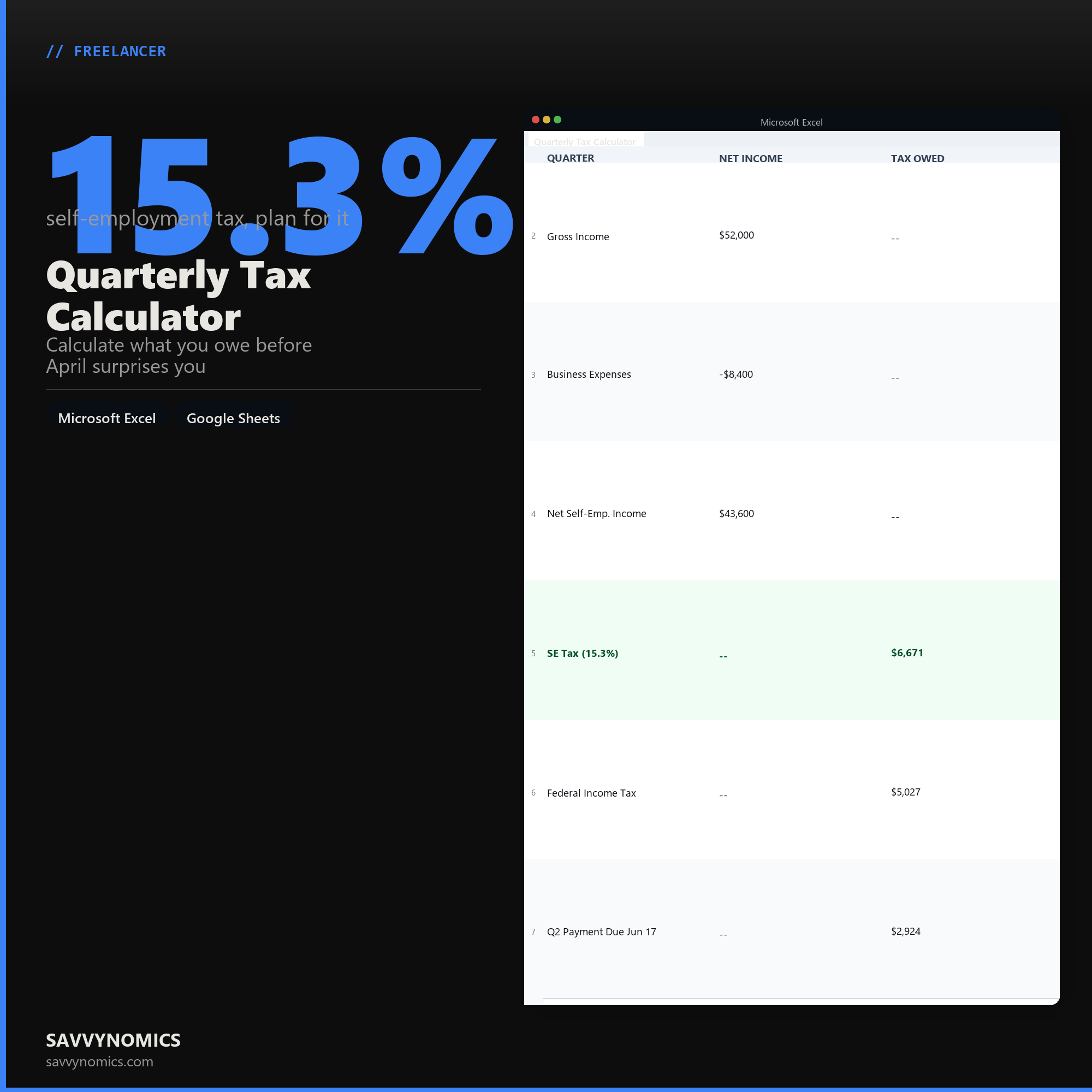
Quarterly Tax Calculator
Calculate what you owe before April surprises you
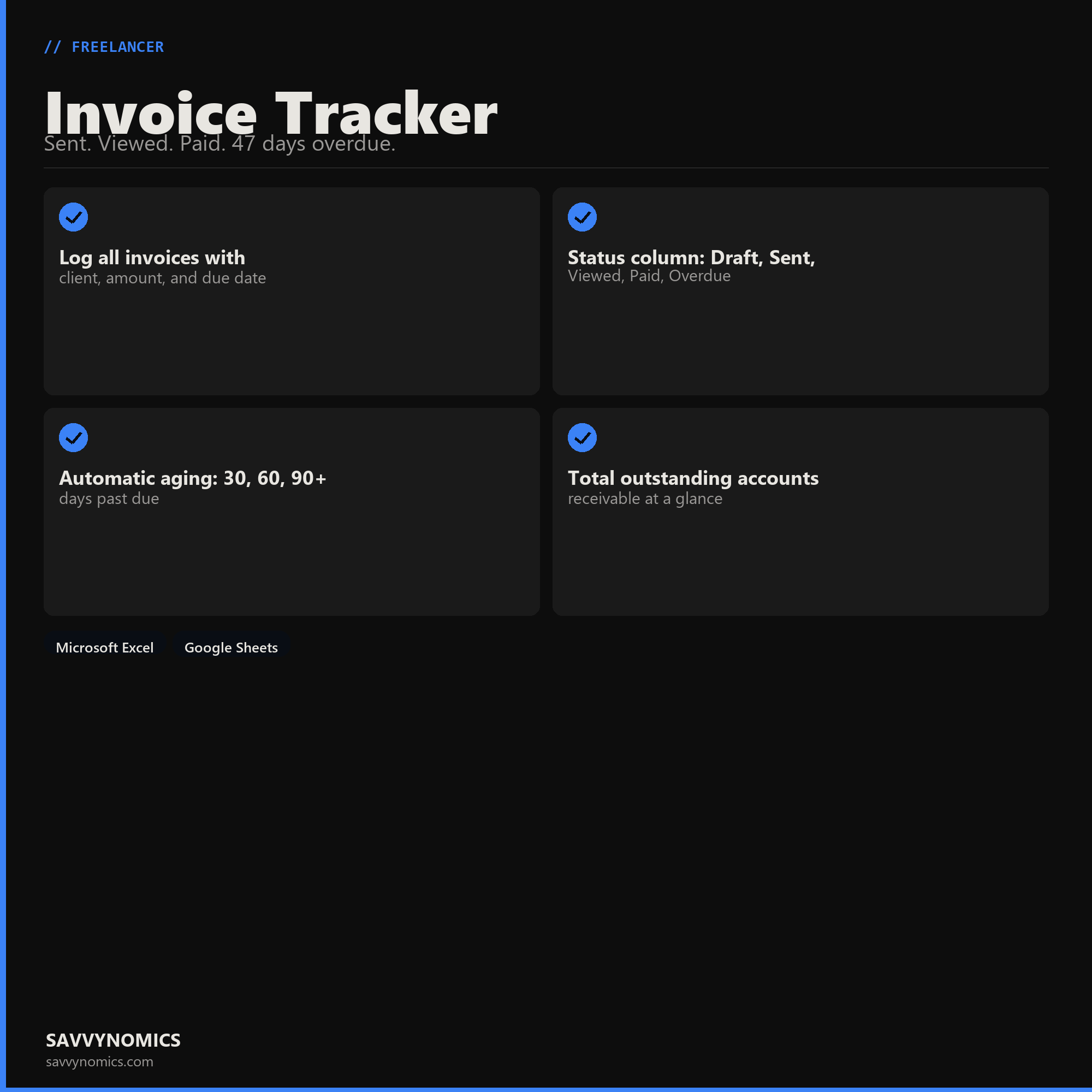
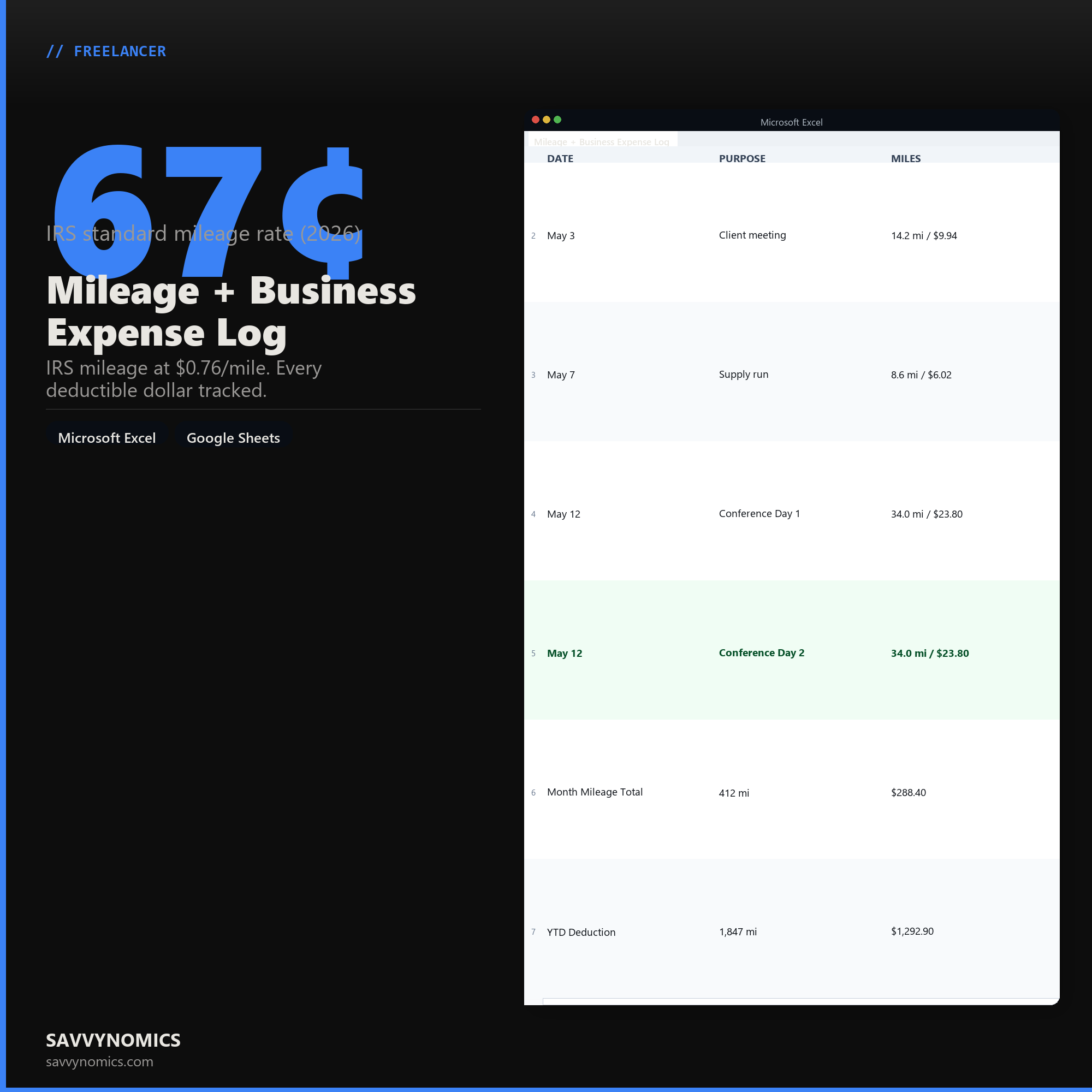
Mileage + Business Expense Log
IRS mileage at $0.76/mile. Every deductible dollar tracked.
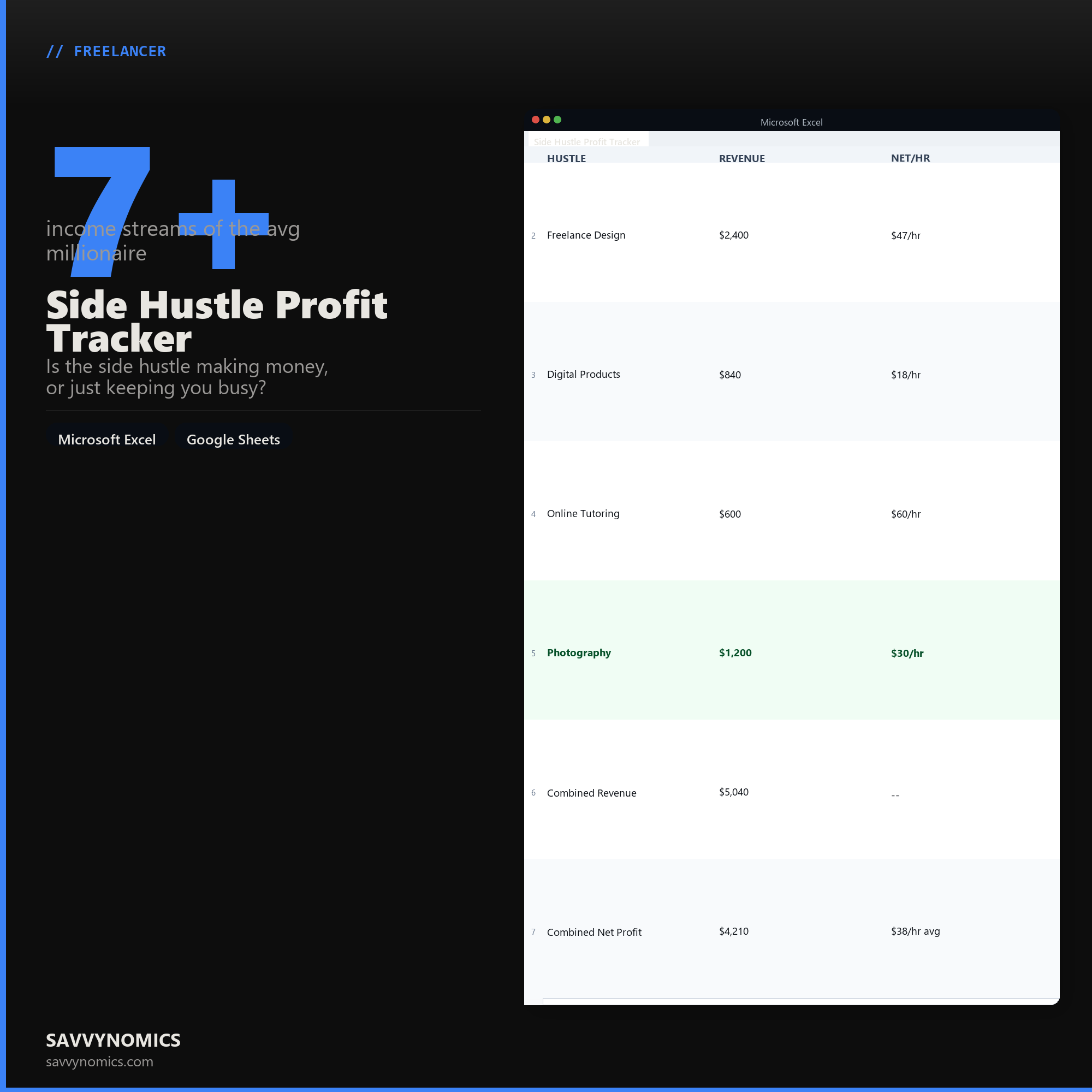
Side Hustle Profit Tracker
Is the side hustle making money, or just keeping you busy?
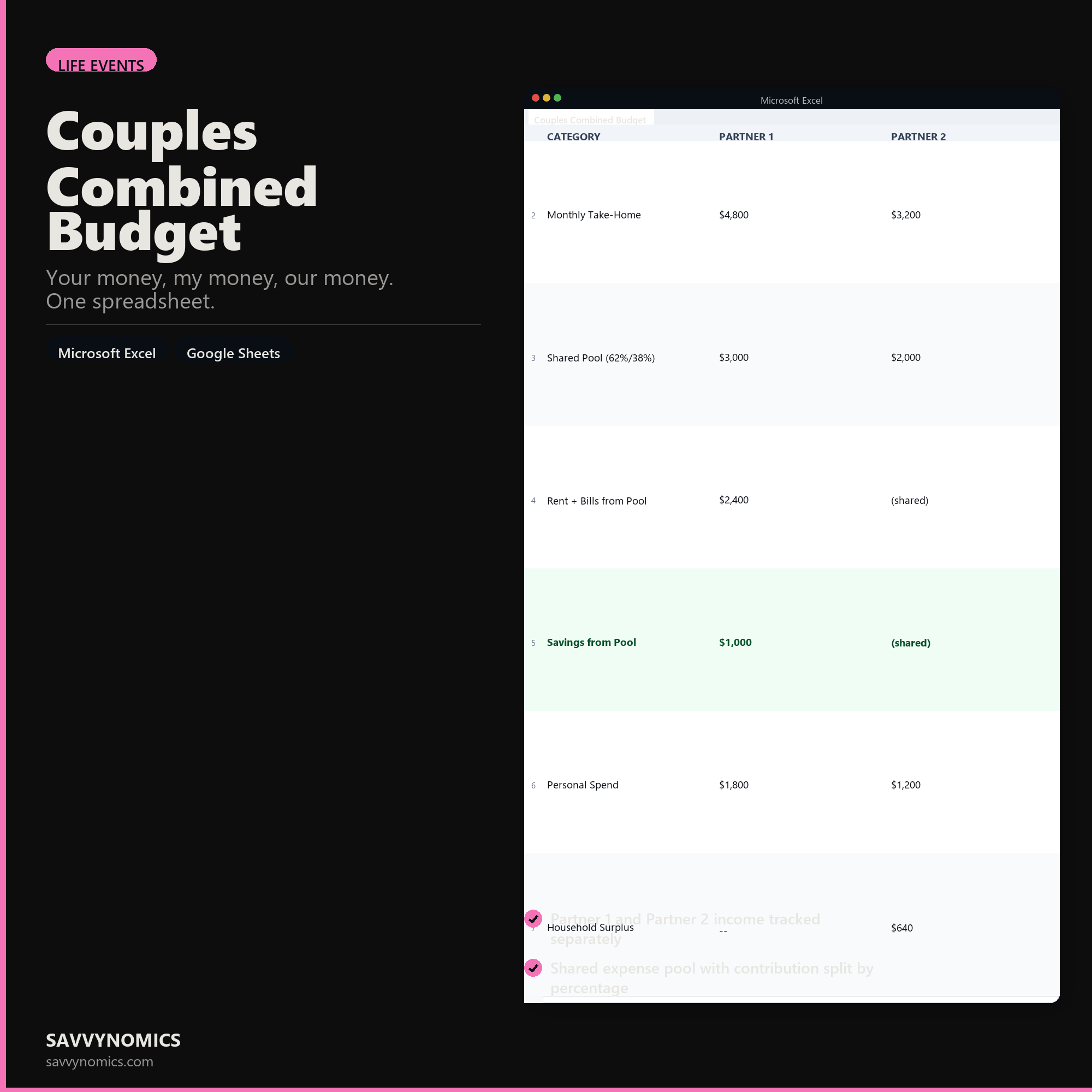
Couples Combined Budget
Your money, my money, our money. One spreadsheet.
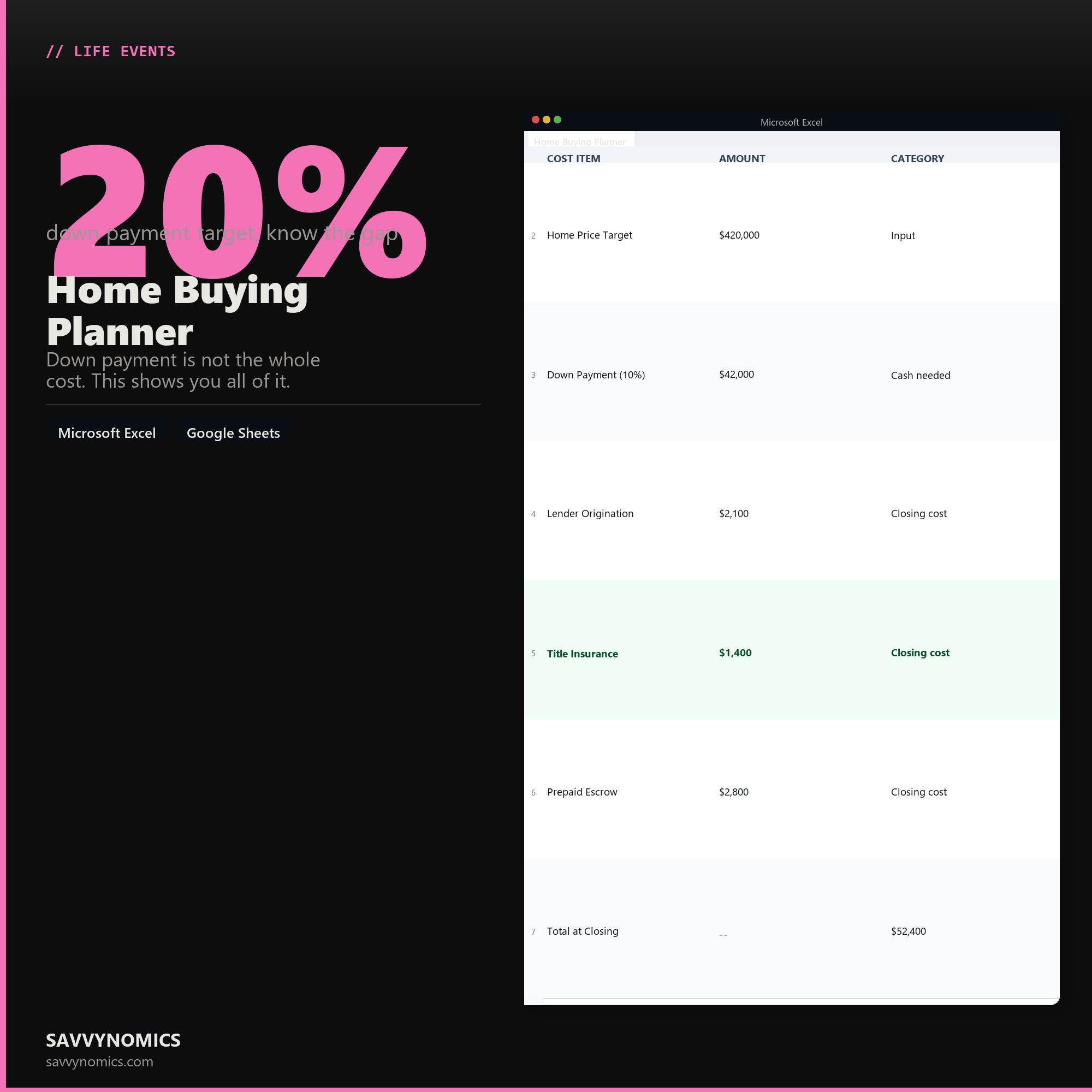
Home Buying Planner
Down payment is not the whole cost. This shows you all of it.
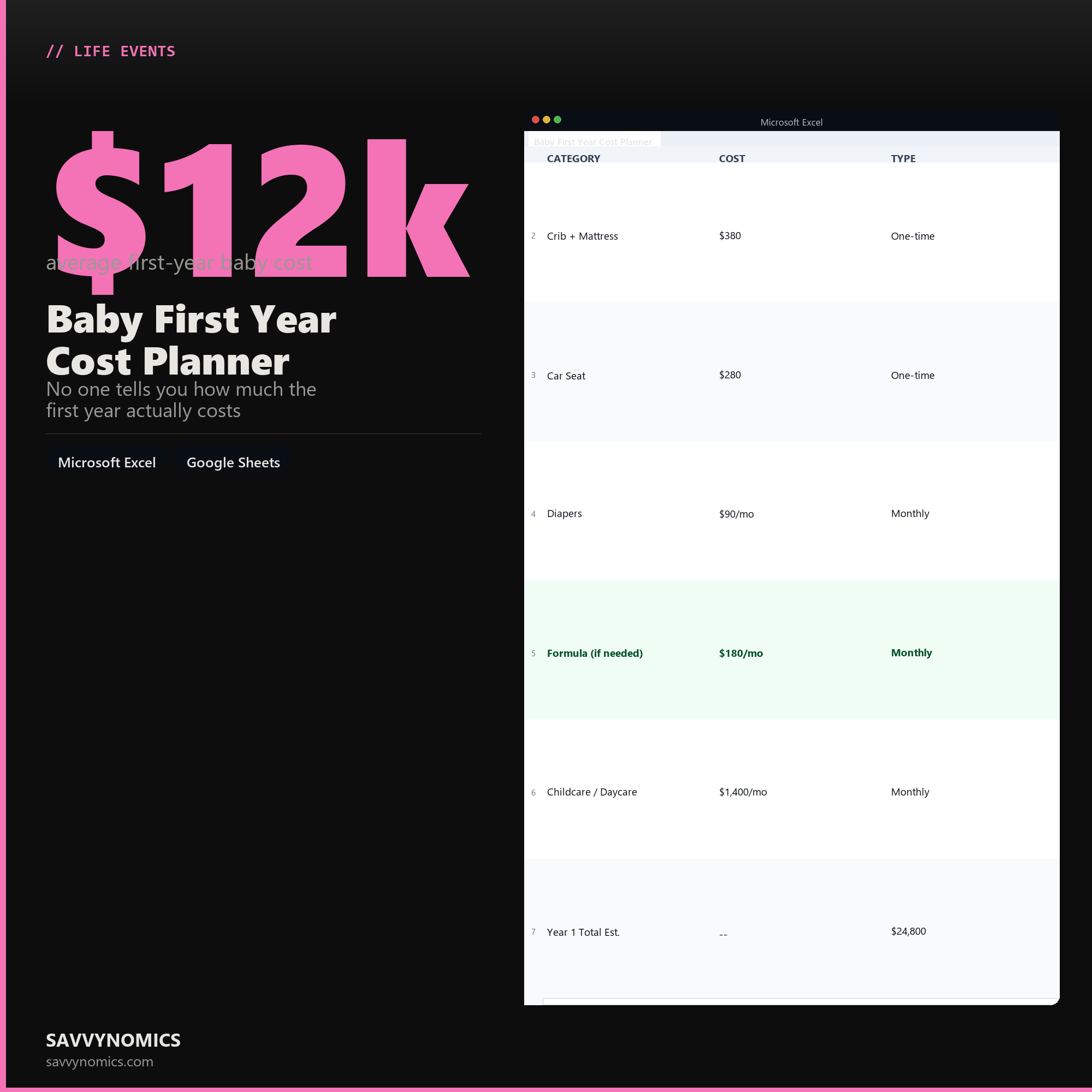
Baby First Year Cost Planner
No one tells you how much the first year actually costs
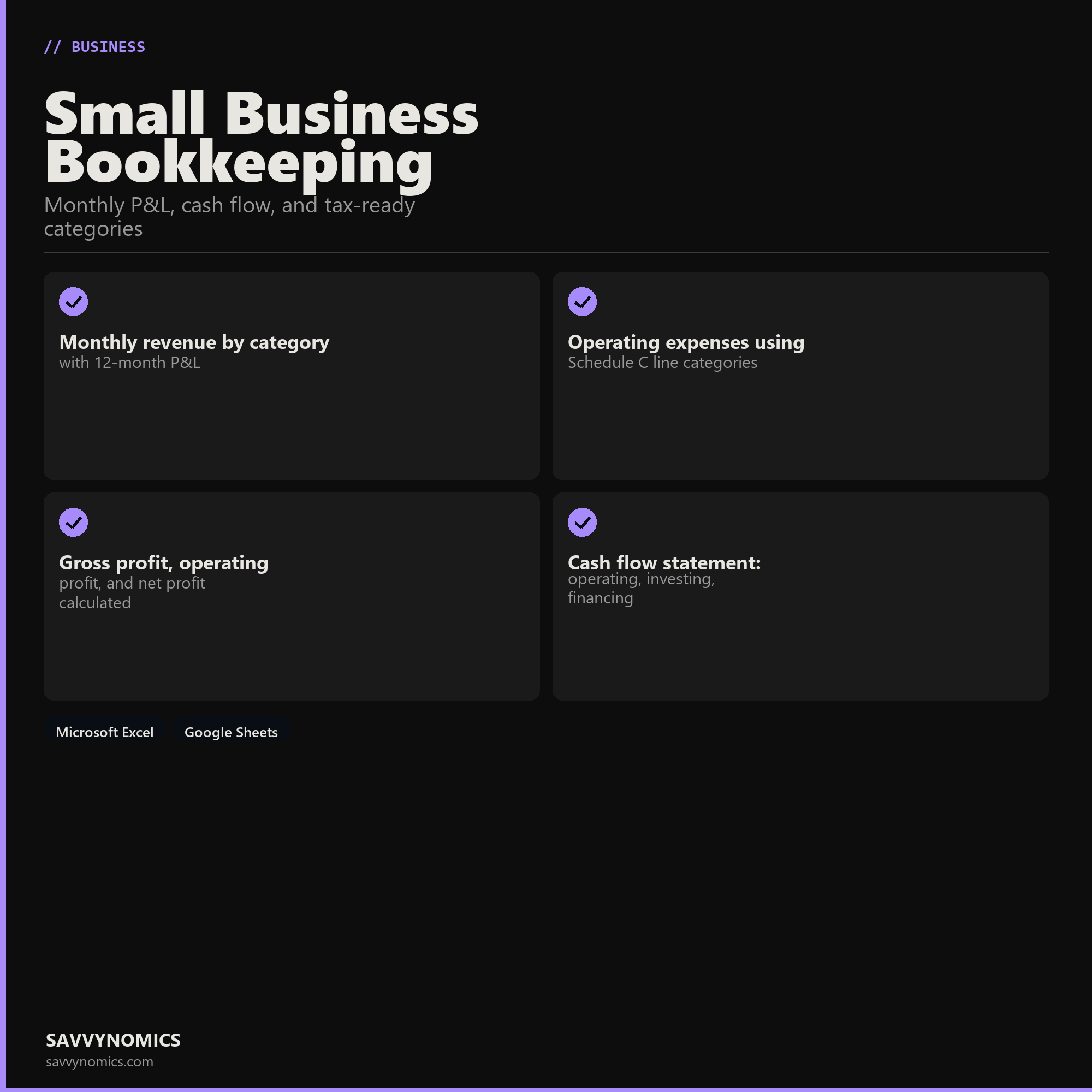
Small Business Bookkeeping
Monthly P&L, cash flow, and tax-ready categories
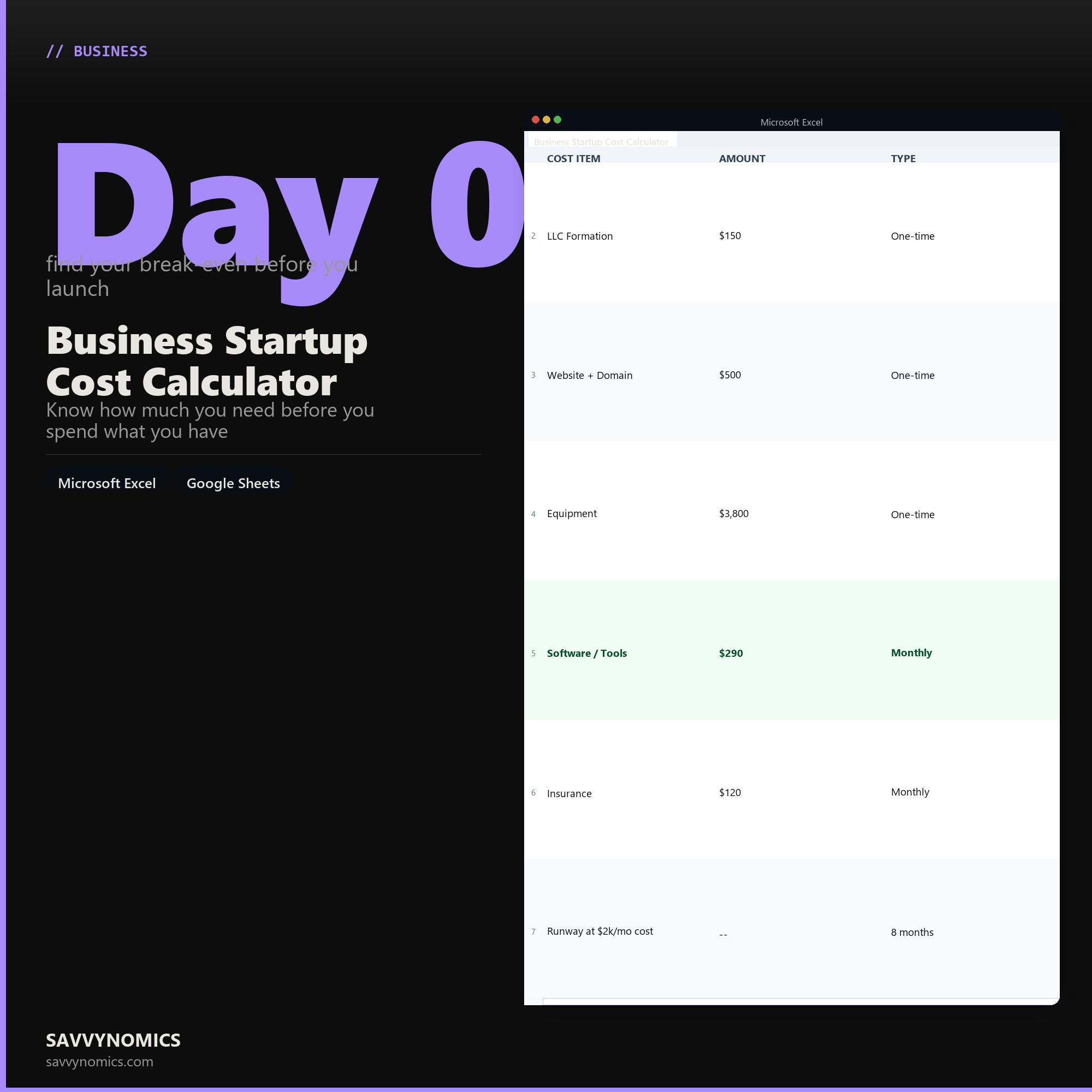
Business Startup Cost Calculator
Know how much you need before you spend what you have
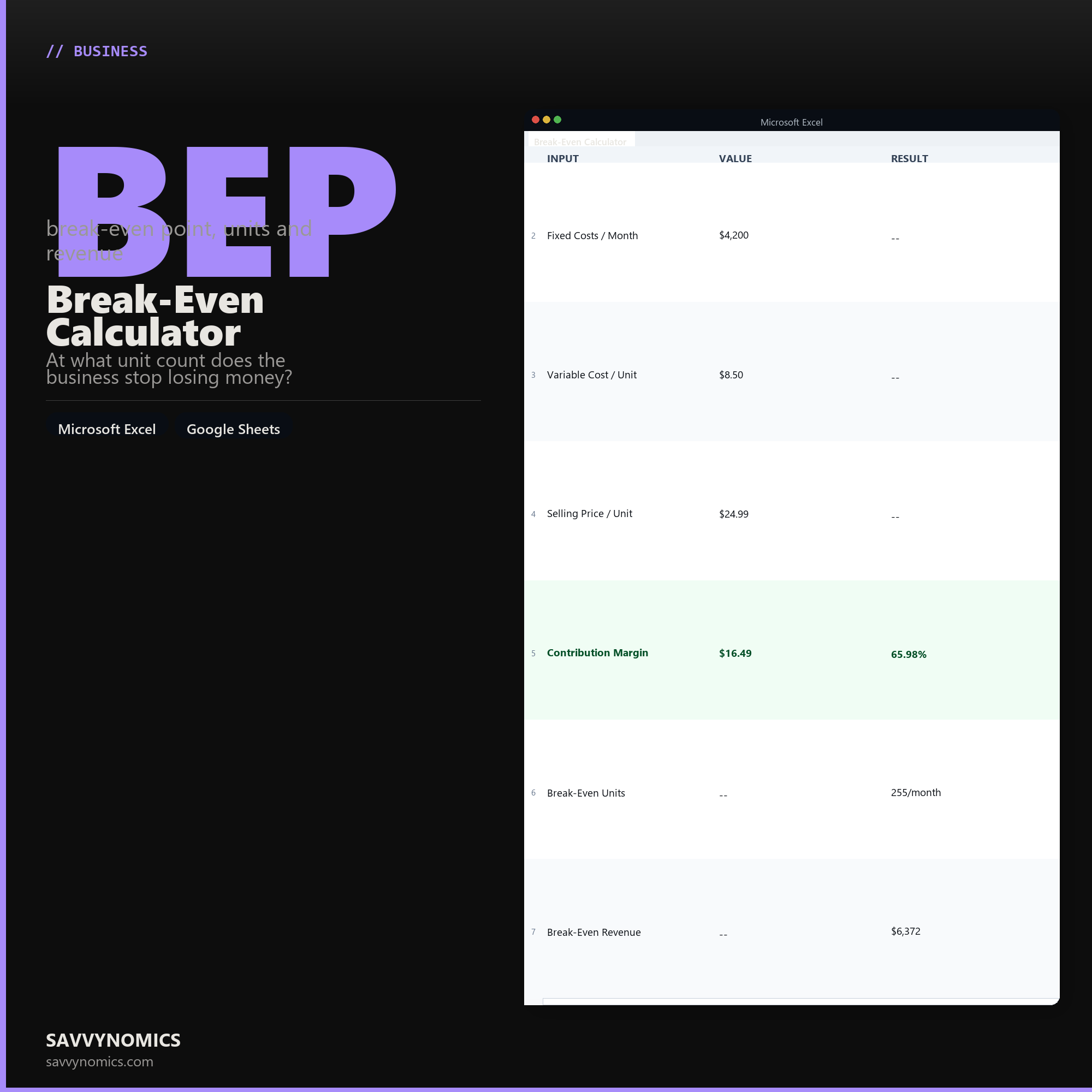
Break-Even Calculator
At what unit count does the business stop losing money?
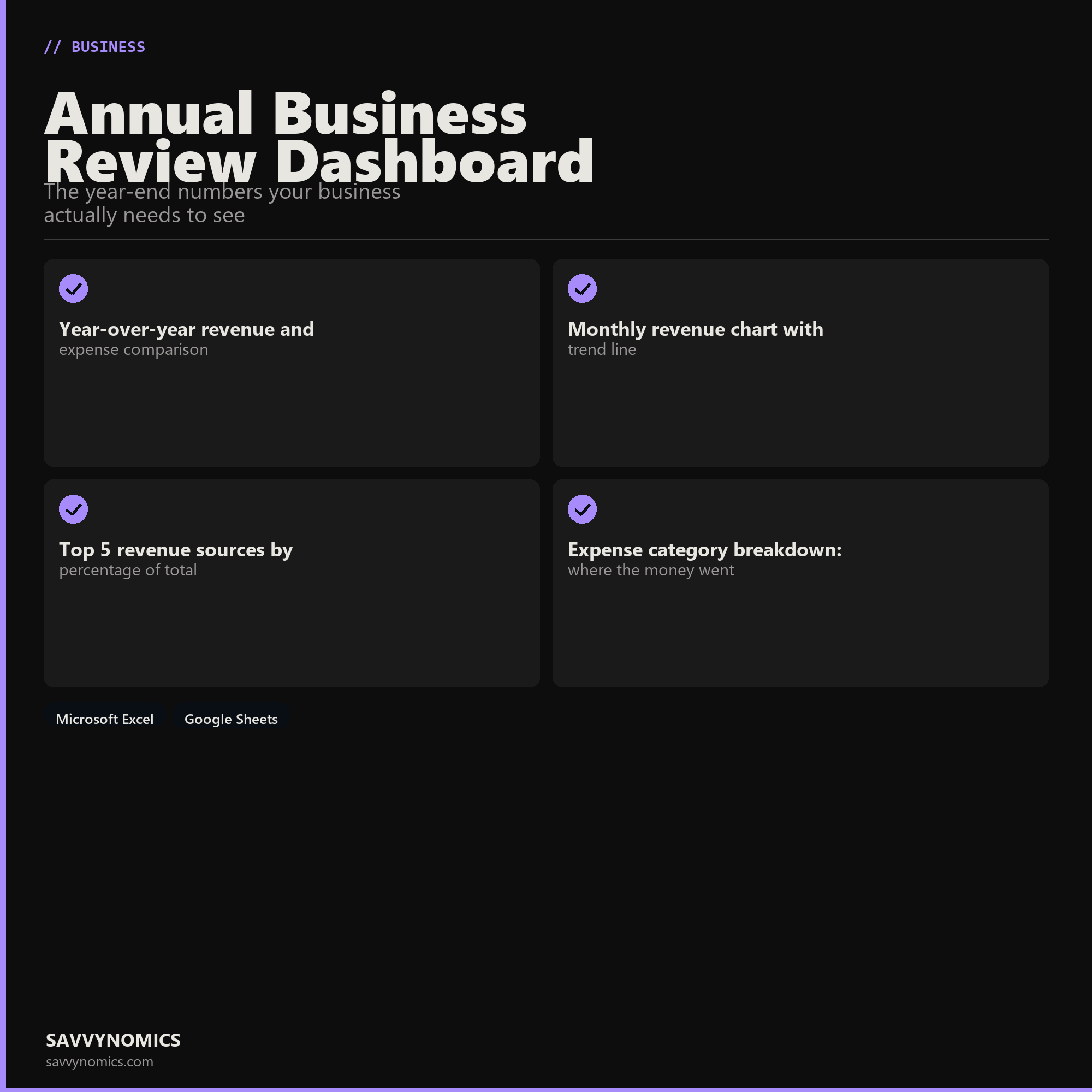
Annual Business Review Dashboard
The year-end numbers your business actually needs to see
Save more
Need more than one template? Bundles save you money.
Seven curated packs grouping related templates by use case, each priced below the individual total.
Instant download
Files are emailed within seconds of payment. No account, no waiting.
Excel and Google Sheets
Every template works in both. No macros, no add-ins, no plugins. Open it and enter your numbers.
Built to save time
Most templates take 15 minutes to set up. After that, maintenance is a few minutes a month.
One-time price
No subscription. No recurring fee. Pay once and use the file indefinitely, including future updates.
Before you buy
Questions about every template
Does this work in Google Sheets?
Yes. Download the .xlsx file, then in Google Sheets go to File > Import > Upload the file > Create new spreadsheet. The whole import takes under a minute and nothing breaks.
Do I need macros or any special software?
No. Every formula uses standard Excel and Google Sheets functions. No macros, no scripts, no plugins. If you can open a spreadsheet, you can use these.
Can I rename categories and customize the layout?
Yes. Every label is a regular editable cell. Rename categories to match your actual life, add rows, or delete sections you do not need. The formulas update automatically when you change the surrounding cells.
What exactly is in the download?
Three files: the .xlsx template, an HTML instruction guide covering setup and each tab, and a print-ready worksheet for planning on paper. No printer, no problem, skip the third one.
How do I get the files after buying?
Stripe takes the payment and the download link is emailed within a few seconds, no account needed. The link is good for 30 days and up to 10 downloads, so you can pull the files onto more than one machine. If you lose the email, send yourself a fresh link.
Can I get a refund?
No. These are digital files that arrive the moment you pay, so a refund would return the money while you keep the spreadsheet. Every product page lists exactly what is in the file, shows the real numbers it produces, and the free calculators run the same maths so you can try before you buy. If a file will not open, or does not do what its page says it does, that is a defect rather than a change of mind: tell us and we will repair it, replace it, or refund it. A person reads every one of those.