What you get
Three files, instant download
Excel / Google Sheets Template
The .xlsx file works in Microsoft Excel 2016 and later, plus Google Sheets. No macros. No add-ins required.
Step-by-Step Instructions
A complete HTML guide covering setup, how each tab works, and answers to the most common questions about the template.
Printable Worksheet
A clean, print-ready version so you can plan on paper first and fill in the spreadsheet later. No printer? Skip it entirely.
How it works
Side Hustle Profit Tracker
Some side hustles make money. Some of them make you feel busy while quietly costing more in time and expenses than they bring in. The effective hourly rate is the number that tells you which is which.
This tracker calculates it for you, across up to five separate income streams, every month.
You enter revenue and expenses per hustle, plus hours worked. The sheet shows net profit per hustle, effective hourly rate per hustle, and a combined P&L across everything. If you're spending 15 hours a month on a shop that nets $180, that's $12/hour. You can decide whether that's worth it. But now you know.
What's in the file:
- Separate income and expense tab for each of up to 5 hustles
- Revenue by source, expenses by category, net profit automatically calculated
- Hours worked log per hustle, per month
- Effective hourly rate column: net profit divided by hours worked
- Combined dashboard: all hustles in one view with totals and averages
- 12-month trend: monthly net by hustle so you can see what's growing
Works in Excel and Google Sheets.
Features
What's inside
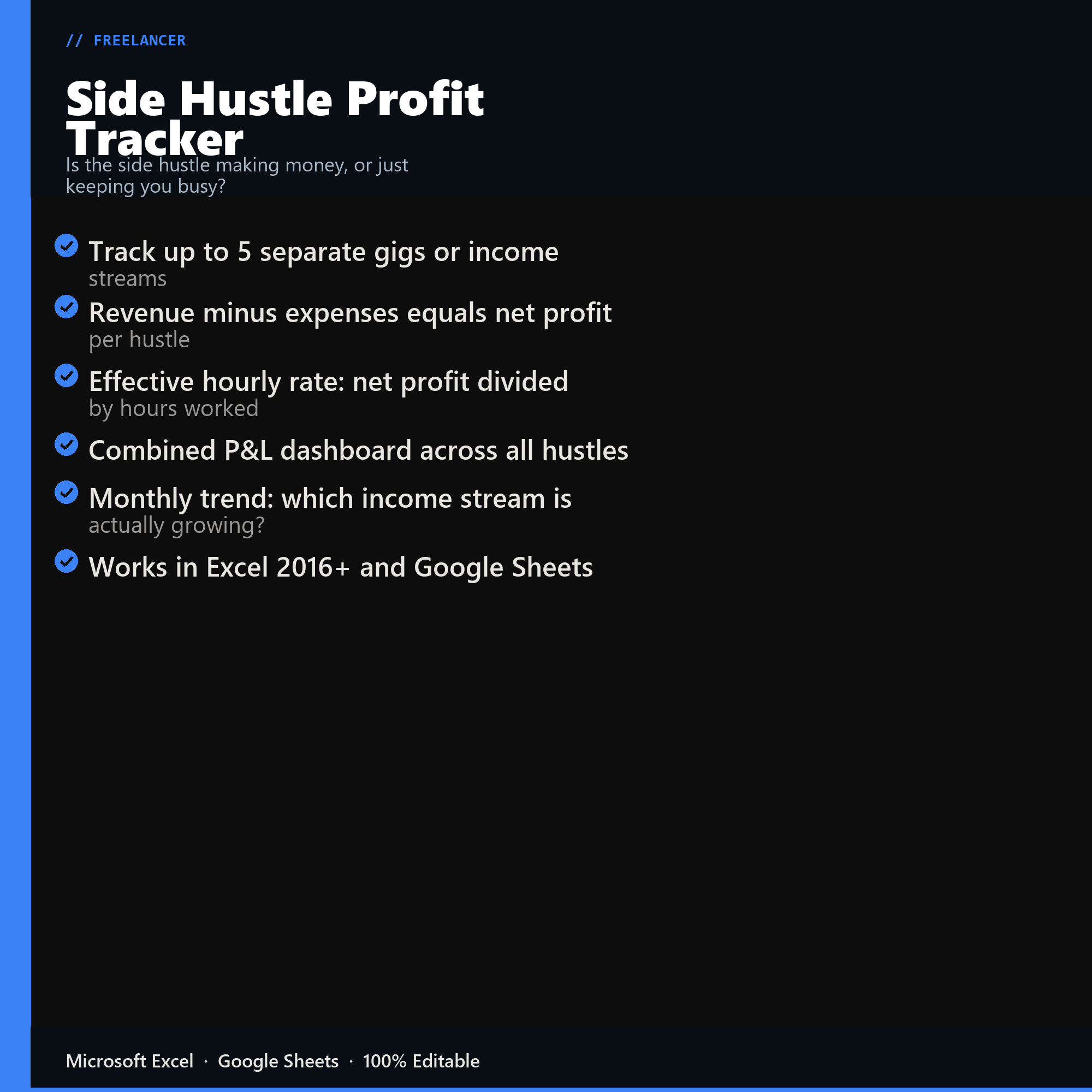
- Track up to 5 separate gigs or income streams
- Revenue minus expenses equals net profit per hustle
- Effective hourly rate: net profit divided by hours worked
- Combined P&L dashboard across all hustles
- Monthly trend: which income stream is actually growing?
- Works in Excel 2016+ and Google Sheets
Inside the template
Sample data
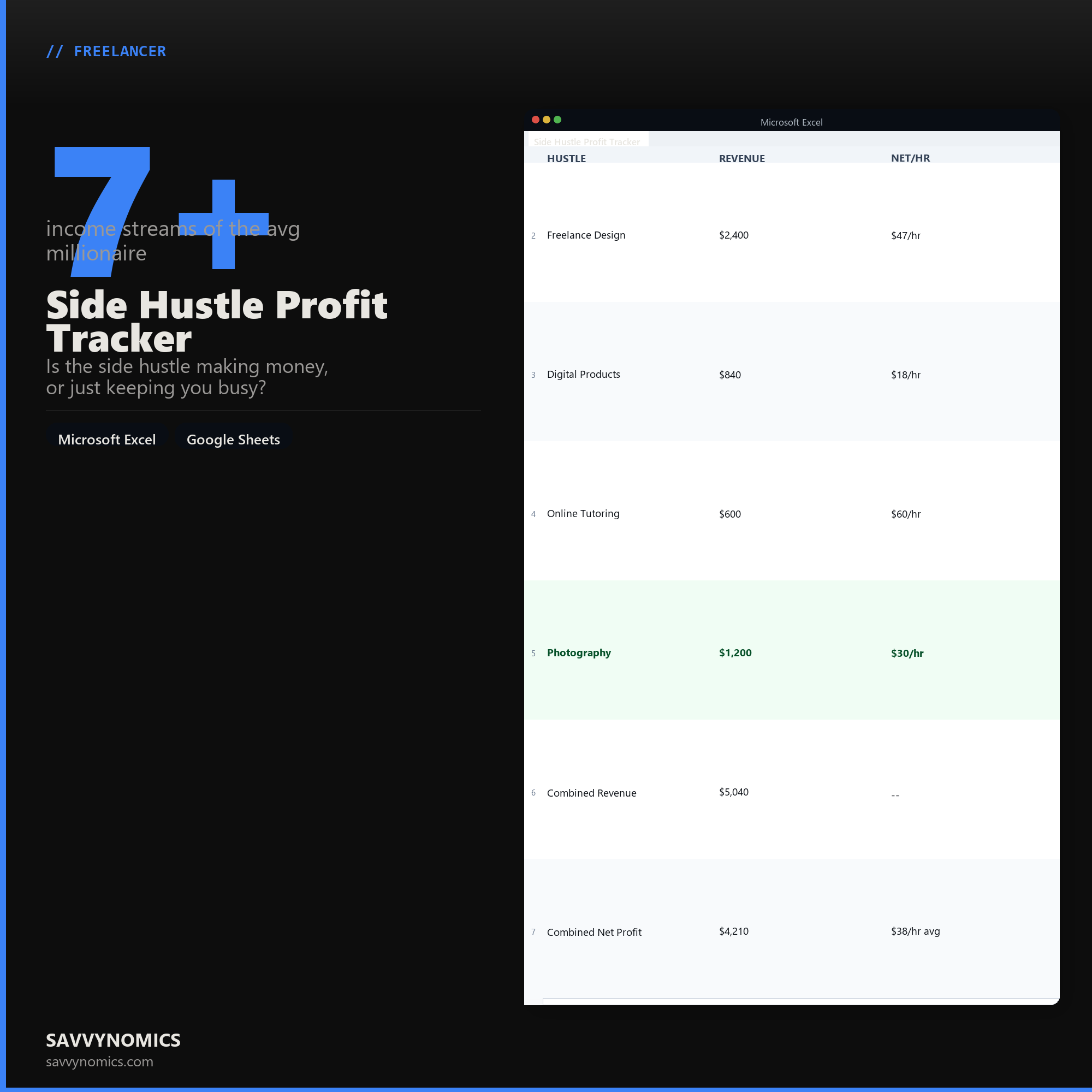
Real numbers showing what the spreadsheet looks like once you enter your information.
| HUSTLE | REVENUE | NET/HR |
|---|---|---|
| Freelance Design | $2,400 | $47/hr |
| Digital Products | $840 | $18/hr |
| Online Tutoring | $600 | $60/hr |
| Photography | $1,200 | $30/hr |
| Combined Revenue | $5,040 | -- |
| Combined Net Profit | $4,210 | $38/hr avg |
Ready to start
Side Hustle Profit Tracker
All sales are final, since the file arrives the moment you pay. If it will not open or does not match this page, tell us and we will make it right. Full terms.
Instant download after purchase. Works in Excel and Google Sheets. No macros, no subscription, no setup beyond entering your numbers.
Microsoft Excel 2016+ Google Sheets
Common questions
FAQ
Does it tell me whether this is a business or a hobby?
It gives you the numbers the distinction turns on: whether you are running at a profit, how consistently, and over how many years. The IRS looks at profit in three of five years among other factors. The sheet will not make the determination for you, but a side hustle that has never cleared a profit is worth looking at squarely.
How does it handle startup costs?
Separately from ongoing costs, which matters because a first year that looks unprofitable is often just carrying one-time equipment and setup spending. The sheet reports both the headline figure and profit excluding startup costs, so you can see what the steady state actually looks like.
Does it show my real hourly rate?
Profit divided by hours worked, including the unpaid ones. This is the number that decides whether the side hustle is worth continuing, and it is frequently below minimum wage in the first year. Seeing it is more useful than not, even when the answer is unwelcome.
How do I get the files after buying?
Stripe takes the payment and the download link is emailed within a few seconds, no account needed. The link lasts 30 days and allows 10 downloads. Lost it? Send yourself a fresh one.
Refunds, file formats, Google Sheets, and customizing the template are covered on the templates page.