What you get
Three files, instant download
Excel / Google Sheets Template
The .xlsx file works in Microsoft Excel 2016 and later, plus Google Sheets. No macros. No add-ins required.
Step-by-Step Instructions
A complete HTML guide covering setup, how each tab works, and answers to the most common questions about the template.
Printable Worksheet
A clean, print-ready version so you can plan on paper first and fill in the spreadsheet later. No printer? Skip it entirely.
How it works
Home Buying Planner
First-time buyers usually budget for the down payment. They don't always budget for everything else. Closing costs run 2-5% of the purchase price. On a $400,000 home, that's $8,000 to $20,000 on top of the down payment. Then there's the prepaid escrow account, homeowner's insurance upfront, and moving costs.
By the time you get to the closing table, the number is almost always higher than expected.
This planner shows you all of it in one place before you get there.
- Down payment savings tracker: enter your target date and current savings, get a monthly contribution schedule
- Full closing cost breakdown: origination fee, discount points, appraisal, title insurance, attorney fees, transfer taxes, prepaid escrow, homeowner's insurance
- Typical percentage ranges for each cost item so you can estimate before you have real quotes
- Total cash at closing: down payment plus all closing costs combined
- Monthly payment calculator: principal, interest at your estimated rate, property tax estimate, insurance
- Debt-to-income ratio (DTI) calculator: lenders typically require under 43%; this tells you yours before you apply
Works in Excel and Google Sheets.
Features
What's inside
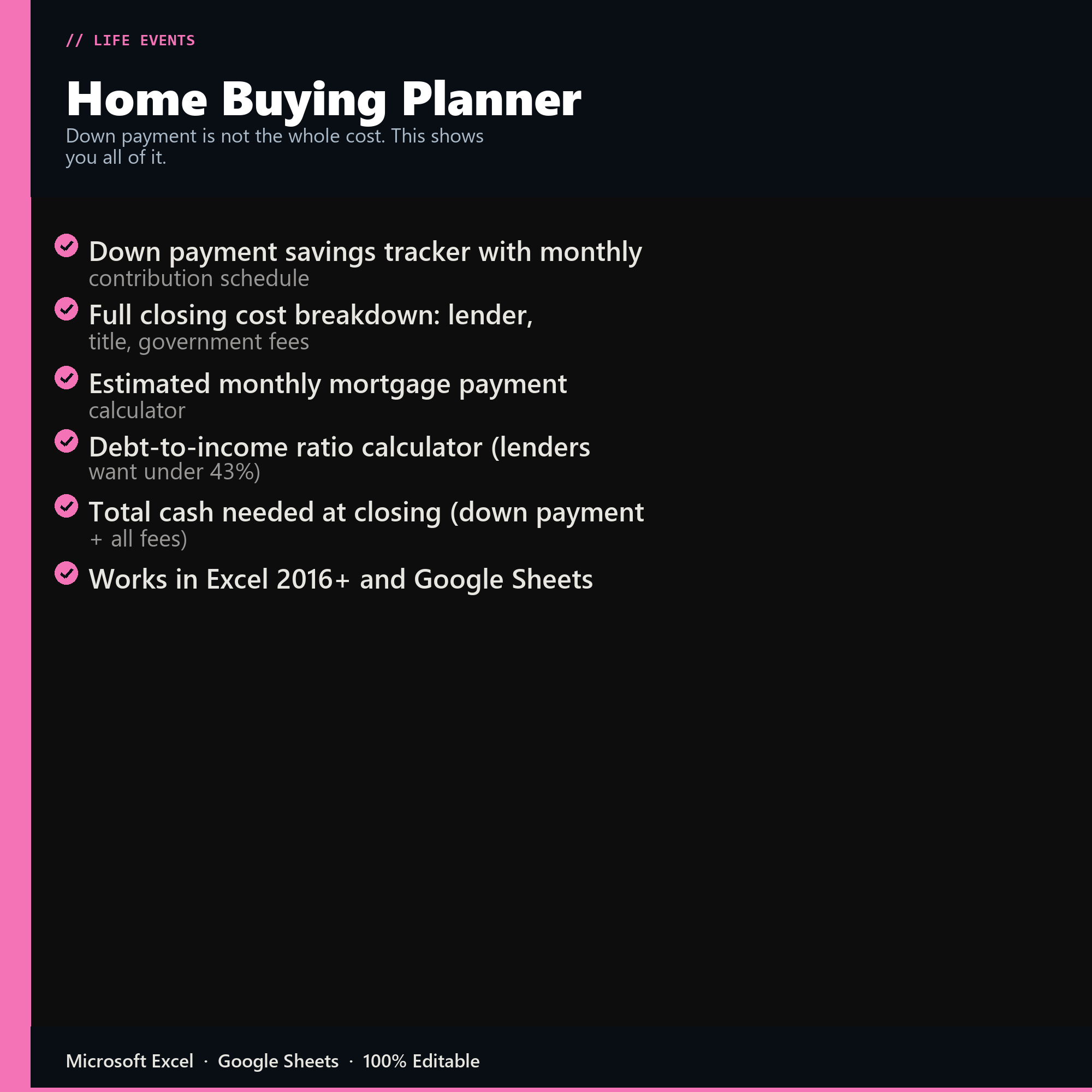
- Down payment savings tracker with monthly contribution schedule
- Full closing cost breakdown: lender, title, government fees
- Estimated monthly mortgage payment calculator
- Debt-to-income ratio calculator (lenders want under 43%)
- Total cash needed at closing (down payment + all fees)
- Works in Excel 2016+ and Google Sheets
Inside the template
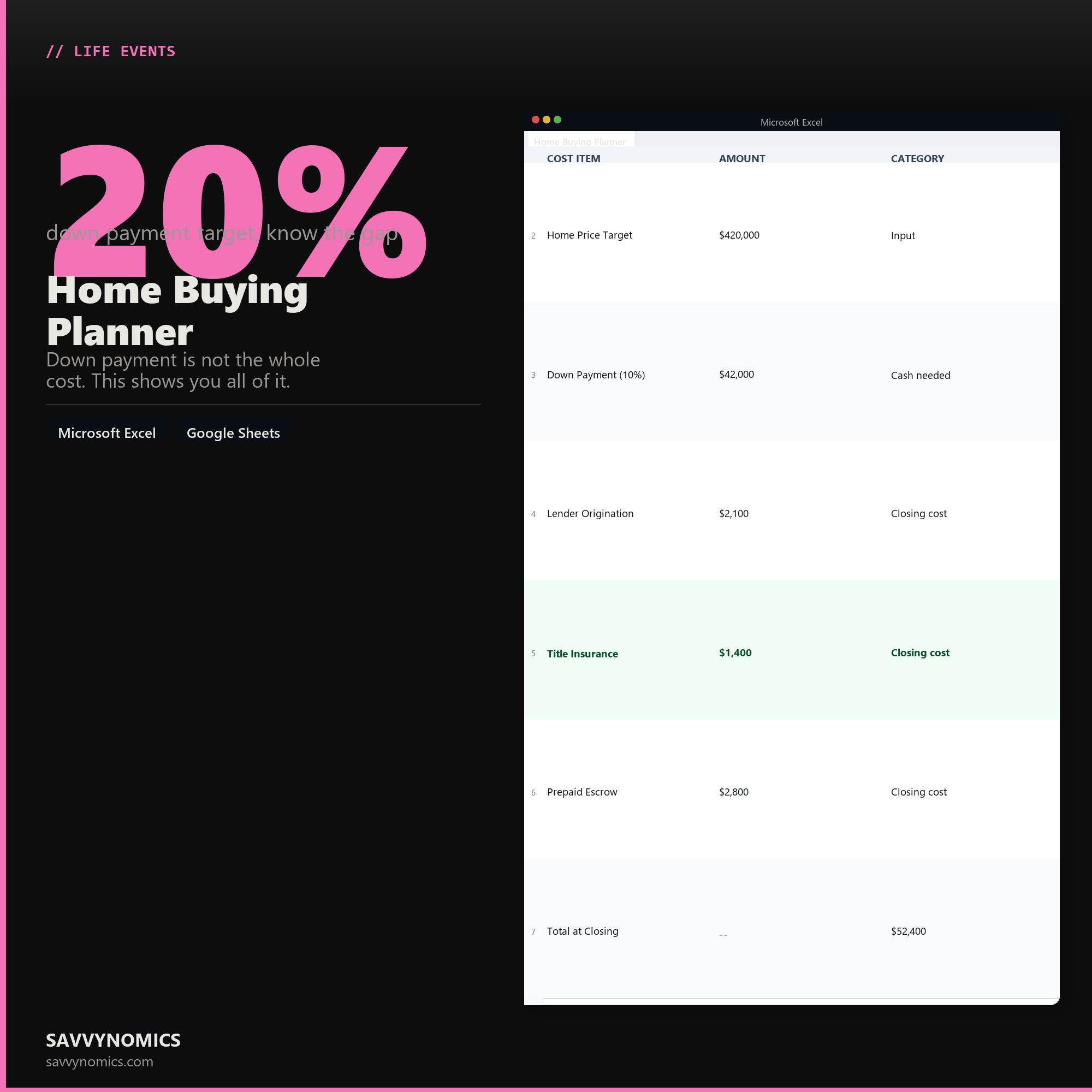
Sample data
Real numbers showing what the spreadsheet looks like once you enter your information.
| COST ITEM | AMOUNT | CATEGORY |
|---|---|---|
| Home Price Target | $420,000 | Input |
| Down Payment (10%) | $42,000 | Cash needed |
| Lender Origination | $2,100 | Closing cost |
| Title Insurance | $1,400 | Closing cost |
| Prepaid Escrow | $2,800 | Closing cost |
| Total at Closing | -- | $52,400 |
Ready to start
Home Buying Planner
All sales are final, since the file arrives the moment you pay. If it will not open or does not match this page, tell us and we will make it right. Full terms.
Instant download after purchase. Works in Excel and Google Sheets. No macros, no subscription, no setup beyond entering your numbers.
Microsoft Excel 2016+ Google Sheets
Common questions
FAQ
What costs does it include beyond the down payment?
Closing costs, inspection, appraisal, moving, immediate repairs, the first year of maintenance, and the furniture and appliances a new place needs. The down payment is usually between half and two thirds of the cash a purchase actually consumes, and buyers who plan only for it arrive at closing short.
Does it estimate closing costs?
As a percentage of purchase price, with the range varying by state and loan type. It is an estimate rather than a quote, and your lender's loan estimate is the authoritative figure. The planner exists so you have a realistic number months before a lender will give you one.
Does it tell me what house I can afford?
It works from the monthly payment you are comfortable with back to a purchase price, rather than from what a lender will approve. Those are different numbers and the gap between them is where most regret lives. Taxes, insurance, and any HOA are included in the monthly figure, not just principal and interest.
How do I get the files after buying?
Stripe takes the payment and the download link is emailed within a few seconds, no account needed. The link lasts 30 days and allows 10 downloads. Lost it? Send yourself a fresh one.
Refunds, file formats, Google Sheets, and customizing the template are covered on the templates page.