What you get
Three files, instant download
Excel / Google Sheets Template
The .xlsx file works in Microsoft Excel 2016 and later, plus Google Sheets. No macros. No add-ins required.
Step-by-Step Instructions
A complete HTML guide covering setup, how each tab works, and answers to the most common questions about the template.
Printable Worksheet
A clean, print-ready version so you can plan on paper first and fill in the spreadsheet later. No printer? Skip it entirely.
How it works
Debt Payoff Calculator
The avalanche method saves the most money. Attack the highest interest rate first, pay minimums on everything else, roll payments forward as each debt dies. Over the life of a typical debt load, it beats the snowball by $2,000 to $5,000 in interest.
The snowball wins on motivation. Smallest balance first. You pay something off fast. Then another. The momentum is real.
Both methods are in this calculator, running simultaneously. Enter your debts once, enter your extra monthly payment, and the sheet shows you the exact payoff date and total interest paid under each method. Pick the one that fits how your brain works.
What's in the file:
- Up to 12 debts: name, current balance, interest rate, minimum payment
- Avalanche tab: month-by-month schedule with running balance per debt
- Snowball tab: same detail, different order
- Comparison tab: months to payoff, total interest, interest savings side-by-side
- Extra payment slider: see how $50 more or $200 more per month changes everything
Input your numbers on the first tab. Everything else calculates automatically.
Works in Excel and Google Sheets.
Features
What's inside
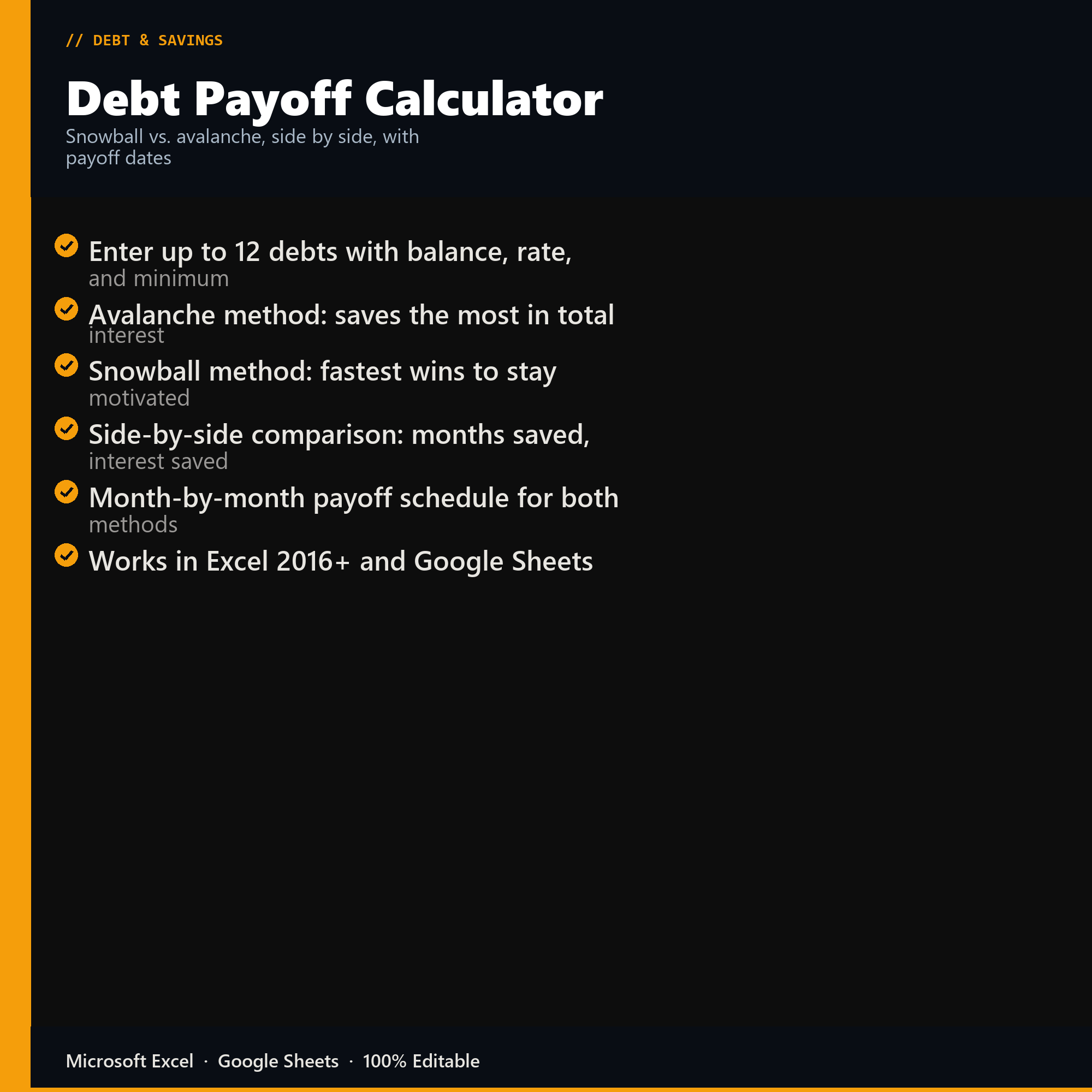
- Enter up to 12 debts with balance, rate, and minimum
- Avalanche method: saves the most in total interest
- Snowball method: fastest wins to stay motivated
- Side-by-side comparison: months saved, interest saved
- Month-by-month payoff schedule for both methods
- Works in Excel 2016+ and Google Sheets
Inside the template
Sample data
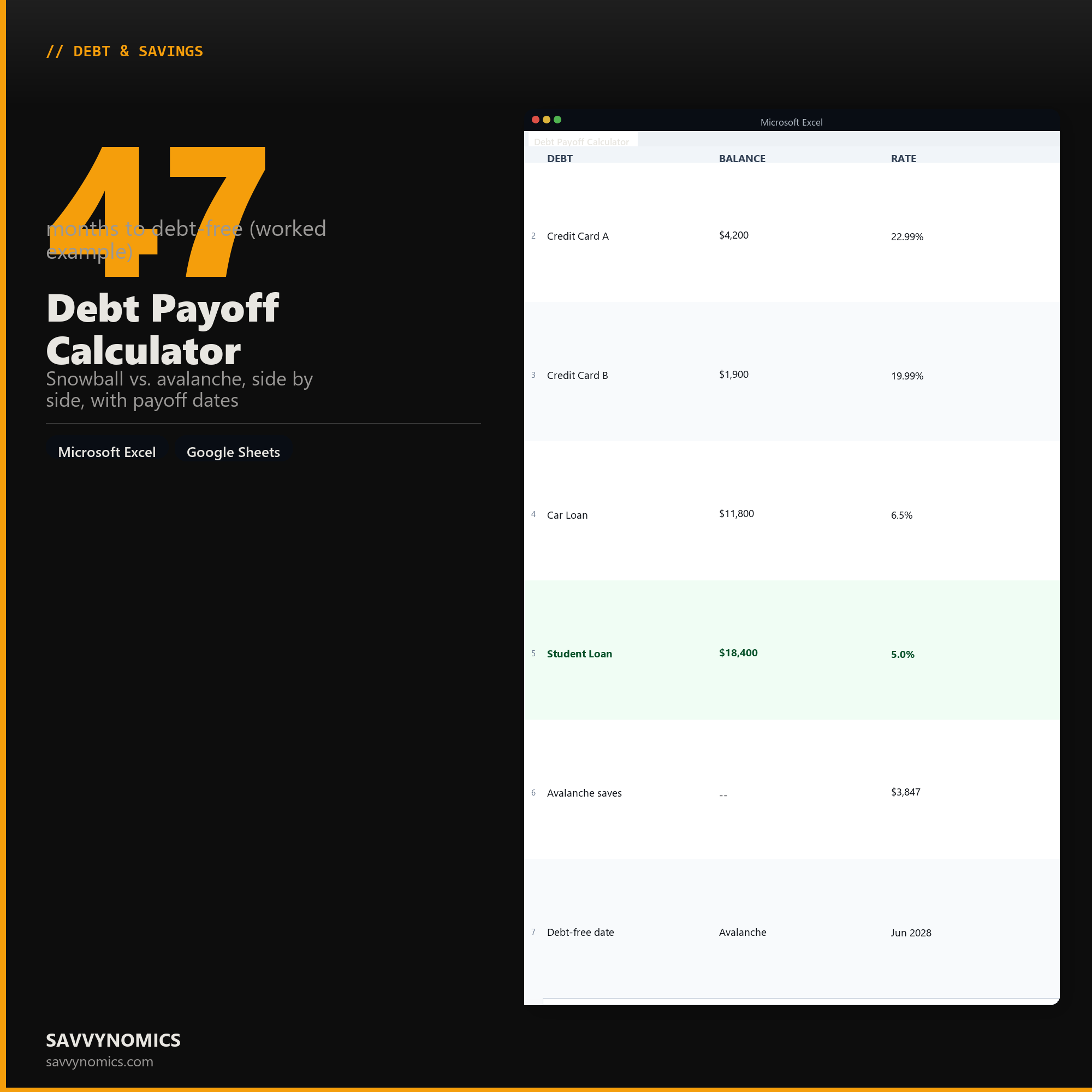
Real numbers showing what the spreadsheet looks like once you enter your information.
| DEBT | BALANCE | RATE |
|---|---|---|
| Credit Card A | $4,200 | 22.99% |
| Credit Card B | $1,900 | 19.99% |
| Car Loan | $11,800 | 6.5% |
| Student Loan | $18,400 | 5.0% |
| Avalanche saves | -- | $3,847 |
| Debt-free date | Avalanche | Jun 2028 |
Ready to start
Debt Payoff Calculator
All sales are final, since the file arrives the moment you pay. If it will not open or does not match this page, tell us and we will make it right. Full terms.
Instant download after purchase. Works in Excel and Google Sheets. No macros, no subscription, no setup beyond entering your numbers.
Microsoft Excel 2016+ Google Sheets
Common questions
FAQ
Does it show both the snowball and the avalanche?
Both, solved to the last dollar, side by side. You get months to debt-free, the payoff date, and total interest for each, so the choice is made against your own numbers rather than against the general claim that one is better. The free calculator on this site runs the same arithmetic if you want to see the gap before buying.
What if my minimum payment is smaller than the monthly interest?
The sheet flags that debt and refuses to produce a payoff date for it, because there is not one. A balance where the minimum does not cover the interest grows forever regardless of what order you pay things in. That debt needs a larger payment or a lower rate before any strategy applies, and saying so is more useful than printing a date that will never arrive.
Can I add a debt partway through, or change a rate?
Yes, and both recalculate the whole plan. Promotional rates expiring and balances being transferred are normal, so the sheet is built to be edited rather than filled in once. Twelve debt rows are available and the payoff schedule extends to fifteen years.
How do I get the files after buying?
Stripe takes the payment and the download link is emailed within a few seconds, no account needed. The link lasts 30 days and allows 10 downloads. Lost it? Send yourself a fresh one.
Refunds, file formats, Google Sheets, and customizing the template are covered on the templates page.