What you get
Three files, instant download
Excel / Google Sheets Template
The .xlsx file works in Microsoft Excel 2016 and later, plus Google Sheets. No macros. No add-ins required.
Step-by-Step Instructions
A complete HTML guide covering setup, how each tab works, and answers to the most common questions about the template.
Printable Worksheet
A clean, print-ready version so you can plan on paper first and fill in the spreadsheet later. No printer? Skip it entirely.
How it works
Mileage + Business Expense Log
The IRS business mileage rate is $0.76 per mile from July 2026, up from $0.725 in the first half. Every business mile you drive and don't log is a deduction you don't take.
At $0.76/mile, 2,000 business miles a year is $1,520 in deductions. That's real money, and the IRS requires contemporaneous records. A log filled in at tax time from memory doesn't hold up to an audit. One filled in at the time of each trip does.
This file makes logging take 30 seconds per trip.
- Mileage log: date, starting location, destination, business purpose, miles driven
- IRS 2026 rates pre-loaded. The rate rose mid-year, so each trip uses the rate for its own date.
- Deduction value calculates automatically per trip and as a running monthly total
- Business expense log: 20 Schedule C categories with amounts and receipt notes
- Monthly expense summary by category
- Year-end totals: total miles driven, total mileage deduction, total expenses by category
The IRS business rate is $0.725/mile for January to June 2026 (IRS Notice 2026-10 (announced IR-2025-128)) and $0.76/mile from July 1 (IR-2026-29, modifying Notice 2026-10). It changed mid-year, so the log applies the right rate to each trip by its date. Verify at https://www.irs.gov/tax-professionals/standard-mileage-rates before filing.
Works in Excel and Google Sheets.
Features
What's inside
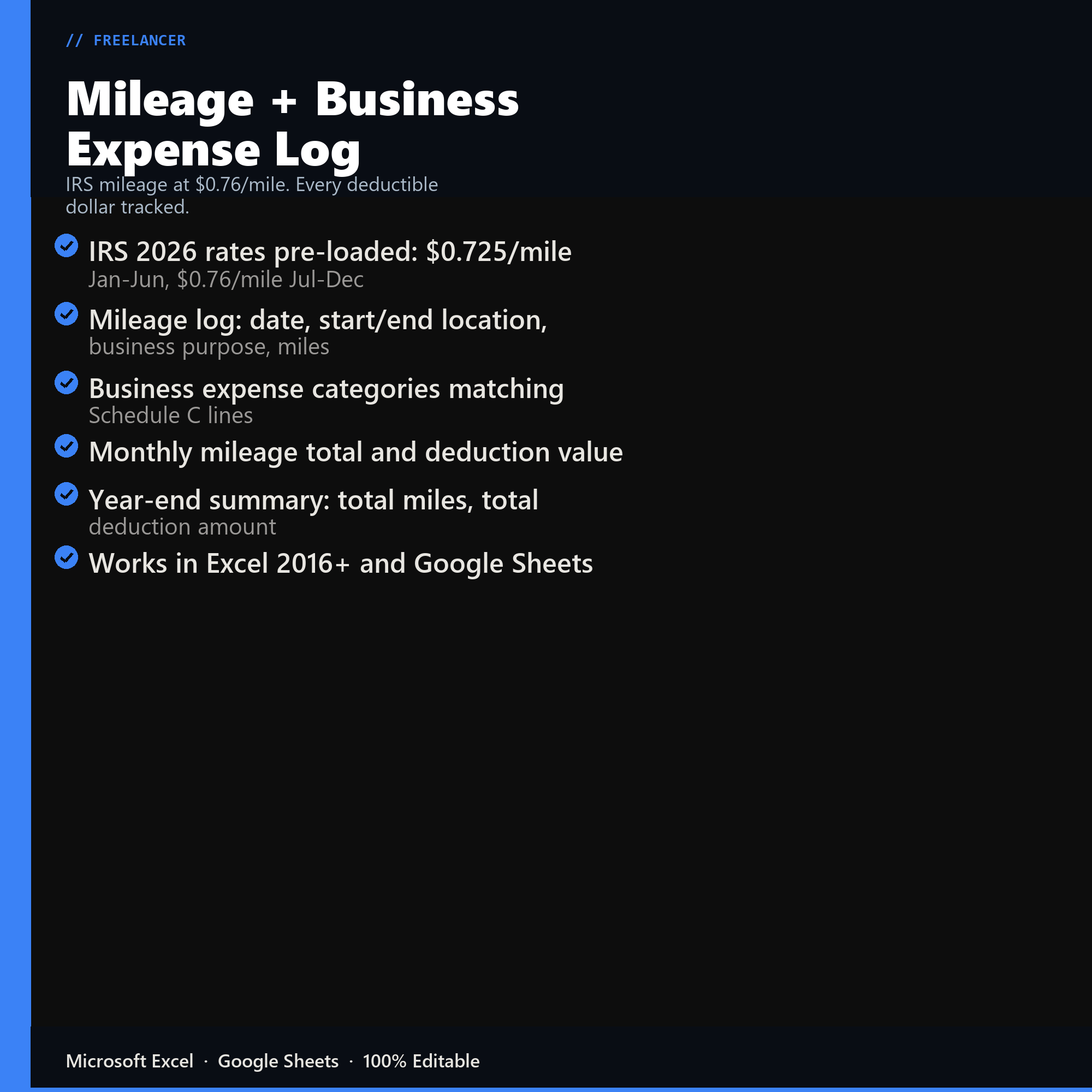
- IRS 2026 rates pre-loaded: $0.725/mile Jan-Jun, $0.76/mile Jul-Dec
- Mileage log: date, start/end location, business purpose, miles
- Business expense categories matching Schedule C lines
- Monthly mileage total and deduction value
- Year-end summary: total miles, total deduction amount
- Works in Excel 2016+ and Google Sheets
Inside the template
Sample data
Real numbers showing what the spreadsheet looks like once you enter your information.
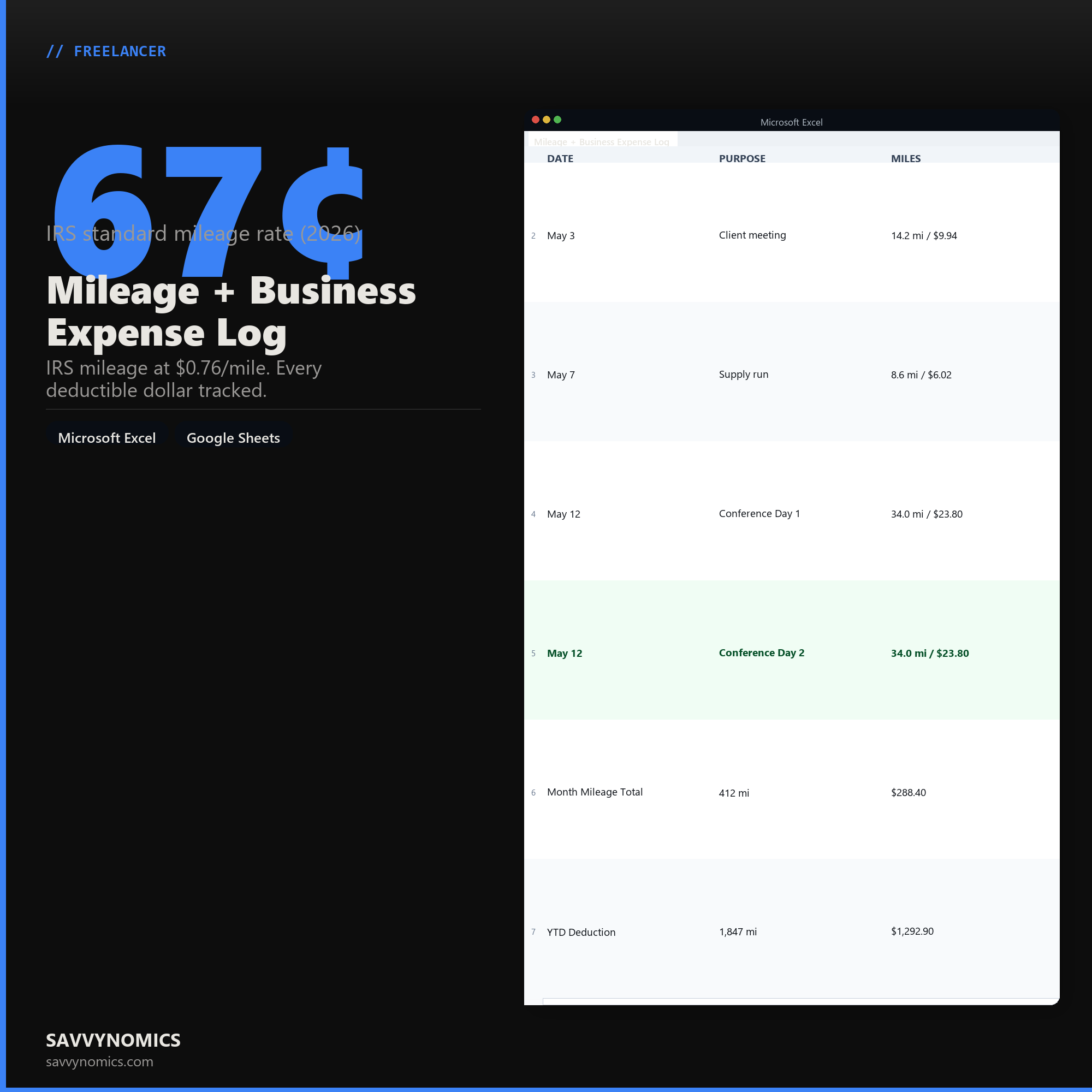
| DATE | PURPOSE | MILES |
|---|---|---|
| May 3 | Client meeting | 14.2 mi / $9.94 |
| May 7 | Supply run | 8.6 mi / $6.02 |
| May 12 | Conference Day 1 | 34.0 mi / $23.80 |
| May 12 | Conference Day 2 | 34.0 mi / $23.80 |
| Month Mileage Total | 412 mi | $288.40 |
| YTD Deduction | 1,847 mi | $1,292.90 |
Ready to start
Mileage + Business Expense Log
All sales are final, since the file arrives the moment you pay. If it will not open or does not match this page, tell us and we will make it right. Full terms.
Instant download after purchase. Works in Excel and Google Sheets. No macros, no subscription, no setup beyond entering your numbers.
Microsoft Excel 2016+ Google Sheets
Common questions
FAQ
Is the mileage rate current?
The sheet ships with the current IRS standard rate and the rate is an input, so it stays correct when the IRS changes it, which happens most years and occasionally mid-year. When a mid-year change splits the year, log the trips in the two date ranges and the sheet applies the right rate to each.
Standard mileage or actual expenses?
This tracks the standard mileage method, which is the simpler of the two and the better choice for most people driving an ordinary vehicle. Actual expenses can win for an expensive vehicle with high running costs, and it requires keeping every fuel, repair, insurance, and depreciation receipt.
What does the IRS actually require me to record?
Date, mileage, destination, and business purpose for each trip, plus your total annual mileage. The log captures all five because a mileage deduction disallowed at audit is almost always disallowed for missing contemporaneous records rather than for being untrue. Filling it in weekly is enough to count as contemporaneous.
How do I get the files after buying?
Stripe takes the payment and the download link is emailed within a few seconds, no account needed. The link lasts 30 days and allows 10 downloads. Lost it? Send yourself a fresh one.
Refunds, file formats, Google Sheets, and customizing the template are covered on the templates page.