What you get
Three files, instant download
Excel / Google Sheets Template
The .xlsx file works in Microsoft Excel 2016 and later, plus Google Sheets. No macros. No add-ins required.
Step-by-Step Instructions
A complete HTML guide covering setup, how each tab works, and answers to the most common questions about the template.
Printable Worksheet
A clean, print-ready version so you can plan on paper first and fill in the spreadsheet later. No printer? Skip it entirely.
How it works
Invoice Tracker
Following up on an overdue invoice is uncomfortable. Not knowing which ones are overdue is worse.
This tracker gives you a single view of every invoice: sent, pending, paid, and past due. You know at a glance what's outstanding, who owes you, and how long they've owed it.
The aging column calculates automatically from the due date. An invoice marked "Sent" that's 45 days past its due date turns amber. One at 60+ days turns red. You don't have to count backwards from anything.
What's in the file:
- Invoice log: client name, invoice number, date issued, due date, amount, status
- Status dropdown: Draft, Sent, Viewed, Paid, Partial, Overdue
- Automatic aging calculation in days from due date
- Accounts receivable summary: total outstanding, total 30+, 60+, 90+ days
- Client summary tab: how much each client has been invoiced and paid YTD
- Notes column: payment terms, follow-up date, partial payment amounts
Works in Excel and Google Sheets.
Features
What's inside
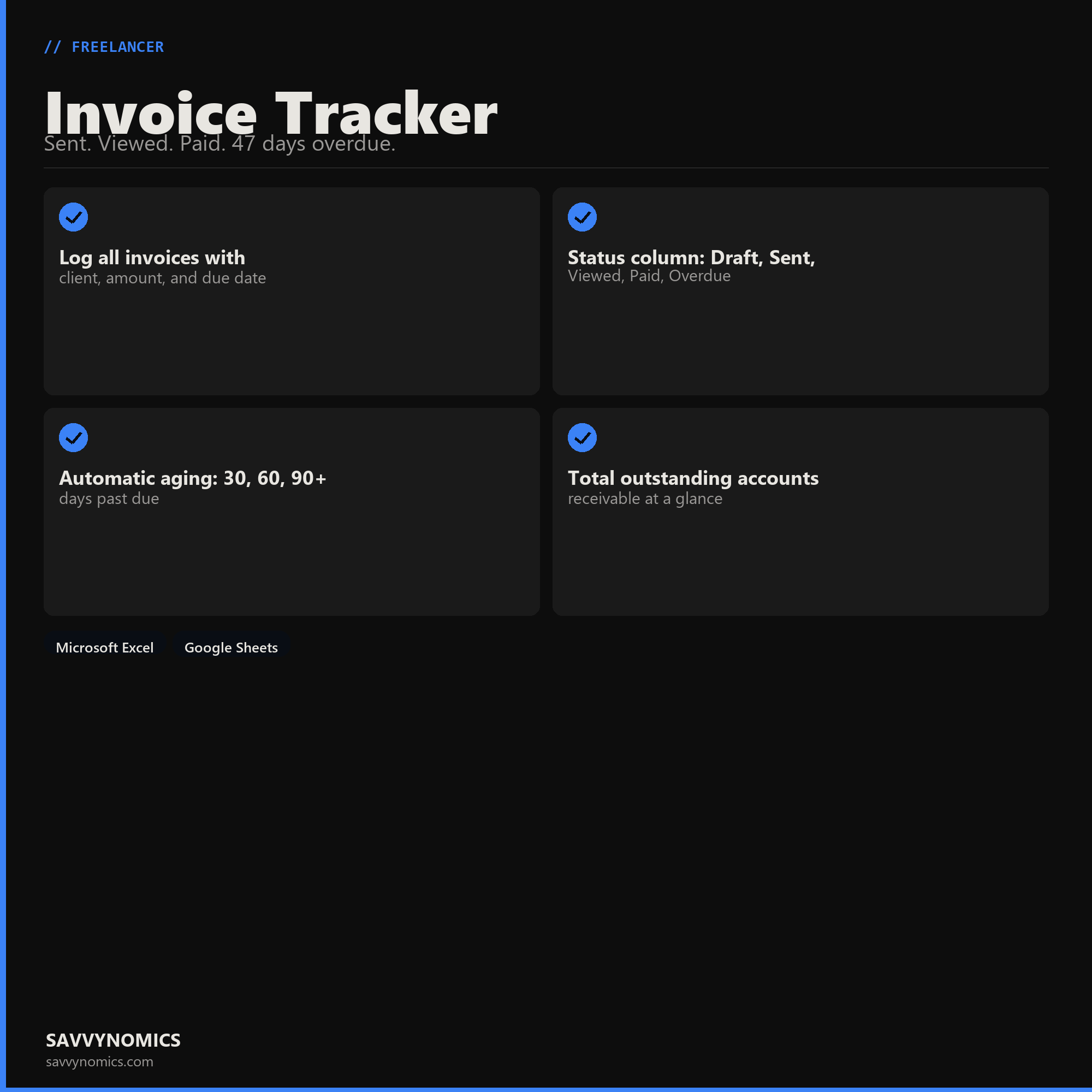
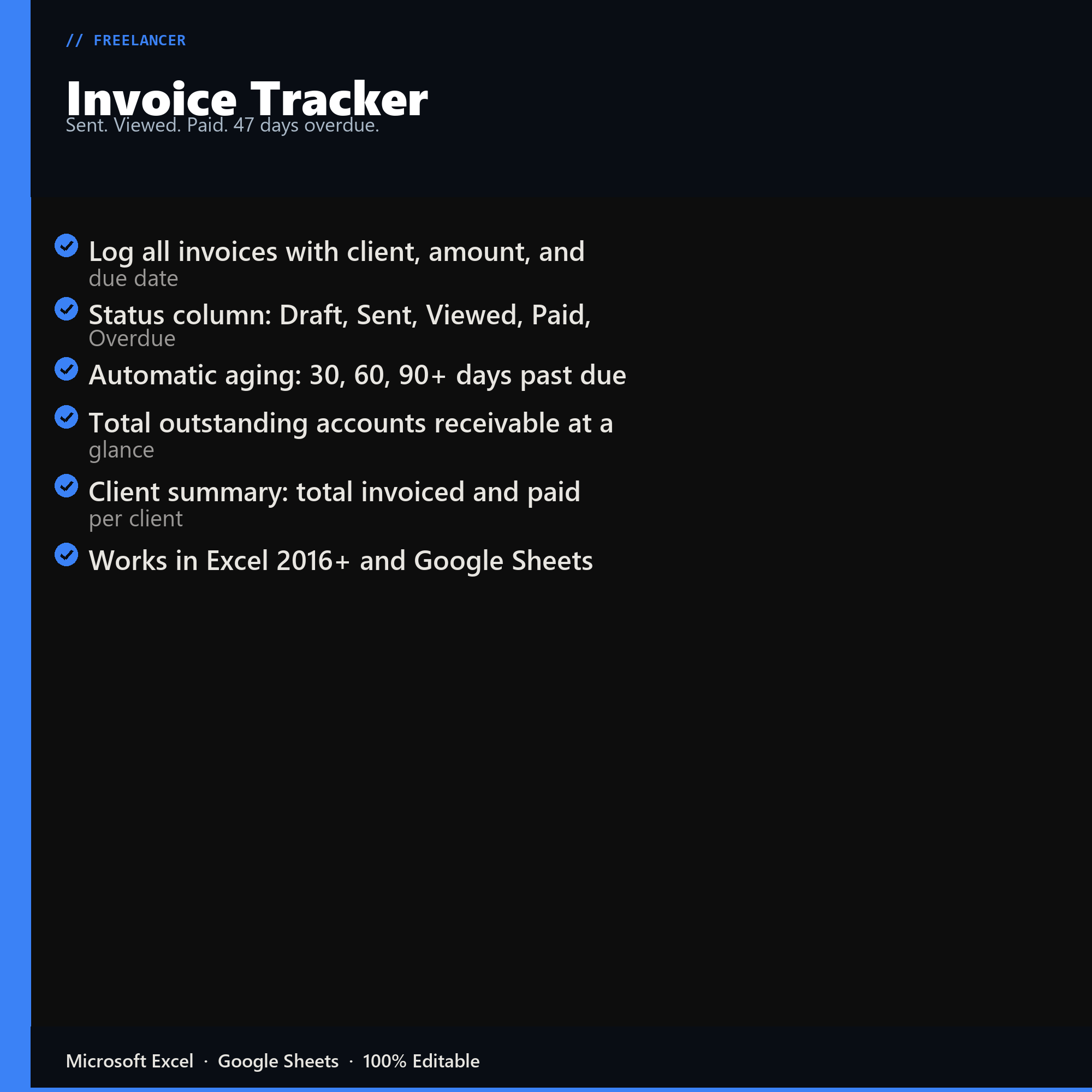
- Log all invoices with client, amount, and due date
- Status column: Draft, Sent, Viewed, Paid, Overdue
- Automatic aging: 30, 60, 90+ days past due
- Total outstanding accounts receivable at a glance
- Client summary: total invoiced and paid per client
- Works in Excel 2016+ and Google Sheets
Inside the template
Sample data
Real numbers showing what the spreadsheet looks like once you enter your information.
| CLIENT | AMOUNT | STATUS |
|---|---|---|
| Client A - INV-041 | $3,200 | Paid |
| Client B - INV-042 | $1,800 | Sent 3d ago |
| Client C - INV-043 | $2,600 | 47d Overdue |
| Client A - INV-044 | $4,100 | Draft |
| Total Invoiced YTD | $11,700 | -- |
| Total Outstanding | -- | $4,400 |
Ready to start
Invoice Tracker
All sales are final, since the file arrives the moment you pay. If it will not open or does not match this page, tell us and we will make it right. Full terms.
Instant download after purchase. Works in Excel and Google Sheets. No macros, no subscription, no setup beyond entering your numbers.
Microsoft Excel 2016+ Google Sheets
Common questions
FAQ
Does it send invoices?
No. It tracks their status after you send them, which is where the money actually gets lost. Sent, viewed, paid, and how many days past due, with the aging summary that tells you which client to chase this week.
How does it decide an invoice is overdue?
From your payment terms on that invoice, so net-15 and net-30 clients are judged against their own terms rather than a single rule. The aging buckets are the standard 30, 60, and 90 day bands, because past 90 the odds of collection drop sharply and the sheet makes that visible.
Can I track partial payments?
Yes. Each invoice records amount billed against amount received, so partial payments show the remaining balance rather than flipping the whole invoice to paid. Deposits and milestone billing work the same way.
How do I get the files after buying?
Stripe takes the payment and the download link is emailed within a few seconds, no account needed. The link lasts 30 days and allows 10 downloads. Lost it? Send yourself a fresh one.
Refunds, file formats, Google Sheets, and customizing the template are covered on the templates page.