What you get
Three files, instant download
Excel / Google Sheets Template
The .xlsx file works in Microsoft Excel 2016 and later, plus Google Sheets. No macros. No add-ins required.
Step-by-Step Instructions
A complete HTML guide covering setup, how each tab works, and answers to the most common questions about the template.
Printable Worksheet
A clean, print-ready version so you can plan on paper first and fill in the spreadsheet later. No printer? Skip it entirely.
How it works
Bill Tracker + Paycheck Planner
Somewhere between the 8th and the 22nd, you're not sure if the car insurance already came out or not. You check the bank app. Scroll too far. Give up. It probably cleared.
This tracker ends that.
You enter every bill once: name, due date, amount, which paycheck covers it. After that, you have a single view showing every payment due in the month, when it hits, and whether you've marked it paid.
What's in the file:
- 30 bill slots with due date, amount, paycheck assignment, and paid checkbox
- Paycheck summary section: total committed per paycheck, what's actually left
- Annual column: what each bill costs you over 12 months (catches slow creep)
- Month-over-month comparison tab for the last 12 months
- Color indicator: green when paid, yellow when due within 3 days
Takes 15 minutes to set up. After that you open it at the start of each month, uncheck everything, and check as bills clear.
Works in Excel and Google Sheets.
Features
What's inside
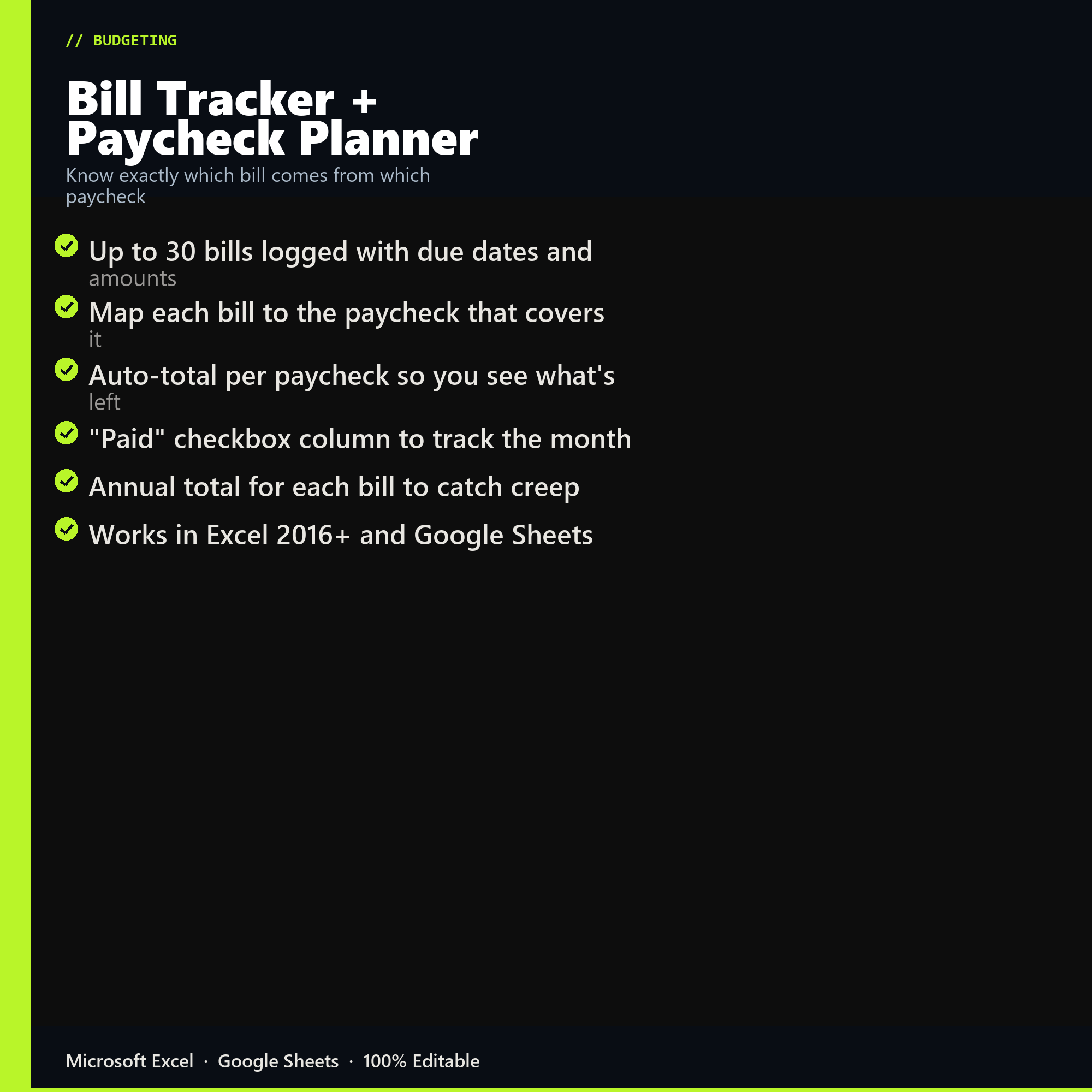
- Up to 30 bills logged with due dates and amounts
- Map each bill to the paycheck that covers it
- Auto-total per paycheck so you see what's left
- "Paid" checkbox column to track the month
- Annual total for each bill to catch creep
- Works in Excel 2016+ and Google Sheets
Inside the template
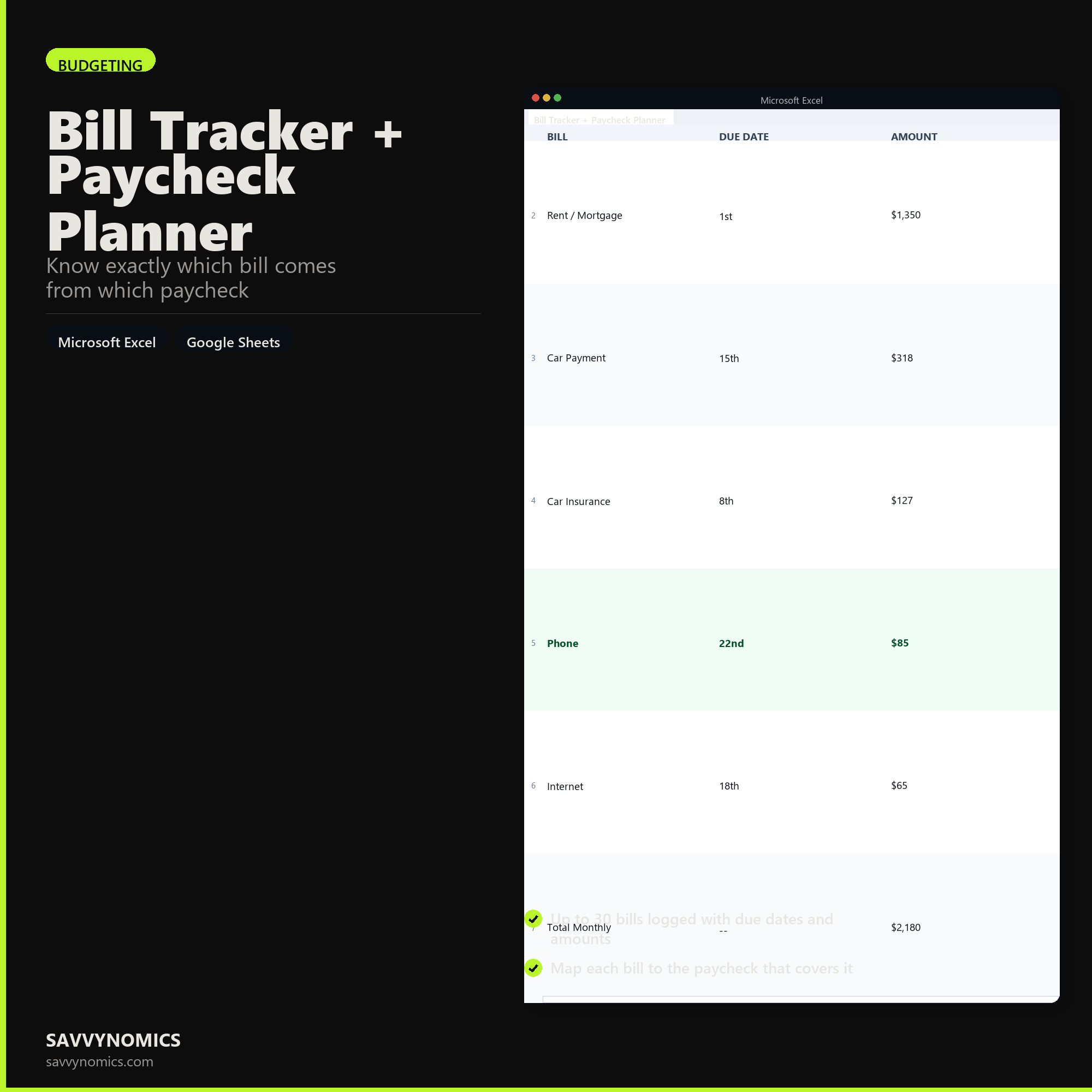
Sample data
Real numbers showing what the spreadsheet looks like once you enter your information.
| BILL | DUE DATE | AMOUNT |
|---|---|---|
| Rent / Mortgage | 1st | $1,350 |
| Car Payment | 15th | $318 |
| Car Insurance | 8th | $127 |
| Phone | 22nd | $85 |
| Internet | 18th | $65 |
| Total Monthly | -- | $2,180 |
Ready to start
Bill Tracker + Paycheck Planner
All sales are final, since the file arrives the moment you pay. If it will not open or does not match this page, tell us and we will make it right. Full terms.
Instant download after purchase. Works in Excel and Google Sheets. No macros, no subscription, no setup beyond entering your numbers.
Microsoft Excel 2016+ Google Sheets
Common questions
FAQ
What if a bill is due before the paycheck that is meant to cover it?
The sheet flags it. Any bill whose due date falls before its assigned paycheck arrives shows as a timing conflict, which is the most common reason a budget that adds up on paper still overdrafts. The fix is usually moving the bill to the earlier paycheck or asking the biller to shift the due date, and both options are visible once the conflict is on screen.
Does it handle bills that are not monthly?
Yes. Quarterly, annual, and irregular bills get entered with their real frequency and the sheet spreads the cost across the paychecks in between, so an annual insurance premium shows up as a monthly set-aside rather than as a surprise. Those are the bills that wreck otherwise sound budgets.
Can I see the whole year at once?
The annual view lists every bill against every pay period for twelve months, which is where you spot the two or three periods carrying far more than their share. Rebalancing those before the year starts is easier than discovering them one at a time.
How do I get the files after buying?
Stripe takes the payment and the download link is emailed within a few seconds, no account needed. The link lasts 30 days and allows 10 downloads. Lost it? Send yourself a fresh one.
Refunds, file formats, Google Sheets, and customizing the template are covered on the templates page.