What you get
Three files, instant download
Excel / Google Sheets Template
The .xlsx file works in Microsoft Excel 2016 and later, plus Google Sheets. No macros. No add-ins required.
Step-by-Step Instructions
A complete HTML guide covering setup, how each tab works, and answers to the most common questions about the template.
Printable Worksheet
A clean, print-ready version so you can plan on paper first and fill in the spreadsheet later. No printer? Skip it entirely.
How it works
Emergency Fund Planner
"You need 3 to 6 months of expenses saved." Every piece of personal finance advice says that. Almost none of them tell you what that number actually is for your specific life.
This does.
You enter your essential monthly expenses: rent or mortgage, groceries, utilities, insurance, transportation, minimum debt payments. You pick your coverage target: 3, 4, 5, or 6 months. The calculator tells you your exact dollar target and gives you a contribution schedule to hit it.
What's in the file:
- Expense inventory tab: log every essential expense and mark it as essential or want
- Automatic target calculation: 3x, 4x, 5x, or 6x your essential monthly total
- Contribution scheduler: enter how much you can save per month, see your completion date
- Milestone tracker: 25%, 50%, 75%, 100% checkpoints with running balance
- Notes on where to keep your emergency fund (HYSA vs money market vs other)
If you currently have some savings toward this already, enter it on setup and the tracker adjusts your contribution schedule from that starting point.
Works in Excel and Google Sheets.
Features
What's inside
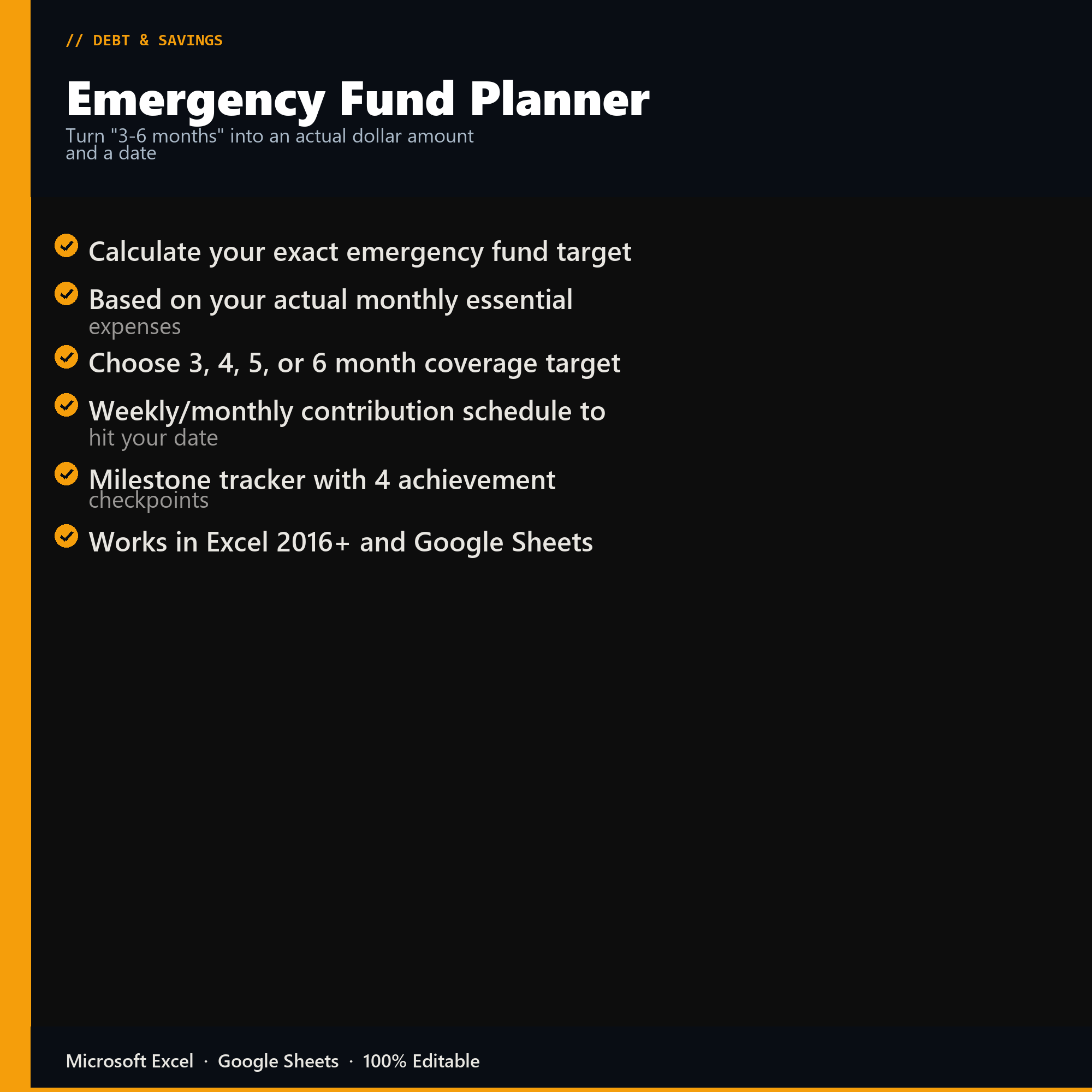
- Calculate your exact emergency fund target
- Based on your actual monthly essential expenses
- Choose 3, 4, 5, or 6 month coverage target
- Weekly/monthly contribution schedule to hit your date
- Milestone tracker with 4 achievement checkpoints
- Works in Excel 2016+ and Google Sheets
Inside the template
Sample data
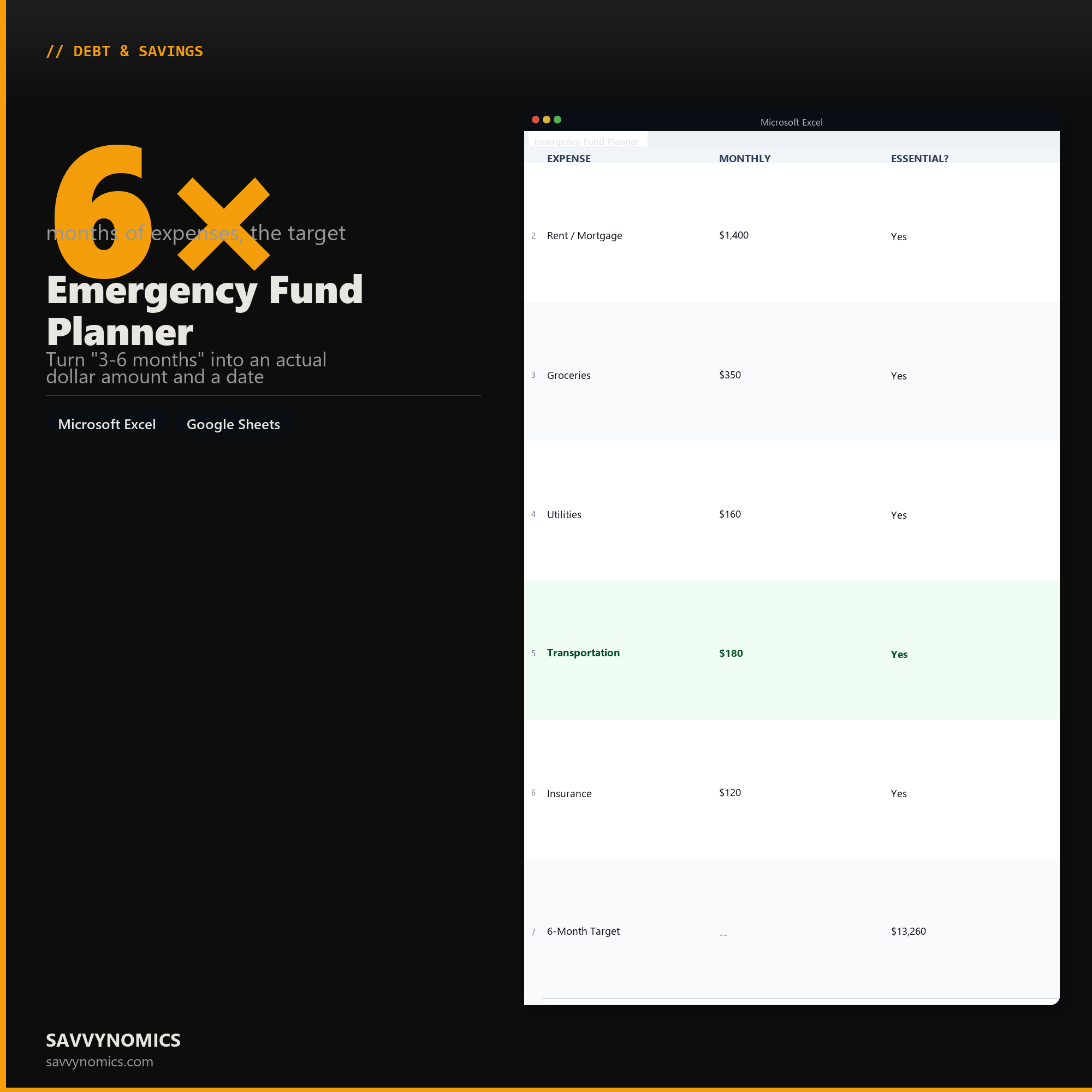
Real numbers showing what the spreadsheet looks like once you enter your information.
| EXPENSE | MONTHLY | ESSENTIAL? |
|---|---|---|
| Rent / Mortgage | $1,400 | Yes |
| Groceries | $350 | Yes |
| Utilities | $160 | Yes |
| Transportation | $180 | Yes |
| Insurance | $120 | Yes |
| 6-Month Target | -- | $13,260 |
Ready to start
Emergency Fund Planner
All sales are final, since the file arrives the moment you pay. If it will not open or does not match this page, tell us and we will make it right. Full terms.
Instant download after purchase. Works in Excel and Google Sheets. No macros, no subscription, no setup beyond entering your numbers.
Microsoft Excel 2016+ Google Sheets
Common questions
FAQ
Should I aim for three months or six?
The planner asks about your income stability and household situation and produces a number rather than a range, which is the part most advice skips. A two-income household with steady salaries sits at the low end. One income, commission pay, or self-employment pushes it up. The output is a dollar figure and the date you reach it at your current savings rate.
Does it count my partner's income?
It does, and it changes the answer significantly, because the risk being insured against is both incomes stopping rather than one. Two earners in unrelated industries need a smaller buffer than two earners at the same company, and the planner asks which situation you are in.
What counts as an essential expense?
Housing, utilities, food, transport, insurance, minimum debt payments, and childcare. Not subscriptions, not eating out, not the gym. The planner separates them because the fund is sized against the spending you cannot stop in a bad month, and including discretionary spending inflates the target by thousands and makes it feel unreachable.
How do I get the files after buying?
Stripe takes the payment and the download link is emailed within a few seconds, no account needed. The link lasts 30 days and allows 10 downloads. Lost it? Send yourself a fresh one.
Refunds, file formats, Google Sheets, and customizing the template are covered on the templates page.