What you get
Three files, instant download
Excel / Google Sheets Template
The .xlsx file works in Microsoft Excel 2016 and later, plus Google Sheets. No macros. No add-ins required.
Step-by-Step Instructions
A complete HTML guide covering setup, how each tab works, and answers to the most common questions about the template.
Printable Worksheet
A clean, print-ready version so you can plan on paper first and fill in the spreadsheet later. No printer? Skip it entirely.
How it works
Sinking Fund Tracker
Car registration comes every year. Christmas comes every year. Your car will need brakes again. The vacation you're planning has a date. None of these are surprises. They're just expenses you haven't divided into monthly pieces yet.
That's what a sinking fund is. You pick a target, divide it by the months until you need it, and set that amount aside each month. When the bill arrives, the money is already there.
This tracker handles up to 12 funds at the same time.
- Name each fund and set a target amount and target date
- The monthly contribution column calculates automatically based on your timeline
- Visual progress bar shows how close each fund is to its goal
- Current saved column tracks what you've put in so far
- Summary section shows total across all funds so you can plan your monthly savings allocation
Common uses: car repairs, home maintenance, medical deductible, vacation, holiday gifts, annual insurance, property taxes, tuition payments.
Works in Excel and Google Sheets. All fields editable.
Features
What's inside
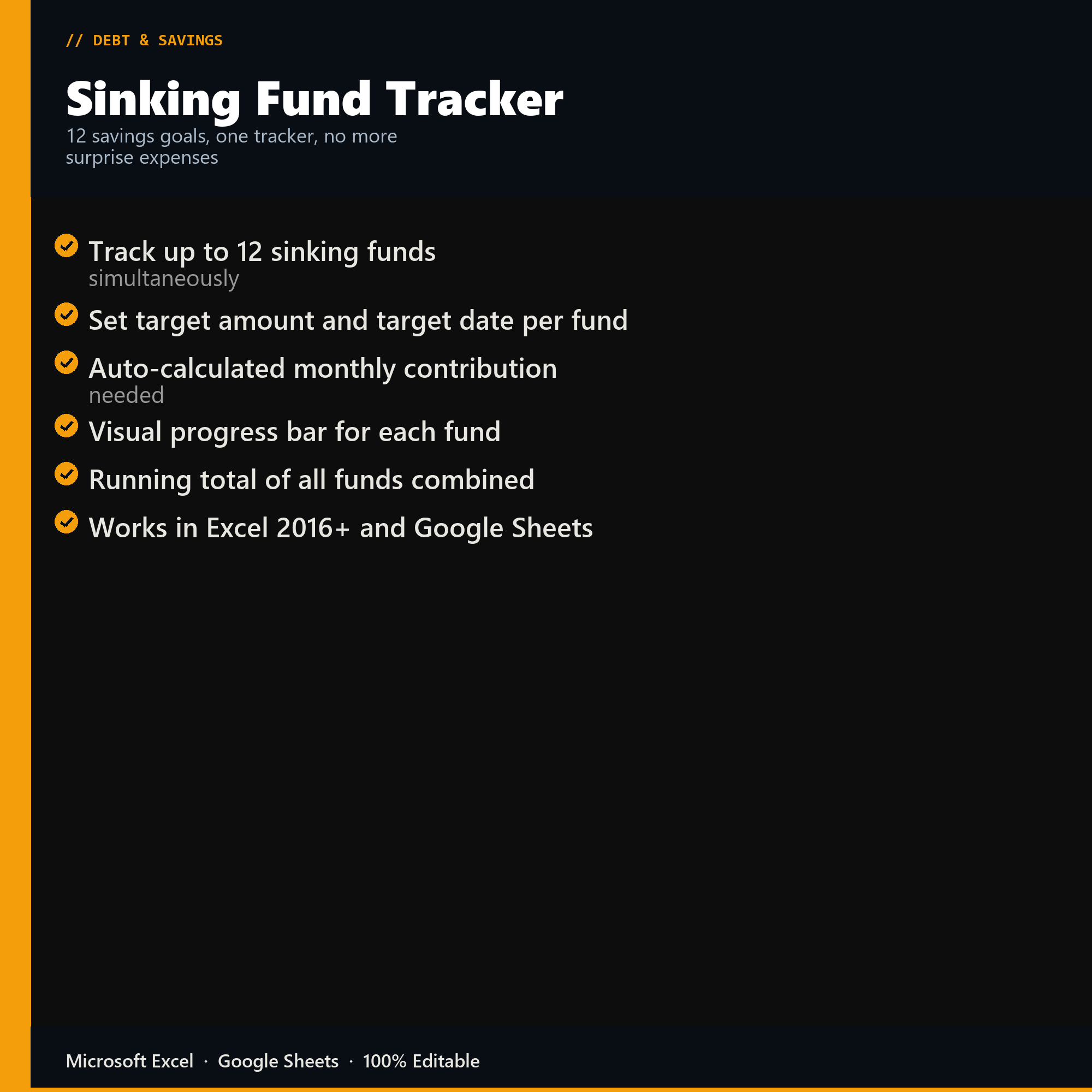
- Track up to 12 sinking funds simultaneously
- Set target amount and target date per fund
- Auto-calculated monthly contribution needed
- Visual progress bar for each fund
- Running total of all funds combined
- Works in Excel 2016+ and Google Sheets
Inside the template
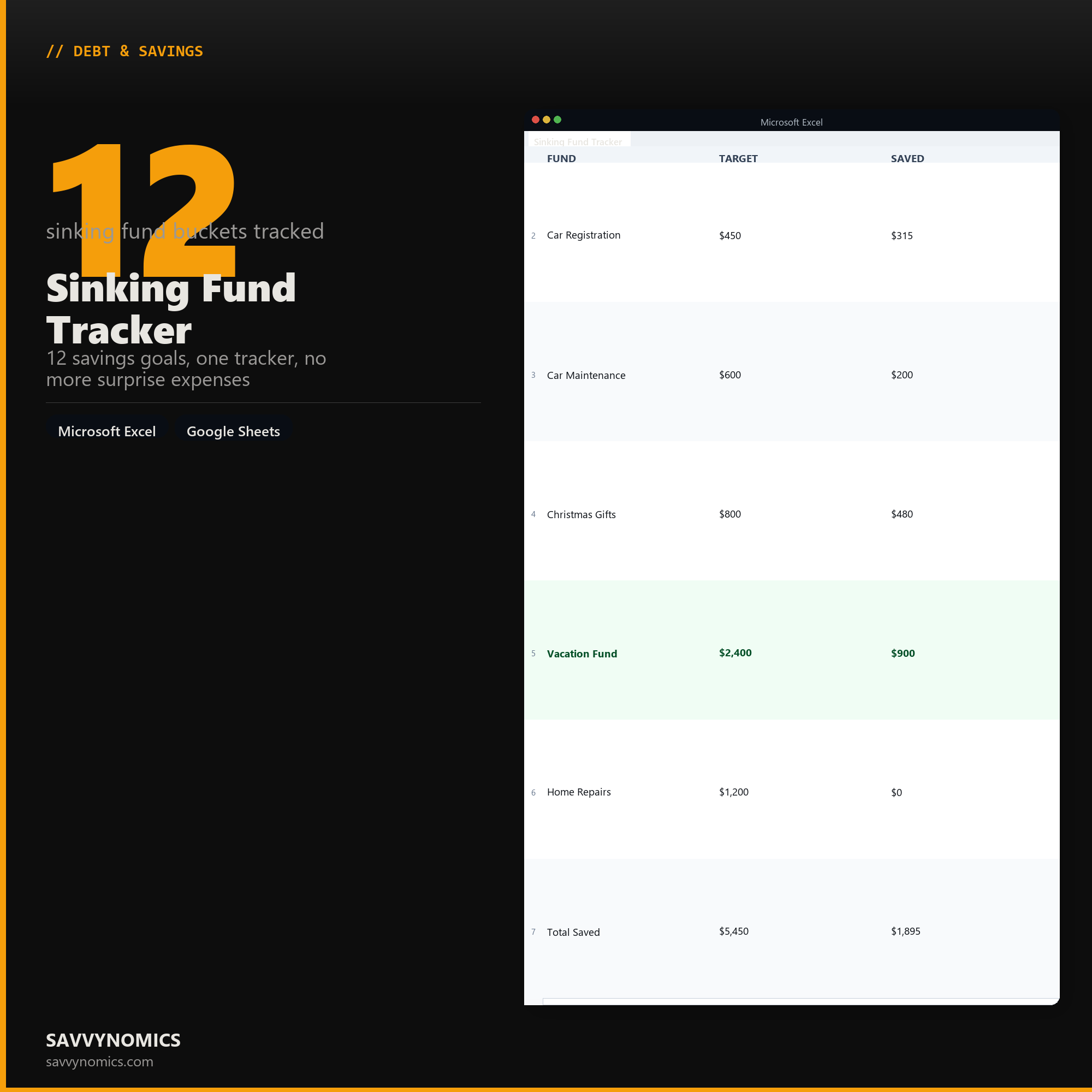
Sample data
Real numbers showing what the spreadsheet looks like once you enter your information.
| FUND | TARGET | SAVED |
|---|---|---|
| Car Registration | $450 | $315 |
| Car Maintenance | $600 | $200 |
| Christmas Gifts | $800 | $480 |
| Vacation Fund | $2,400 | $900 |
| Home Repairs | $1,200 | $0 |
| Total Saved | $5,450 | $1,895 |
Ready to start
Sinking Fund Tracker
All sales are final, since the file arrives the moment you pay. If it will not open or does not match this page, tell us and we will make it right. Full terms.
Instant download after purchase. Works in Excel and Google Sheets. No macros, no subscription, no setup beyond entering your numbers.
Microsoft Excel 2016+ Google Sheets
Common questions
FAQ
How is a sinking fund different from an emergency fund?
A sinking fund is for costs you know are coming and can date: car registration, the vet, holiday spending, a replacement laptop. An emergency fund is for the ones you cannot. Mixing them is why emergency funds get drained by things that were never emergencies, and running twelve dated goals here is what keeps the emergency money untouched.
What if I have to raid one goal to cover another?
Log the transfer rather than quietly moving money, and the tracker will show the goal you borrowed from falling behind its target date. That is worth seeing. Goals that get raided repeatedly are usually underfunded rather than unlucky, and the contribution column is where you fix it.
Can I run more than twelve goals?
Twelve is the built-in count and rows can be added, though past roughly fifteen most people find the per-goal amounts get too small to matter. If several goals share a date and a purpose, combining them into one line with a larger target usually works better than splitting them.
How do I get the files after buying?
Stripe takes the payment and the download link is emailed within a few seconds, no account needed. The link lasts 30 days and allows 10 downloads. Lost it? Send yourself a fresh one.
Refunds, file formats, Google Sheets, and customizing the template are covered on the templates page.