What you get
Three files, instant download
Excel / Google Sheets Template
The .xlsx file works in Microsoft Excel 2016 and later, plus Google Sheets. No macros. No add-ins required.
Step-by-Step Instructions
A complete HTML guide covering setup, how each tab works, and answers to the most common questions about the template.
Printable Worksheet
A clean, print-ready version so you can plan on paper first and fill in the spreadsheet later. No printer? Skip it entirely.
How it works
Freelancer Income Dashboard
Three clients, two active projects, a retainer that pays on the 15th, and the question nobody gives you a clean answer to: how much did you actually make this month after expenses?
This dashboard answers that.
You log income by client as it comes in and expenses as they happen. The sheet handles the P&L math. You see gross revenue, business expenses, net profit, and profit margin for every month and for the year so far.
The effective hourly rate column is the one most freelancers find most useful. Log the hours you worked per client, and the rate column tells you whether you're actually charging what you think you're charging. It's common to discover a flat-rate project that looked like $150/hour took twice as long as planned and paid $72/hour.
What's in the file:
- Monthly income tab: client, invoice amount, date paid, payment method, notes
- Expense tab: category, amount, date, business purpose, deductible flag
- Schedule C expense categories pre-loaded (advertising, home office, mileage, etc.)
- Monthly P&L summary with gross, expenses, net, and margin
- 12-month summary tab: best month, worst month, YTD totals, annual projection
- Hours log: track by client or project, links to effective rate calculation
Works in Excel and Google Sheets.
Features
What's inside
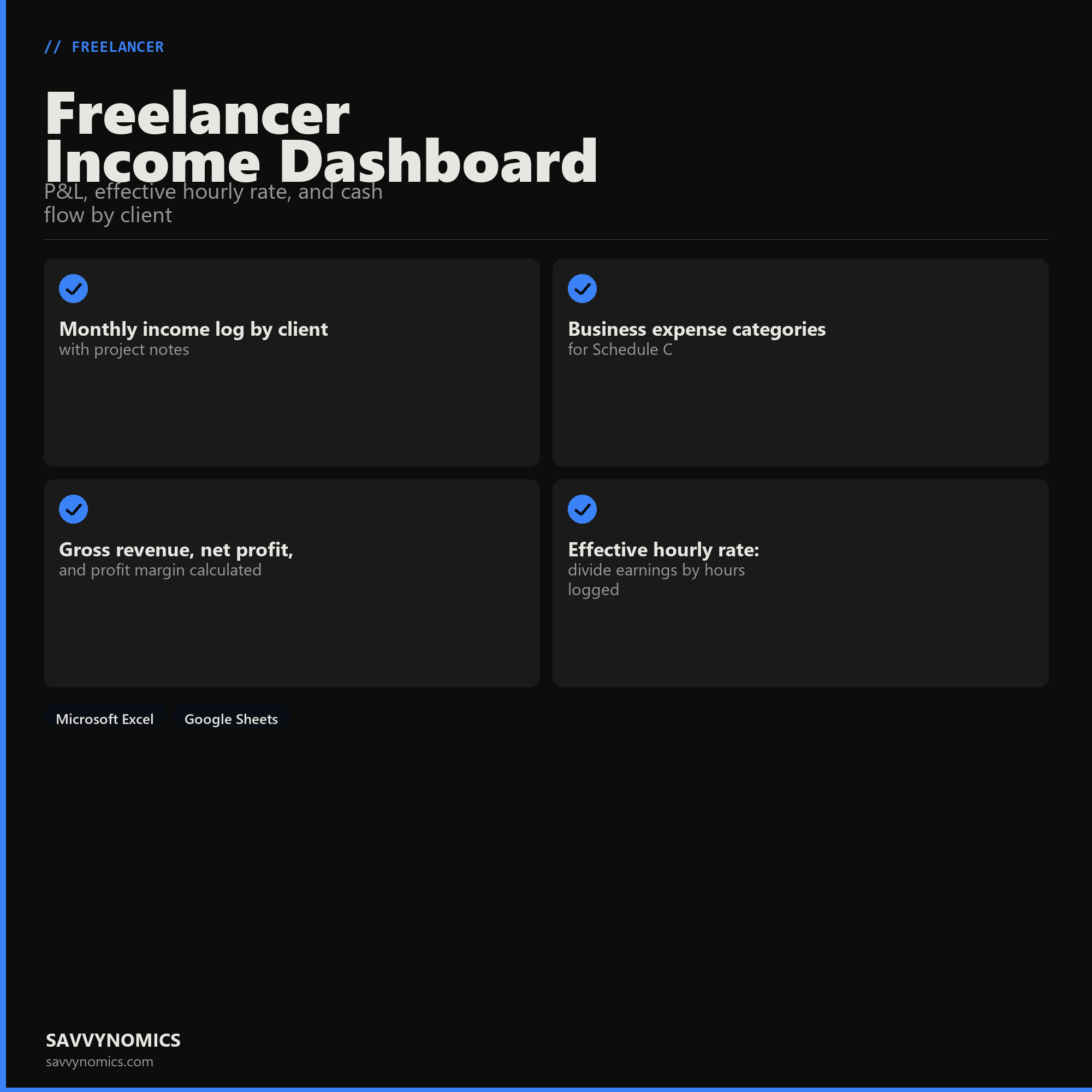
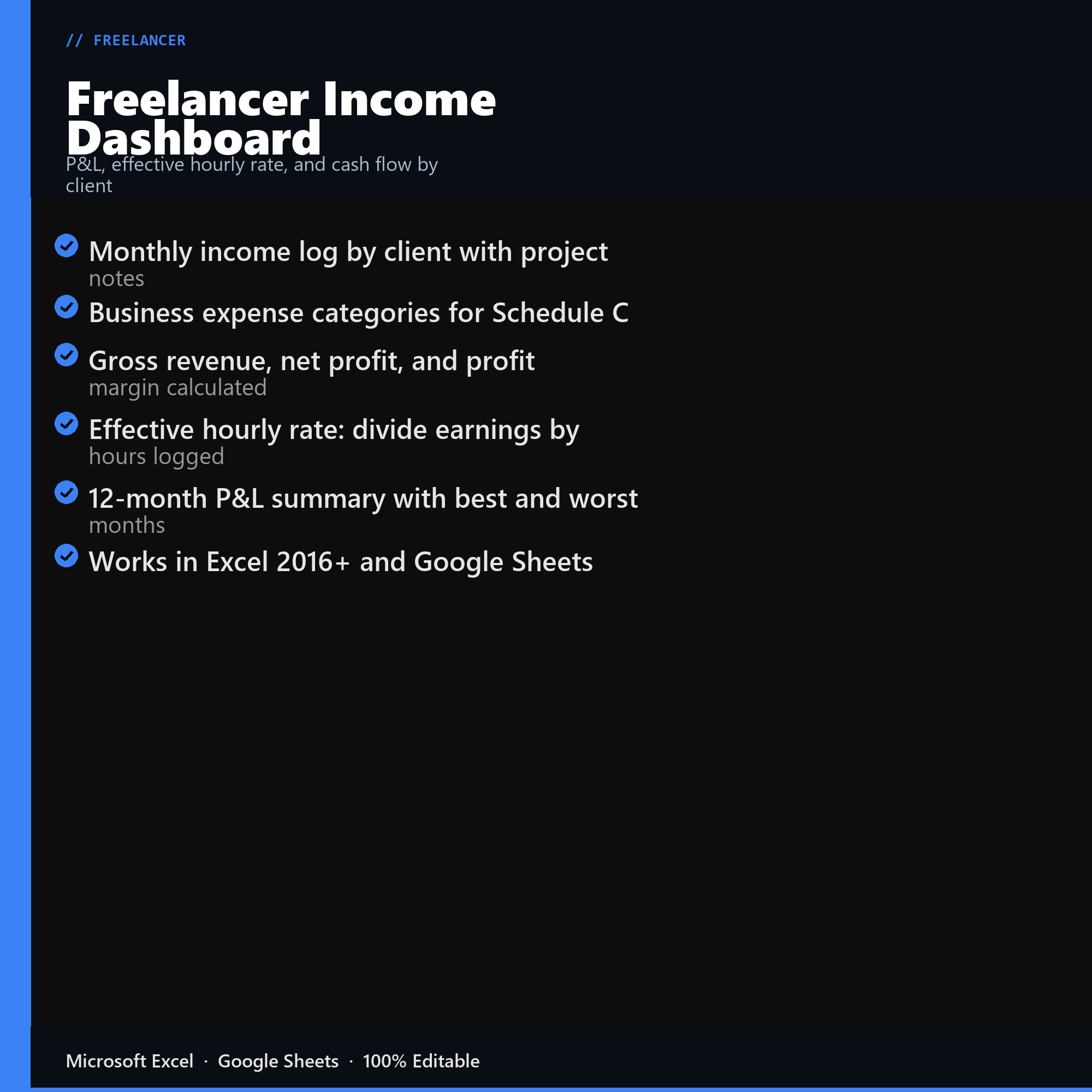
- Monthly income log by client with project notes
- Business expense categories for Schedule C
- Gross revenue, net profit, and profit margin calculated
- Effective hourly rate: divide earnings by hours logged
- 12-month P&L summary with best and worst months
- Works in Excel 2016+ and Google Sheets
Inside the template
Sample data
Real numbers showing what the spreadsheet looks like once you enter your information.
| CLIENT | INVOICED | EXPENSES |
|---|---|---|
| Client A | $4,200 | $180 |
| Client B | $1,800 | $60 |
| Client C (new) | $2,400 | $95 |
| Gross Revenue | $8,400 | -- |
| Total Expenses | -- | $335 |
| Net Profit | -- | $8,065 |
Ready to start
Freelancer Income Dashboard
All sales are final, since the file arrives the moment you pay. If it will not open or does not match this page, tell us and we will make it right. Full terms.
Instant download after purchase. Works in Excel and Google Sheets. No macros, no subscription, no setup beyond entering your numbers.
Microsoft Excel 2016+ Google Sheets
Common questions
FAQ
What is effective hourly rate and why is it lower than my rate?
It is revenue divided by every hour the work consumed, including the unbilled ones: proposals, revisions, invoicing, chasing payment, and admin. A $100 rate commonly lands somewhere between $55 and $70 once those are counted. That figure is the one to compare against alternatives, and it is the number a headline rate hides.
Does it track unpaid time?
Yes, and it is the point of the effective rate calculation. Admin, business development, and revision hours all get logged against the client that caused them, which is how a client who pays well on paper turns out to be the least profitable one on the sheet.
Can I see profit by client?
Revenue, hours, expenses, and effective rate per client, ranked. Most freelancers find the ranking does not match their intuition, and that the client they would have named as best is second or third once unbilled hours are counted.
How do I get the files after buying?
Stripe takes the payment and the download link is emailed within a few seconds, no account needed. The link lasts 30 days and allows 10 downloads. Lost it? Send yourself a fresh one.
Refunds, file formats, Google Sheets, and customizing the template are covered on the templates page.