What you get
Three files, instant download
Excel / Google Sheets Template
The .xlsx file works in Microsoft Excel 2016 and later, plus Google Sheets. No macros. No add-ins required.
Step-by-Step Instructions
A complete HTML guide covering setup, how each tab works, and answers to the most common questions about the template.
Printable Worksheet
A clean, print-ready version so you can plan on paper first and fill in the spreadsheet later. No printer? Skip it entirely.
How it works
Subscription Audit Tracker
The average American household spends over $200 a month on subscriptions. Most people guess half that when asked. The gap is paid for by services signed up during a free trial, billing cycles that don't match the calendar, and annual plans that auto-renew quietly.
This tracker surfaces all of it.
You go through your bank and credit card statements once, log every recurring charge, and in an afternoon you know exactly what you're paying for. The decision column is where the useful part happens. Mark each subscription Keep, Pause, or Cancel. The savings field tells you what cutting the "Cancel" ones puts back in your budget.
What's in the file:
- 40 subscription slots with service name, billing date, monthly amount, and annual cost
- Category column with a dropdown: Streaming, Software, Fitness, Food, News, Other
- Keep / Pause / Cancel dropdown per service
- Automatic monthly and annual totals
- Potential savings calculation: what you'd save cutting the "Cancel" items
- Sorting instructions to find your highest-cost subscriptions first
People who go through this process once typically find $800 to $1,500 in annual cuts they don't miss.
Works in Excel and Google Sheets.
Features
What's inside
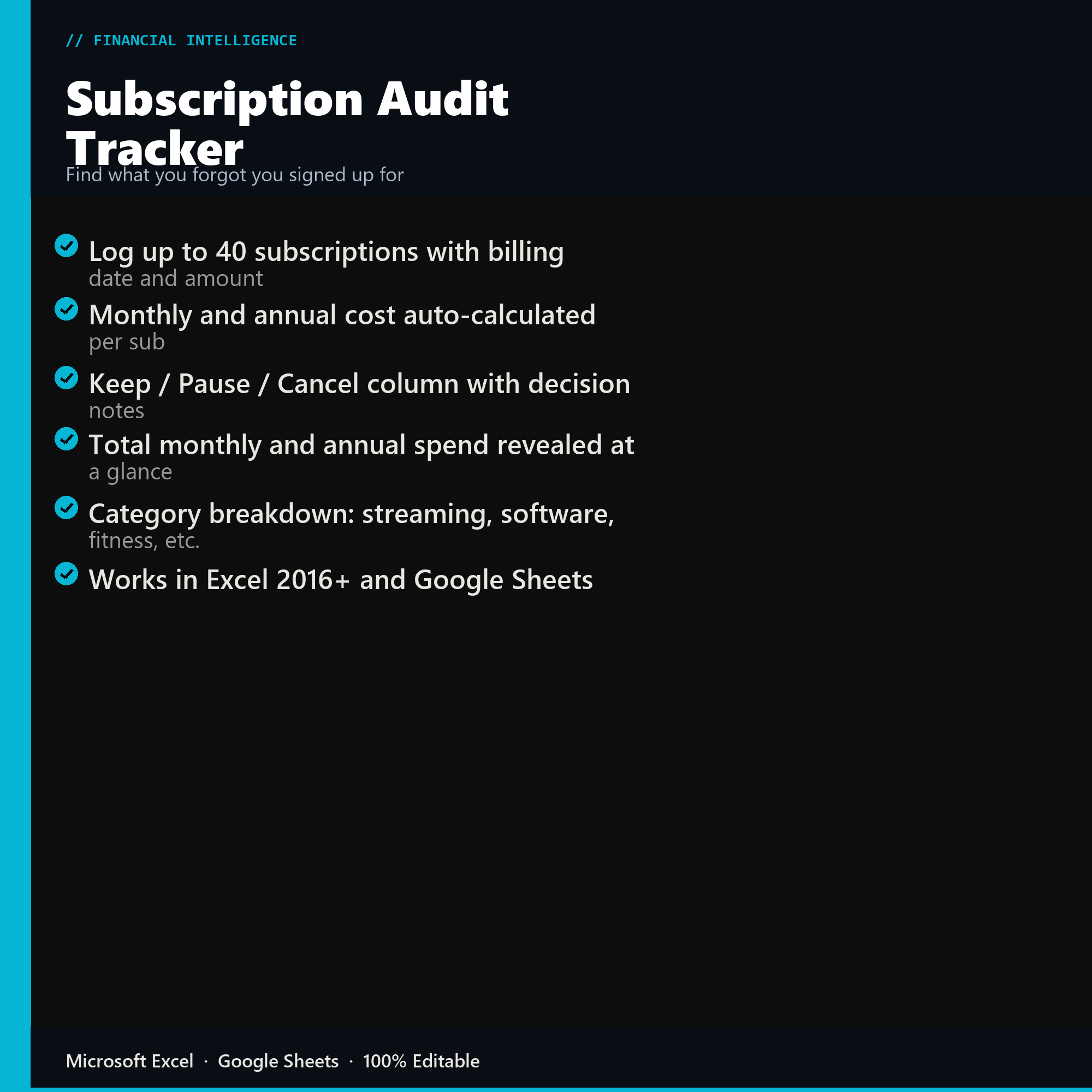
- Log up to 40 subscriptions with billing date and amount
- Monthly and annual cost auto-calculated per sub
- Keep / Pause / Cancel column with decision notes
- Total monthly and annual spend revealed at a glance
- Category breakdown: streaming, software, fitness, etc.
- Works in Excel 2016+ and Google Sheets
Inside the template
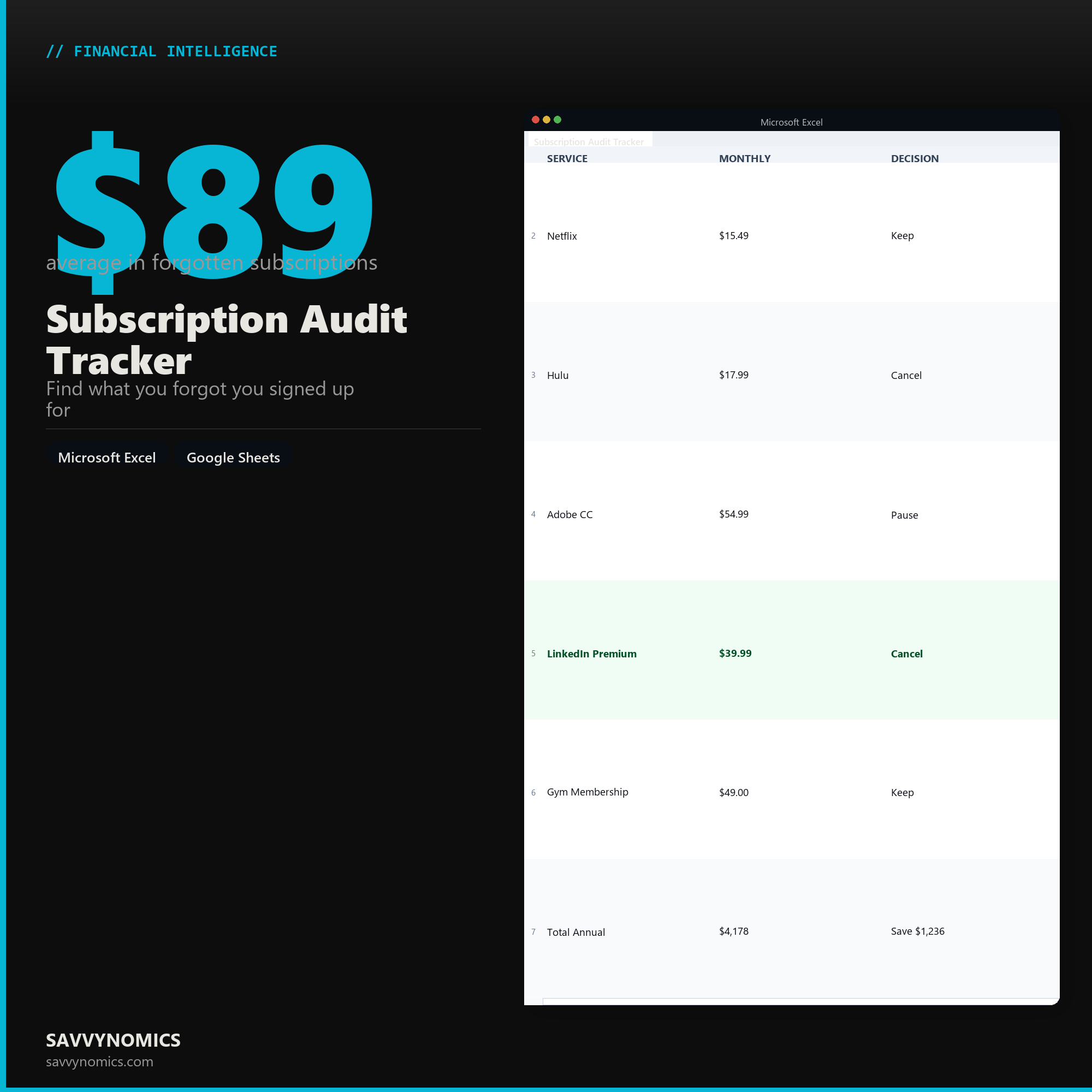
Sample data
Real numbers showing what the spreadsheet looks like once you enter your information.
| SERVICE | MONTHLY | DECISION |
|---|---|---|
| Netflix | $15.49 | Keep |
| Hulu | $17.99 | Cancel |
| Adobe CC | $54.99 | Pause |
| LinkedIn Premium | $39.99 | Cancel |
| Gym Membership | $49.00 | Keep |
| Total Annual | $4,178 | Save $1,236 |
Ready to start
Subscription Audit Tracker
All sales are final, since the file arrives the moment you pay. If it will not open or does not match this page, tell us and we will make it right. Full terms.
Instant download after purchase. Works in Excel and Google Sheets. No macros, no subscription, no setup beyond entering your numbers.
Microsoft Excel 2016+ Google Sheets
Common questions
FAQ
How do I find subscriptions I have forgotten about?
The audit method in the instructions walks three sources: the last twelve months of bank and card statements, your app store subscription lists on both phone platforms, and your email searched for renewal receipts. The third one surfaces the annual charges that a three-month statement review misses entirely, and those are usually the expensive ones.
Does it cancel anything for me?
No. It is a spreadsheet, so it finds and totals rather than acts. What it gives you is the renewal date, the annual cost, and a used-recently column, which turns cancelling into a short list of decisions instead of a vague intention.
How does it handle annual subscriptions?
Every subscription is converted to an annual cost and a monthly equivalent, so a $180 yearly plan sits next to a $15 monthly one on the same basis. Annual plans are where the forgotten money hides, because they charge once and are easy to miss for eleven months.
How do I get the files after buying?
Stripe takes the payment and the download link is emailed within a few seconds, no account needed. The link lasts 30 days and allows 10 downloads. Lost it? Send yourself a fresh one.
Refunds, file formats, Google Sheets, and customizing the template are covered on the templates page.