What you get
Three files, instant download
Excel / Google Sheets Template
The .xlsx file works in Microsoft Excel 2016 and later, plus Google Sheets. No macros. No add-ins required.
Step-by-Step Instructions
A complete HTML guide covering setup, how each tab works, and answers to the most common questions about the template.
Printable Worksheet
A clean, print-ready version so you can plan on paper first and fill in the spreadsheet later. No printer? Skip it entirely.
How it works
FIRE Number Calculator
The FIRE number is simple: annual expenses multiplied by 25. That's the portfolio size where you can withdraw 4% per year indefinitely and not run out of money. A $40,000-a-year lifestyle needs $1,000,000. A $60,000-a-year lifestyle needs $1,500,000.
The interesting math is what happens between here and there.
This calculator takes your current savings, annual contribution rate, and expected return, and tells you how many years until you hit your number. Then it runs the scenario table: what if you cut annual expenses by $5,000? By $10,000? Each reduction shrinks the target and speeds up the timeline.
Coast FIRE is the other calculation worth knowing. It's the age at which your current portfolio, left untouched, will compound to your FIRE number by a traditional retirement age. Once you hit that number, you only need to cover current expenses. Investing extra is optional.
What's in the file:
- FIRE number calculator (25x rule with adjustable withdrawal rate)
- FI timeline at current savings rate with adjustable return assumption
- Coast FIRE age: enter your current age and current portfolio
- Expense scenario table: $5k increments showing years saved per reduction
- Savings rate impact table: what 1% more saves you in years
Works in Excel and Google Sheets.
Features
What's inside
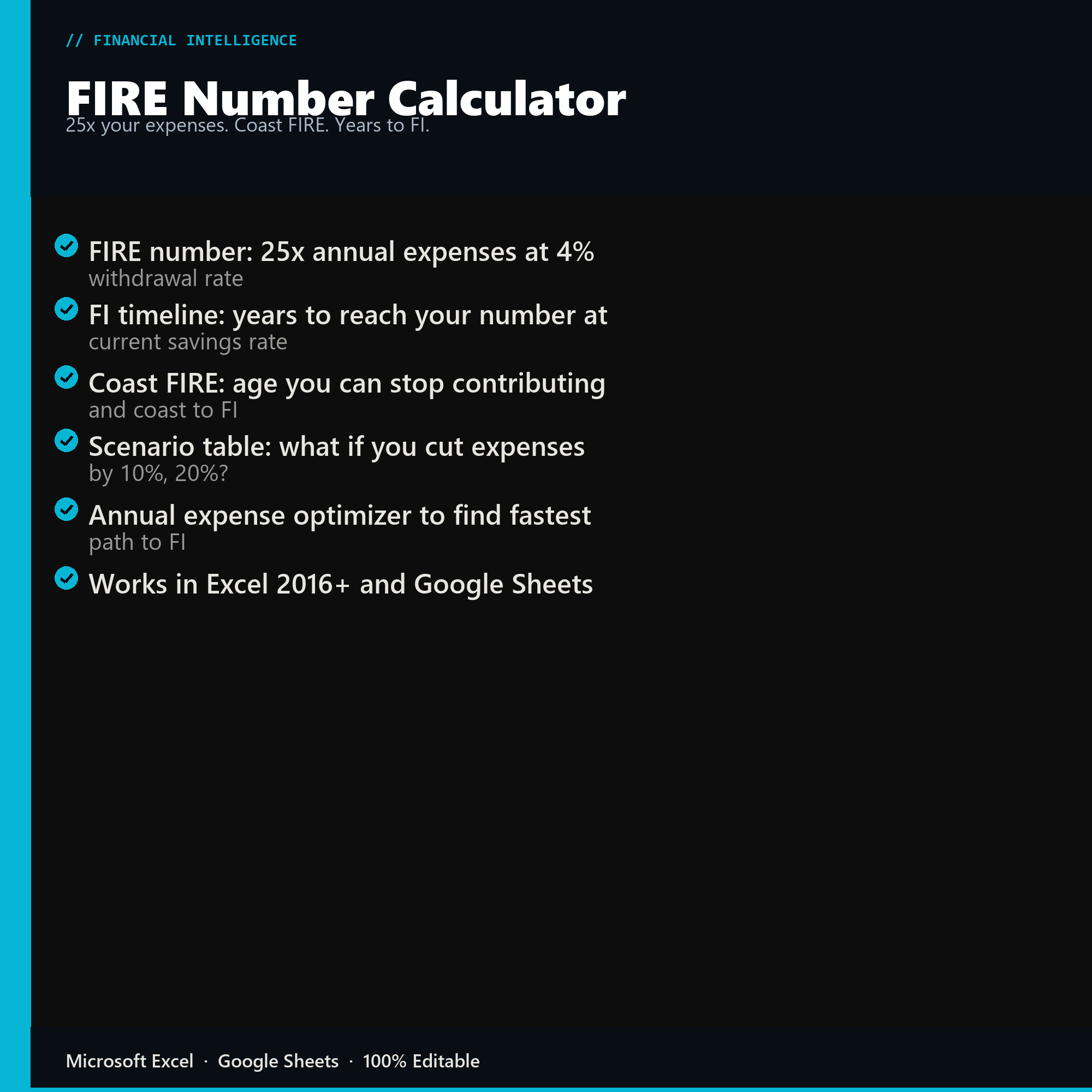
- FIRE number: 25x annual expenses at 4% withdrawal rate
- FI timeline: years to reach your number at current savings rate
- Coast FIRE: age you can stop contributing and coast to FI
- Scenario table: what if you cut expenses by 10%, 20%?
- Annual expense optimizer to find fastest path to FI
- Works in Excel 2016+ and Google Sheets
Inside the template
Sample data
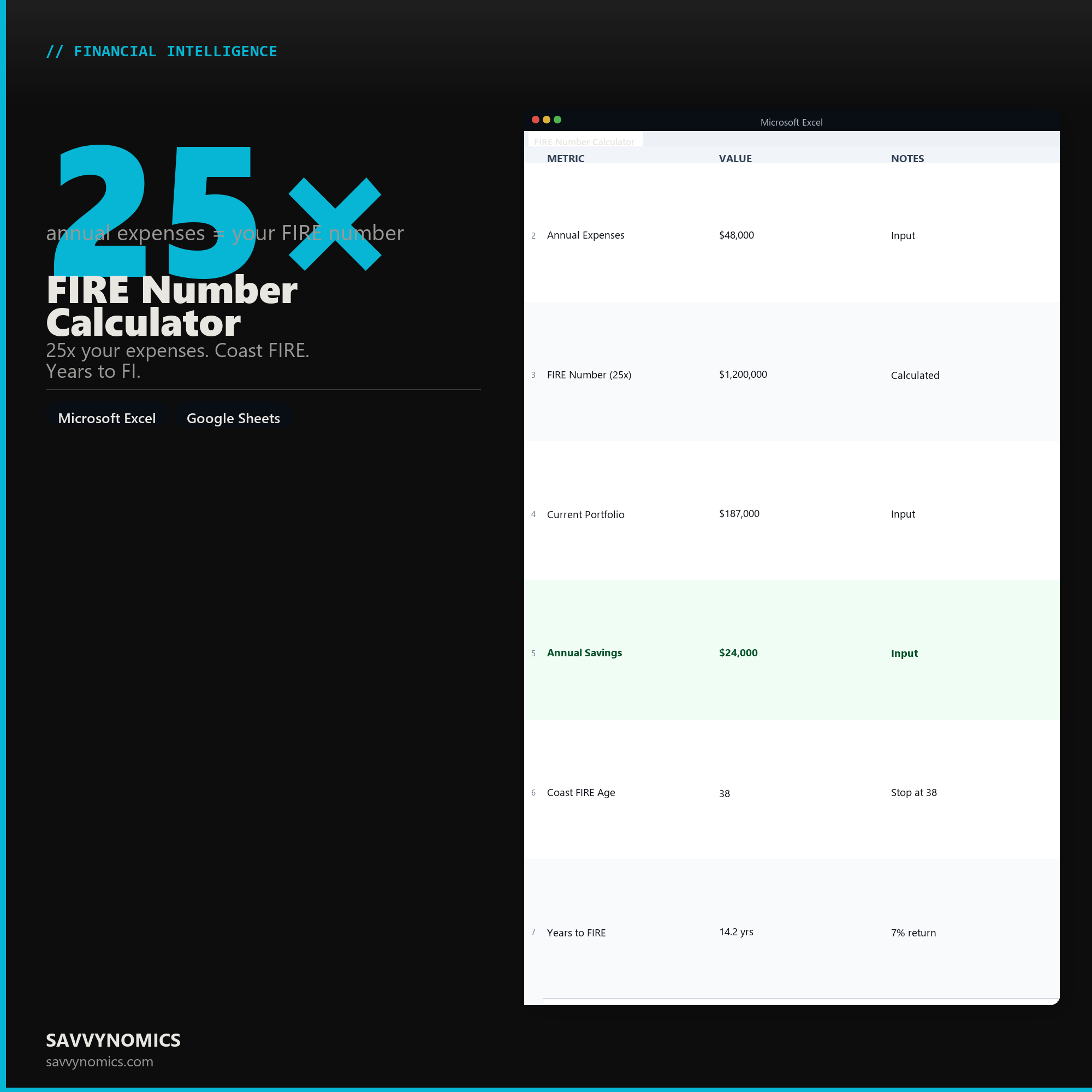
Real numbers showing what the spreadsheet looks like once you enter your information.
| METRIC | VALUE | NOTES |
|---|---|---|
| Annual Expenses | $48,000 | Input |
| FIRE Number (25x) | $1,200,000 | Calculated |
| Current Portfolio | $187,000 | Input |
| Annual Savings | $24,000 | Input |
| Coast FIRE Age | 38 | Stop at 38 |
| Years to FIRE | 14.2 yrs | 7% return |
Ready to start
FIRE Number Calculator
All sales are final, since the file arrives the moment you pay. If it will not open or does not match this page, tell us and we will make it right. Full terms.
Instant download after purchase. Works in Excel and Google Sheets. No macros, no subscription, no setup beyond entering your numbers.
Microsoft Excel 2016+ Google Sheets
Common questions
FAQ
Does it do Coast FIRE as well as full FIRE?
Both, plus Barista FIRE, on one sheet. Your full FIRE number, the Coast figure that lets you stop saving now, and years to independence at your current rate. The free Coast FIRE calculator on this site runs the same discounting if you want to check one scenario before buying.
What withdrawal rate does it assume?
Four percent by default, from Bengen's 1994 study, and the rate is an input rather than a constant. Three percent is the common cautious choice and raises the target substantially. The sheet solves several rates at once so you can see how much of the answer depends on that single assumption.
Does it account for inflation?
Yes, and it is the part most FIRE spreadsheets get wrong. Returns are converted to a real rate before any discounting, so every figure is in today's purchasing power. Subtracting inflation from a nominal return rather than dividing overstates the growth rate and makes the target look thousands of dollars easier than it is.
How do I get the files after buying?
Stripe takes the payment and the download link is emailed within a few seconds, no account needed. The link lasts 30 days and allows 10 downloads. Lost it? Send yourself a fresh one.
Refunds, file formats, Google Sheets, and customizing the template are covered on the templates page.