What you get
Three files, instant download
Excel / Google Sheets Template
The .xlsx file works in Microsoft Excel 2016 and later, plus Google Sheets. No macros. No add-ins required.
Step-by-Step Instructions
A complete HTML guide covering setup, how each tab works, and answers to the most common questions about the template.
Printable Worksheet
A clean, print-ready version so you can plan on paper first and fill in the spreadsheet later. No printer? Skip it entirely.
How it works
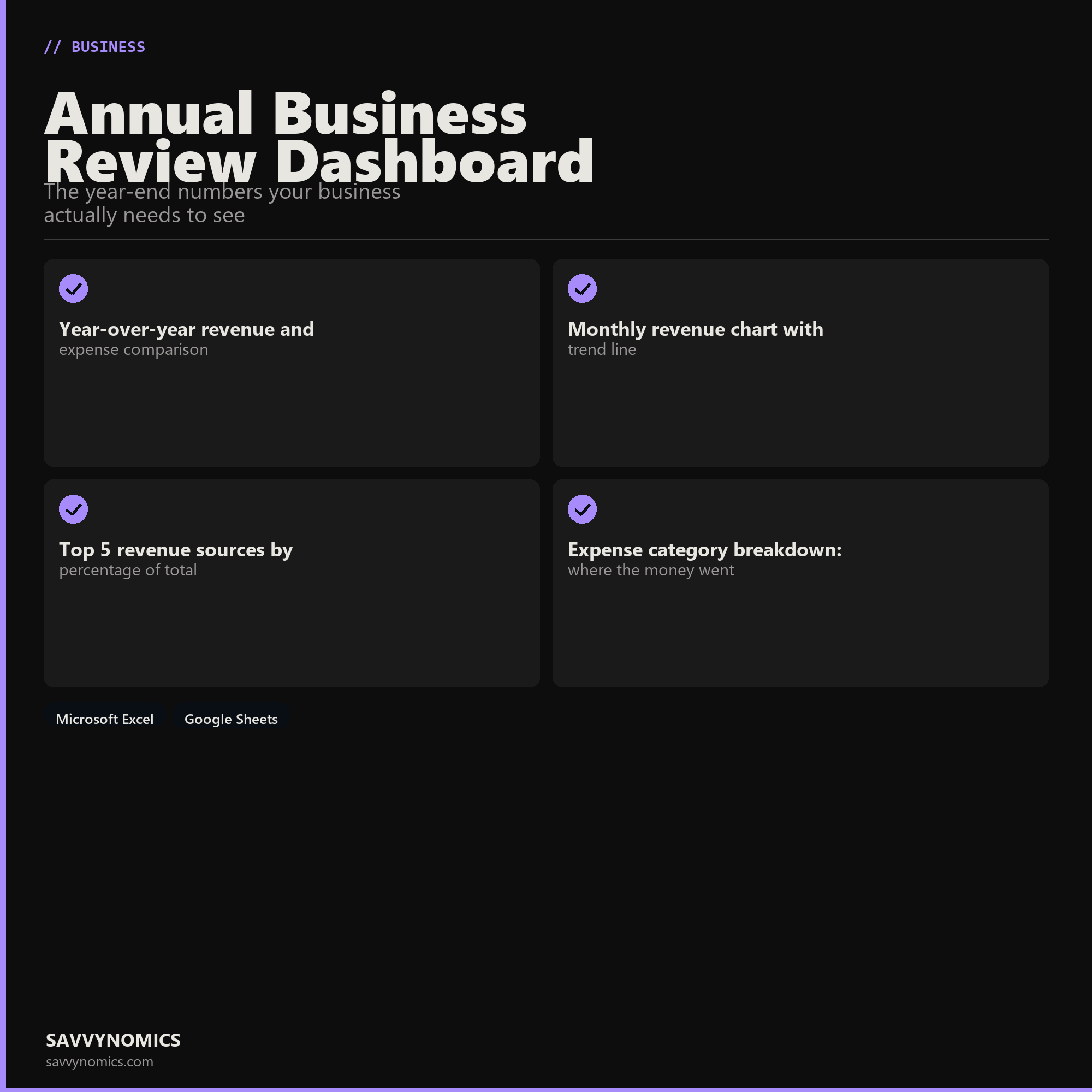
Annual Business Review Dashboard
At the end of every year, you should be able to answer five questions about your business: Did revenue grow? Did profit margin improve? Which clients or products drove the most growth? Where did expenses go? Did you hit the goals you set at the start of the year?
Most small business owners know the rough answers. Few have a single place where the actual numbers make the year legible in one view.
This dashboard is that place.
You enter your monthly revenue and expense totals for the current year. If you have last year's data, enter that too. The dashboard produces the comparison automatically.
What's in the file:
- Year-over-year P&L comparison: revenue, expenses, gross profit, net profit, margin
- Monthly revenue bar chart with a 12-month trend line
- Revenue source breakdown: up to 10 sources with % of total
- Expense category breakdown: which categories grew, which shrank
- Goal tracker: enter your original annual targets, see actual vs. goal with variance
- Quarterly breakdown: revenue and profit by Q1, Q2, Q3, Q4
- Key metrics summary: best month, worst month, average monthly revenue, YTD
Works in Excel and Google Sheets.
Features
What's inside
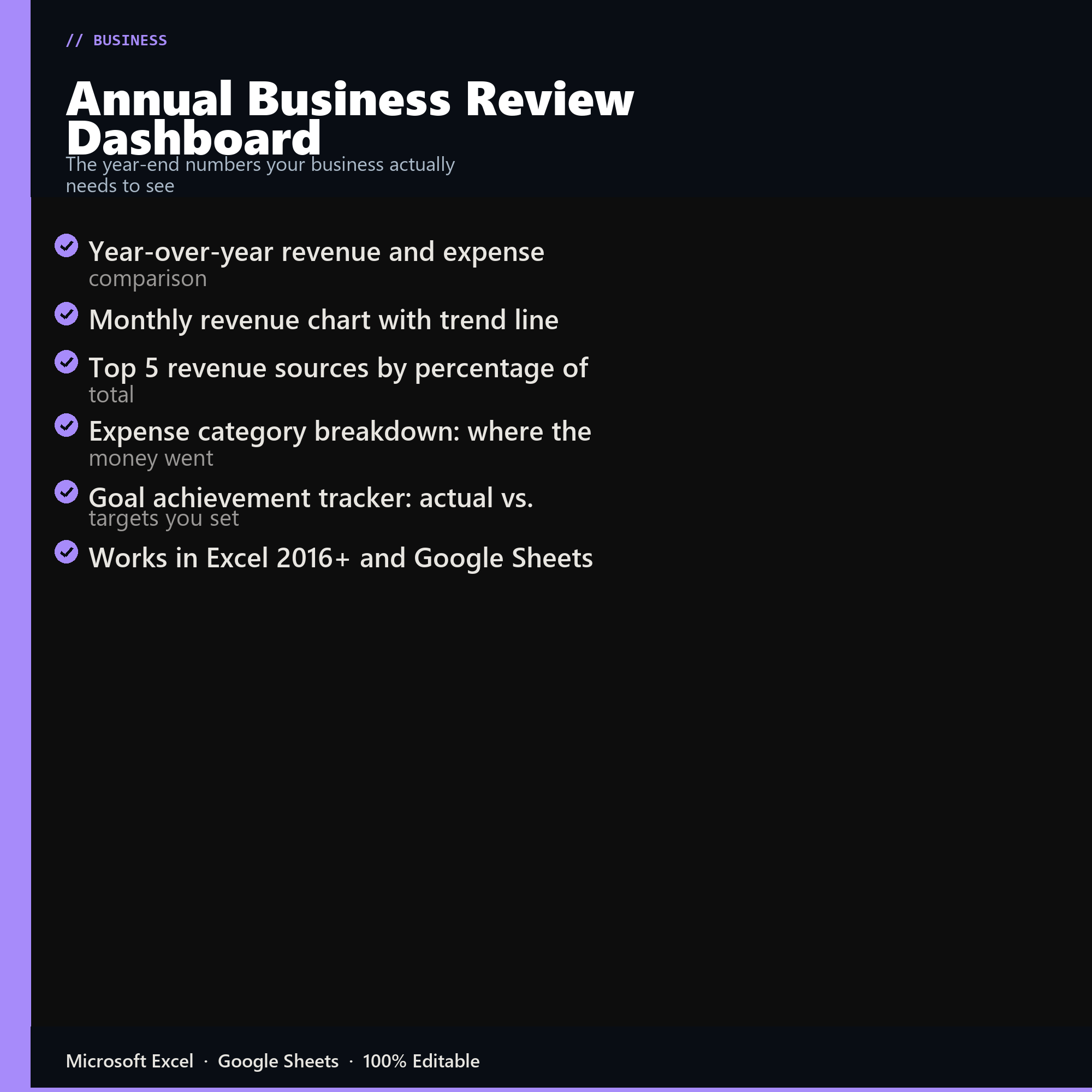
- Year-over-year revenue and expense comparison
- Monthly revenue chart with trend line
- Top 5 revenue sources by percentage of total
- Expense category breakdown: where the money went
- Goal achievement tracker: actual vs. targets you set
- Works in Excel 2016+ and Google Sheets
Inside the template
Sample data
Real numbers showing what the spreadsheet looks like once you enter your information.
| METRIC | THIS YEAR | LAST YEAR |
|---|---|---|
| Total Revenue | $142,000 | +31% YoY |
| Total Expenses | $61,200 | +11.7% YoY |
| Net Profit | $80,800 | +51.9% YoY |
| Profit Margin | 56.9% | 49.3% prior yr |
| Best Month | October | $18,400 |
| Revenue Goal Hit | Yes | 140% of target |
Ready to start
Annual Business Review Dashboard
All sales are final, since the file arrives the moment you pay. If it will not open or does not match this page, tell us and we will make it right. Full terms.
Instant download after purchase. Works in Excel and Google Sheets. No macros, no subscription, no setup beyond entering your numbers.
Microsoft Excel 2016+ Google Sheets
Common questions
FAQ
What do I need before I start?
Twelve months of revenue and expenses by category, and last year's totals if you have them. Roughly an hour with clean books, longer if the year needs reconstructing first. If the categories are messy, the Small Business Bookkeeping template is the thing to fix that with before running this.
Is this for taxes or for planning?
Planning. It produces the year-over-year comparisons, margin trends, and seasonal patterns that inform next year's decisions, in a form your accountant can also read. Your tax return is a separate document with a different purpose, and this is not a substitute for it.
Does it compare year over year?
Side by side with both dollar and percentage changes, by category. The percentage column is where the useful surprises are: a cost that rose 40% while revenue rose 8% is invisible in the dollar figures if the category is small, and it will not stay small.
How do I get the files after buying?
Stripe takes the payment and the download link is emailed within a few seconds, no account needed. The link lasts 30 days and allows 10 downloads. Lost it? Send yourself a fresh one.
Refunds, file formats, Google Sheets, and customizing the template are covered on the templates page.