What you get
Three files, instant download
Excel / Google Sheets Template
The .xlsx file works in Microsoft Excel 2016 and later, plus Google Sheets. No macros. No add-ins required.
Step-by-Step Instructions
A complete HTML guide covering setup, how each tab works, and answers to the most common questions about the template.
Printable Worksheet
A clean, print-ready version so you can plan on paper first and fill in the spreadsheet later. No printer? Skip it entirely.
How it works
Biweekly Budget Tracker
Most budget templates are built for people who get paid on the first and fifteenth. You don't.
If your paychecks land every two weeks, you've seen the problem. Standard monthly budgets break down immediately because they don't match your actual cash flow. Some months have three paydays. Rent is due regardless.
This tracker is built around your paychecks, not a calendar. You enter your pay dates and take-home amounts, then assign each fixed bill to whichever check covers it. Rent from check one. Car payment from check two. The balance field shows exactly what you have left before the next one lands.
What's in the file:
- Two paycheck slots per month, and an annual projection across all 26 pays
- Fixed expense table with Paycheck 1 / Paycheck 2 assignment
- Variable spending log with categories you can rename to anything
- Running balance that turns red automatically when you're overdrawn
- Annual summary showing total spending across all 26 pay periods
- Instructions tab with a complete setup walkthrough
Works in Microsoft Excel 2016 and later, plus Google Sheets. No macros. No add-ins. Open it, enter your numbers, done.
To use in Google Sheets: File > Import > upload the .xlsx file > Create new spreadsheet. Takes under a minute.
You get the file instantly after purchase.
Features
What's inside
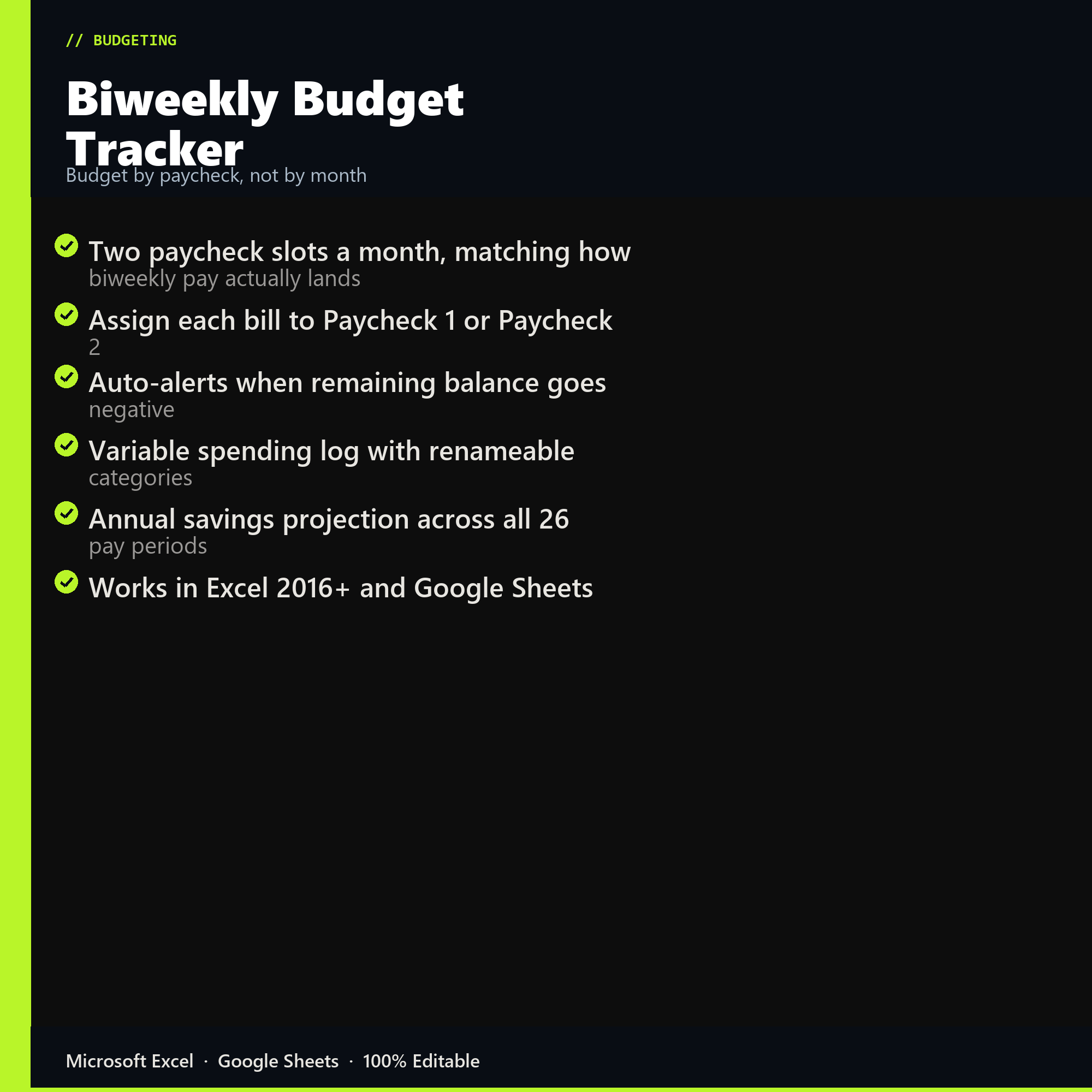
- Two paycheck slots a month, matching how biweekly pay actually lands
- Assign each bill to Paycheck 1 or Paycheck 2
- Auto-alerts when remaining balance goes negative
- Variable spending log with renameable categories
- Annual savings projection across all 26 pay periods
- Works in Excel 2016+ and Google Sheets
Inside the template
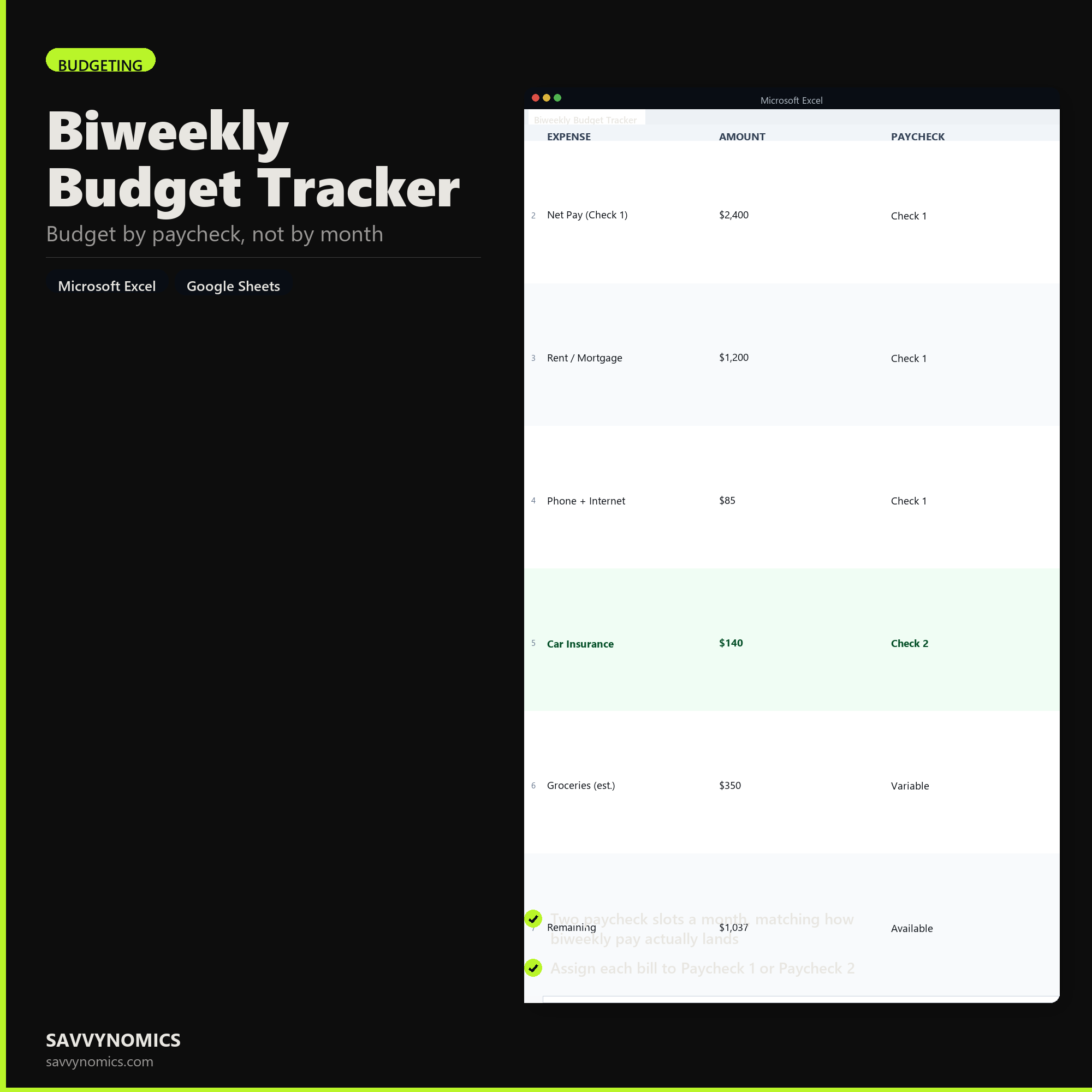
Sample data
Real numbers showing what the spreadsheet looks like once you enter your information.
| EXPENSE | AMOUNT | PAYCHECK |
|---|---|---|
| Net Pay (Check 1) | $2,400 | Check 1 |
| Rent / Mortgage | $1,200 | Check 1 |
| Phone + Internet | $85 | Check 1 |
| Car Insurance | $140 | Check 2 |
| Groceries (est.) | $350 | Variable |
| Remaining | $1,037 | Available |
Ready to start
Biweekly Budget Tracker
All sales are final, since the file arrives the moment you pay. If it will not open or does not match this page, tell us and we will make it right. Full terms.
Instant download after purchase. Works in Excel and Google Sheets. No macros, no subscription, no setup beyond entering your numbers.
Microsoft Excel 2016+ Google Sheets
Common questions
FAQ
What happens in a three-paycheck month?
Two months a year you get a third payday, and the sheet treats that check as its own column rather than folding it into the monthly average. Bills stay assigned to Paycheck 1 and Paycheck 2, so the third one lands unallocated and you decide where it goes. That is the point: it shows up as a surplus you direct, not as a month that felt easier than usual.
My payday shifts when it falls on a holiday. Does that break the assignments?
No. Bills are tied to a paycheck slot, not to a calendar date, so a check arriving on Thursday instead of Friday changes nothing about which bills it covers. If a shift pushes a payday into the next month entirely, move that row to the other slot and the totals follow.
One of us is paid biweekly and the other semimonthly. Can we both use it?
Run the biweekly earner through this tracker and enter the semimonthly income as two fixed deposits. The 26-period projection at the bottom only counts the biweekly side, so treat that figure as one person's contribution rather than household income. Couples with two different pay schedules usually do better with the Couples Combined Budget.
How do I get the files after buying?
Stripe takes the payment and the download link is emailed within a few seconds, no account needed. The link lasts 30 days and allows 10 downloads. Lost it? Send yourself a fresh one.
Refunds, file formats, Google Sheets, and customizing the template are covered on the templates page.