What you get
Three files, instant download
Excel / Google Sheets Template
The .xlsx file works in Microsoft Excel 2016 and later, plus Google Sheets. No macros. No add-ins required.
Step-by-Step Instructions
A complete HTML guide covering setup, how each tab works, and answers to the most common questions about the template.
Printable Worksheet
A clean, print-ready version so you can plan on paper first and fill in the spreadsheet later. No printer? Skip it entirely.
How it works
Break-Even Calculator
Before you commit to a pricing strategy, you need to know the number. How many units do you have to sell at that price for the business to cover its fixed costs? Below that number, every unit sold is still losing money. Above it, you're in the black.
This calculator gives you that number in about two minutes.
Enter your fixed monthly costs, your variable cost per unit, and your selling price. The break-even unit count and break-even revenue calculate automatically. Then the sensitivity table shows what happens if you raise the price by $2, or by $5, or if your variable cost goes up because a supplier raises rates.
What's in the file:
- Fixed cost section: rent, salaries, software, insurance, utilities, loan payments
- Variable cost section: materials, manufacturing, packaging, shipping, platform fees
- Selling price input with the option for tiered pricing (wholesale vs. retail)
- Break-even units and break-even revenue with clear formula trail
- Contribution margin and contribution margin percentage
- Sensitivity table: a grid showing break-even units at 9 different price points and 5 different variable cost scenarios
- Profit target section: how many units to sell to hit $1k, $5k, $10k monthly profit
Works in Excel and Google Sheets.
Features
What's inside
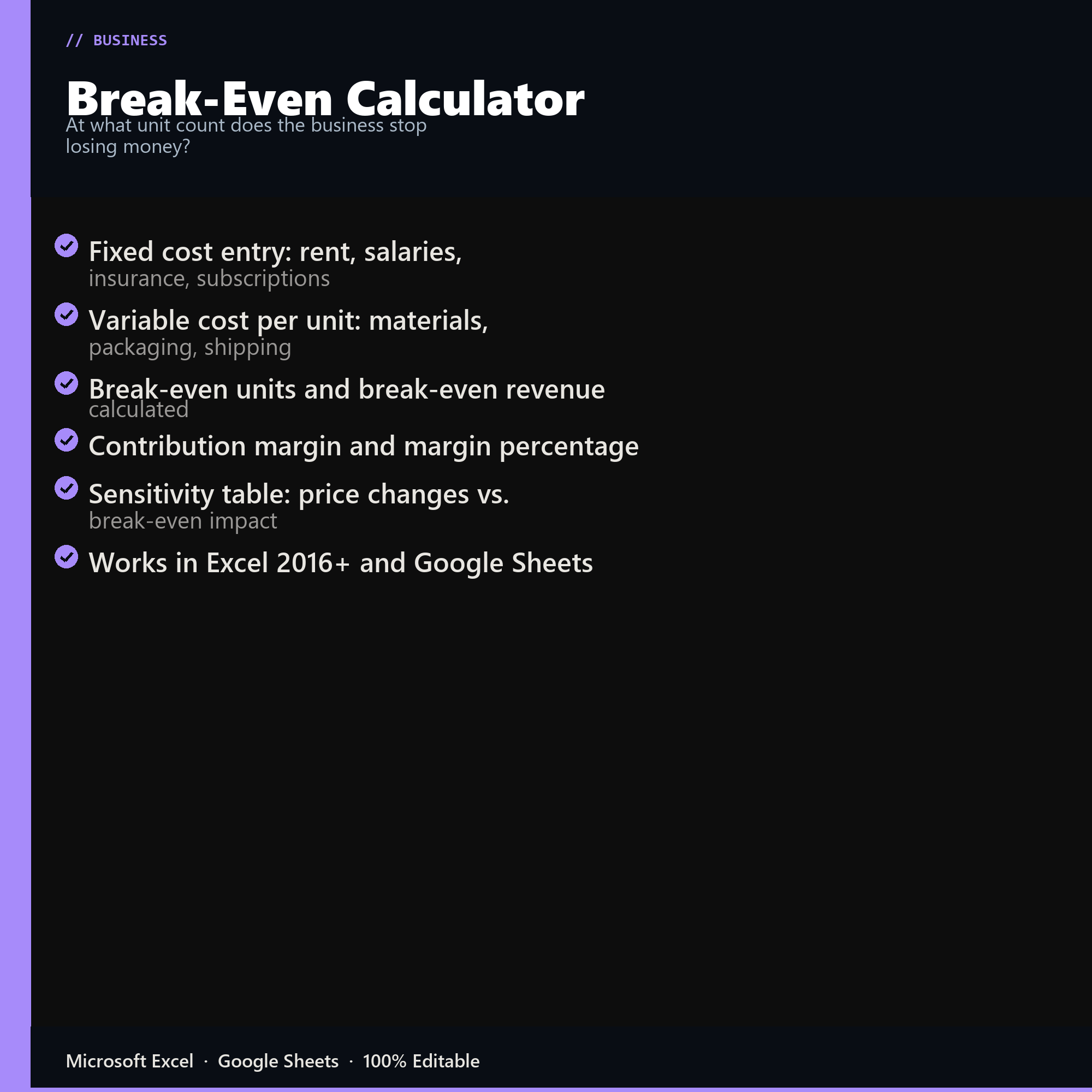
- Fixed cost entry: rent, salaries, insurance, subscriptions
- Variable cost per unit: materials, packaging, shipping
- Break-even units and break-even revenue calculated
- Contribution margin and margin percentage
- Sensitivity table: price changes vs. break-even impact
- Works in Excel 2016+ and Google Sheets
Inside the template
Sample data
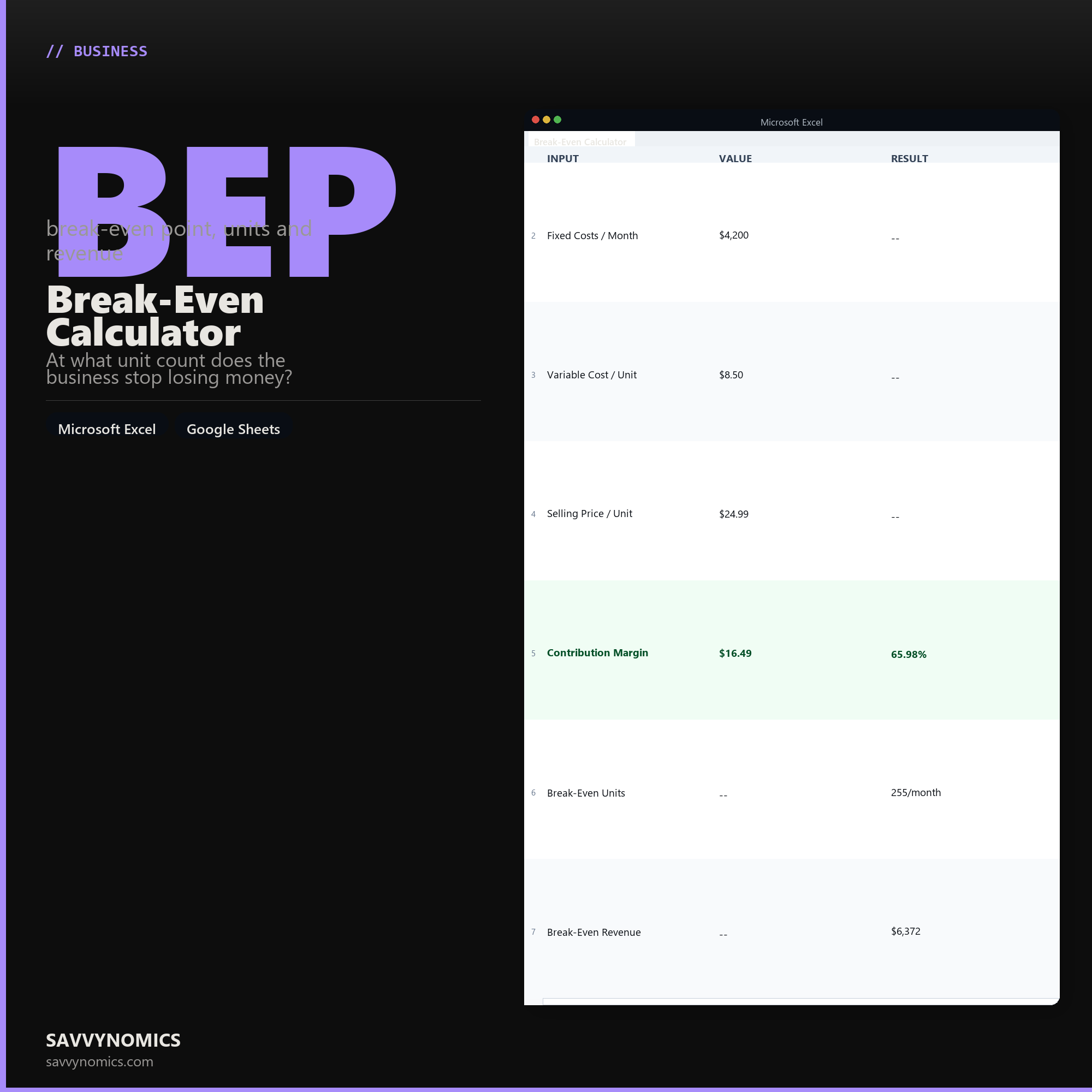
Real numbers showing what the spreadsheet looks like once you enter your information.
| INPUT | VALUE | RESULT |
|---|---|---|
| Fixed Costs / Month | $4,200 | -- |
| Variable Cost / Unit | $8.50 | -- |
| Selling Price / Unit | $24.99 | -- |
| Contribution Margin | $16.49 | 65.98% |
| Break-Even Units | -- | 255/month |
| Break-Even Revenue | -- | $6,372 |
Ready to start
Break-Even Calculator
All sales are final, since the file arrives the moment you pay. If it will not open or does not match this page, tell us and we will make it right. Full terms.
Instant download after purchase. Works in Excel and Google Sheets. No macros, no subscription, no setup beyond entering your numbers.
Microsoft Excel 2016+ Google Sheets
Common questions
FAQ
What counts as fixed versus variable here?
Fixed costs do not change with volume: rent, insurance, salaries, software. Variable costs move with each unit: materials, packaging, shipping, payment processing, hourly labour tied to production. Misclassifying one for the other is the most common way a break-even figure comes out wrong, so the instructions work through the borderline cases.
Does it handle more than one product?
Up to ten products with their own prices and variable costs, and it computes a weighted break-even across the mix. Single-product break-even is a simple division; the multi-product version is where the calculation stops being something you can do in your head.
What if my price changes?
Change the input and the break-even point moves immediately, which is the most useful way to use the sheet. The sensitivity view shows break-even across a range of prices at once, so you can see how much volume a discount actually has to make up before offering it.
How do I get the files after buying?
Stripe takes the payment and the download link is emailed within a few seconds, no account needed. The link lasts 30 days and allows 10 downloads. Lost it? Send yourself a fresh one.
Refunds, file formats, Google Sheets, and customizing the template are covered on the templates page.