What you get
Three files, instant download
Excel / Google Sheets Template
The .xlsx file works in Microsoft Excel 2016 and later, plus Google Sheets. No macros. No add-ins required.
Step-by-Step Instructions
A complete HTML guide covering setup, how each tab works, and answers to the most common questions about the template.
Printable Worksheet
A clean, print-ready version so you can plan on paper first and fill in the spreadsheet later. No printer? Skip it entirely.
How it works
Savings Challenge Tracker
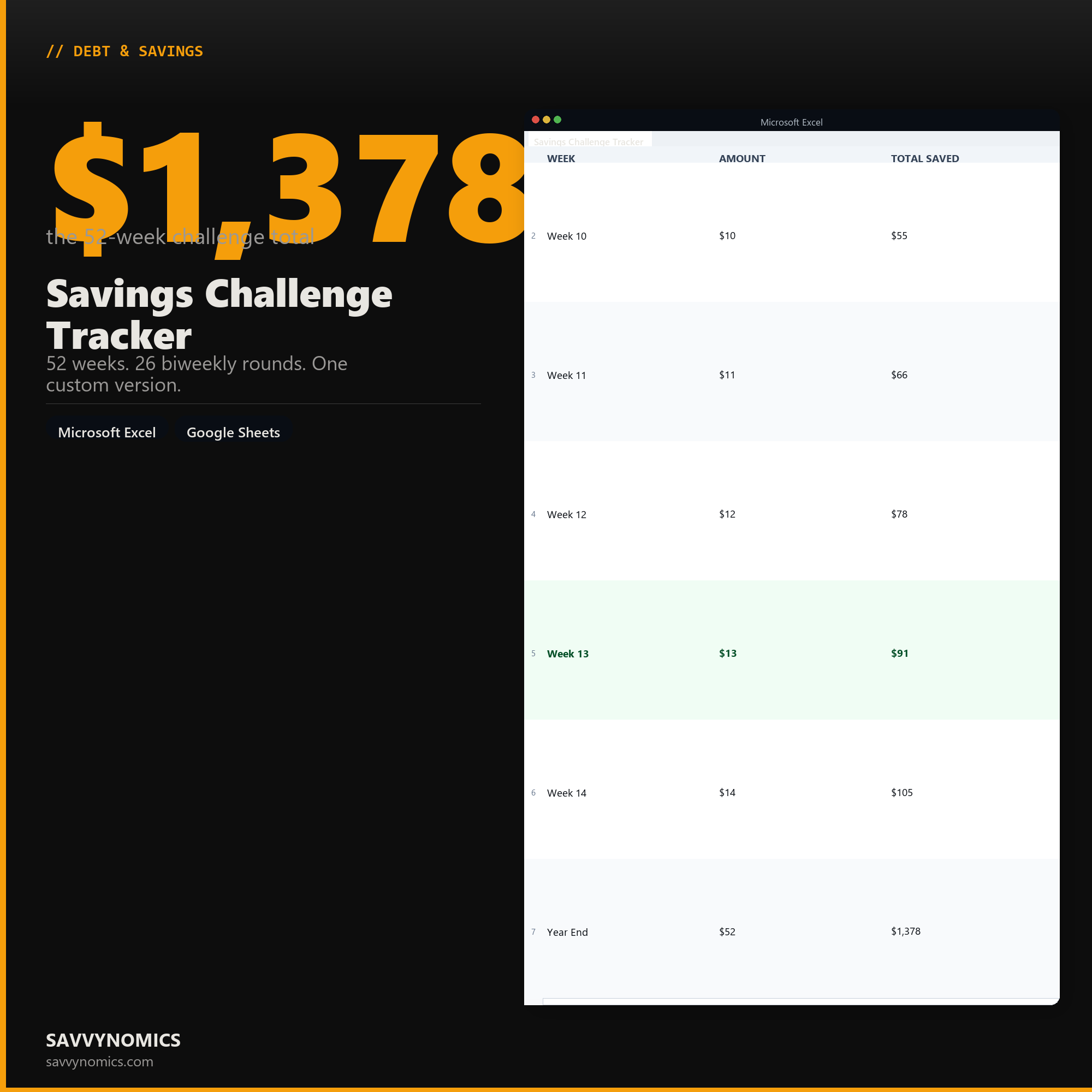
The 52-week savings challenge works because the amounts start small enough that it's easy to begin, and by the time the weekly amounts get large, you've built a habit. Week 1 is $1. Week 26 is $26. Week 52 is $52. Add them up and you've saved $1,378 by the end of the year.
The biweekly version does the same thing in 26 rounds. $2 the first round, $4 the second, up to $52 by the end. Same total. Better fit for people paid every two weeks.
The reverse version flips the order. Start at $52, go down to $1. The big amounts get knocked out when motivation is highest.
This file has all three. Plus a fourth tab where you set your own fixed weekly amount if you'd rather save a consistent $25 or $50 per round.
What's in each tracker:
- A row for every round with a "Saved" checkbox
- Running total column updating after each checked week
- Completion percentage and a projected year-end balance
- Start date picker so your week numbers align with your calendar
Works in Excel and Google Sheets.
Features
What's inside
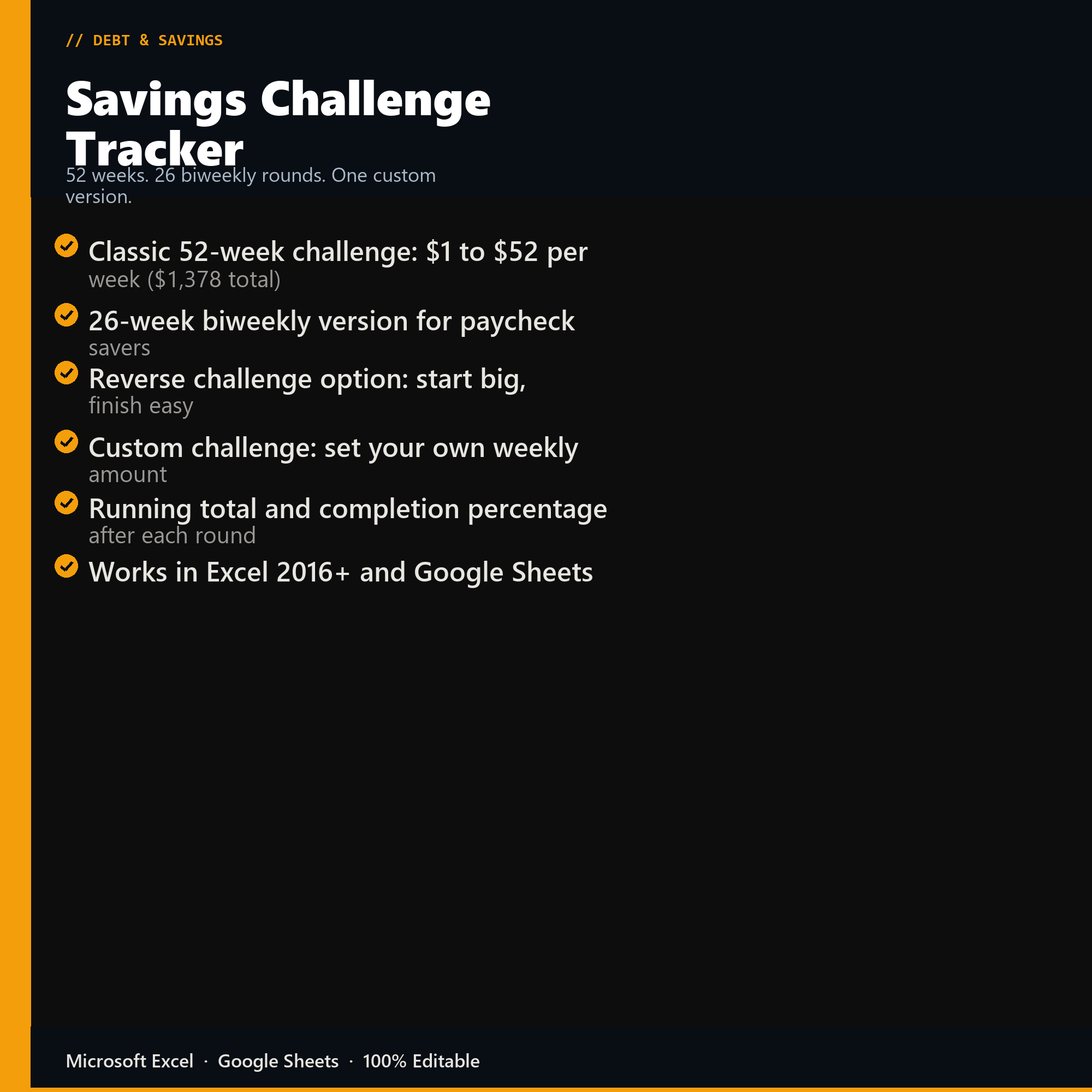
- Classic 52-week challenge: $1 to $52 per week ($1,378 total)
- 26-week biweekly version for paycheck savers
- Reverse challenge option: start big, finish easy
- Custom challenge: set your own weekly amount
- Running total and completion percentage after each round
- Works in Excel 2016+ and Google Sheets
Inside the template
Sample data
Real numbers showing what the spreadsheet looks like once you enter your information.
| WEEK | AMOUNT | TOTAL SAVED |
|---|---|---|
| Week 10 | $10 | $55 |
| Week 11 | $11 | $66 |
| Week 12 | $12 | $78 |
| Week 13 | $13 | $91 |
| Week 14 | $14 | $105 |
| Year End | $52 | $1,378 |
Ready to start
Savings Challenge Tracker
All sales are final, since the file arrives the moment you pay. If it will not open or does not match this page, tell us and we will make it right. Full terms.
Instant download after purchase. Works in Excel and Google Sheets. No macros, no subscription, no setup beyond entering your numbers.
Microsoft Excel 2016+ Google Sheets
Common questions
FAQ
What is the difference between the 52-week and the biweekly version?
The 52-week version escalates by a dollar a week and finishes at $1,378. The 26-round biweekly version matches a fortnightly pay schedule and reaches a similar total with fewer, larger deposits. Both are in the file, and the custom version lets you set any target and work backwards to the per-period amount.
What happens if I miss a week?
Nothing breaks. The tracker shows the shortfall and how much the remaining weeks need to rise to still hit the target, which is more useful than a broken streak. Most people who abandon these challenges do it after one missed week rather than after running out of money.
Can I set my own target instead of following the standard challenge?
The custom tab takes a target and a deadline and works out the per-period deposit, including the escalating version if you want deposits to start small. That is usually the better route when the money is going toward something specific rather than toward saving in general.
How do I get the files after buying?
Stripe takes the payment and the download link is emailed within a few seconds, no account needed. The link lasts 30 days and allows 10 downloads. Lost it? Send yourself a fresh one.
Refunds, file formats, Google Sheets, and customizing the template are covered on the templates page.