What you get
Three files, instant download
Excel / Google Sheets Template
The .xlsx file works in Microsoft Excel 2016 and later, plus Google Sheets. No macros. No add-ins required.
Step-by-Step Instructions
A complete HTML guide covering setup, how each tab works, and answers to the most common questions about the template.
Printable Worksheet
A clean, print-ready version so you can plan on paper first and fill in the spreadsheet later. No printer? Skip it entirely.
How it works
Zero-Based Budget
Zero-based budgeting means every dollar of income gets a job before the month starts. Housing, groceries, car insurance, eating out, savings, debt payment. When you're done assigning, income minus all those categories equals zero. Nothing floats unaccounted.
The method works because money without a destination disappears. The "leftovers" approach loses hundreds of dollars a year to purchases that felt fine at the time and are impossible to trace three weeks later.
This template runs the system for you.
- Live counter at the top of the sheet showing exactly how many dollars are still unassigned
- 20 budget categories on the setup tab, rename every one to match your actual life
- Side-by-side columns: what you budgeted vs. what you actually spent each week
- Monthly variance row: shows you which categories ran over and by how much
- Instructions tab walks through the setup in five steps
You do the budget once at the start of the month, update spending once a week, and the sheet does the rest. Takes about 20 minutes a month after setup.
Works in Excel and Google Sheets. No macros required.
Features
What's inside
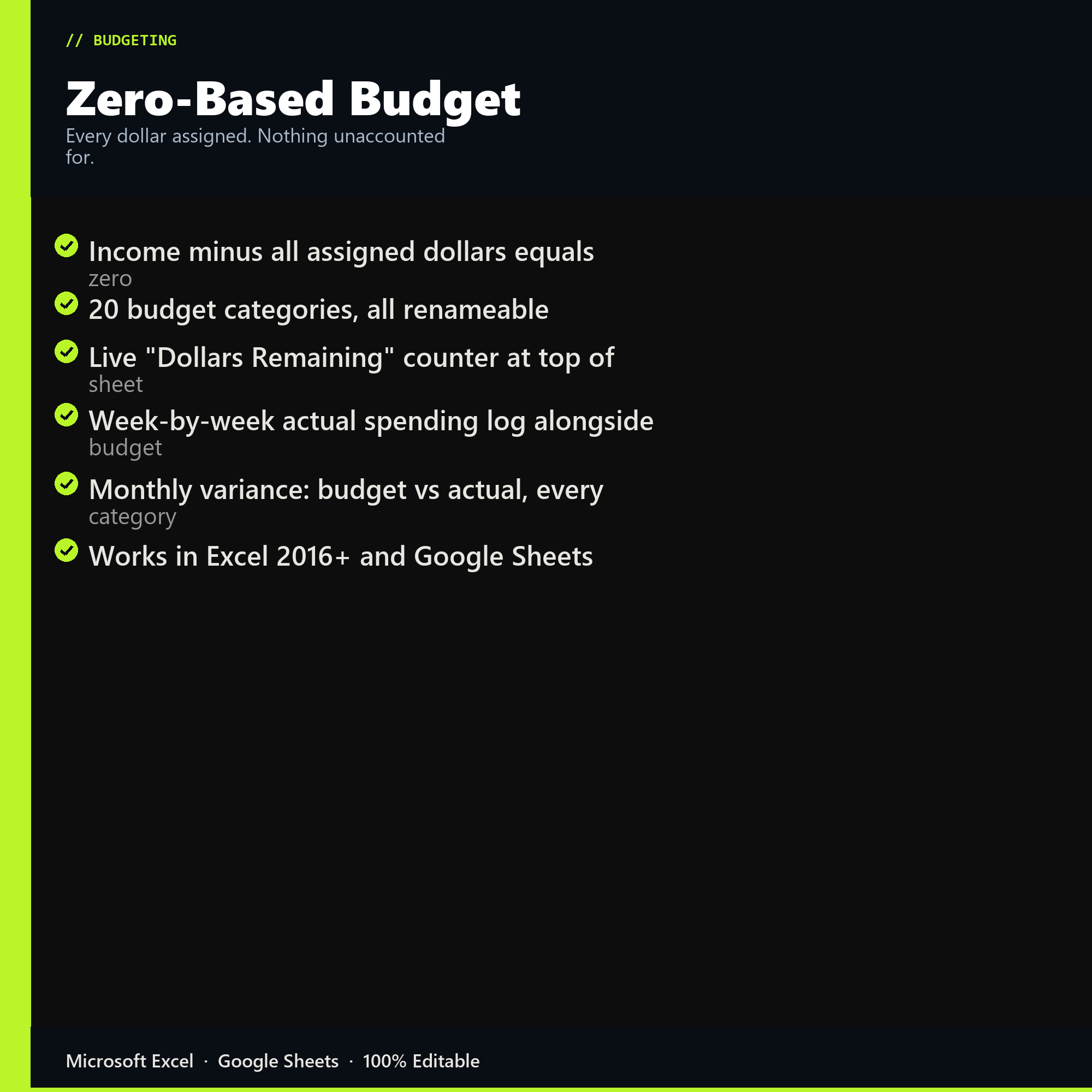
- Income minus all assigned dollars equals zero
- 20 budget categories, all renameable
- Live "Dollars Remaining" counter at top of sheet
- Week-by-week actual spending log alongside budget
- Monthly variance: budget vs actual, every category
- Works in Excel 2016+ and Google Sheets
Inside the template
Sample data
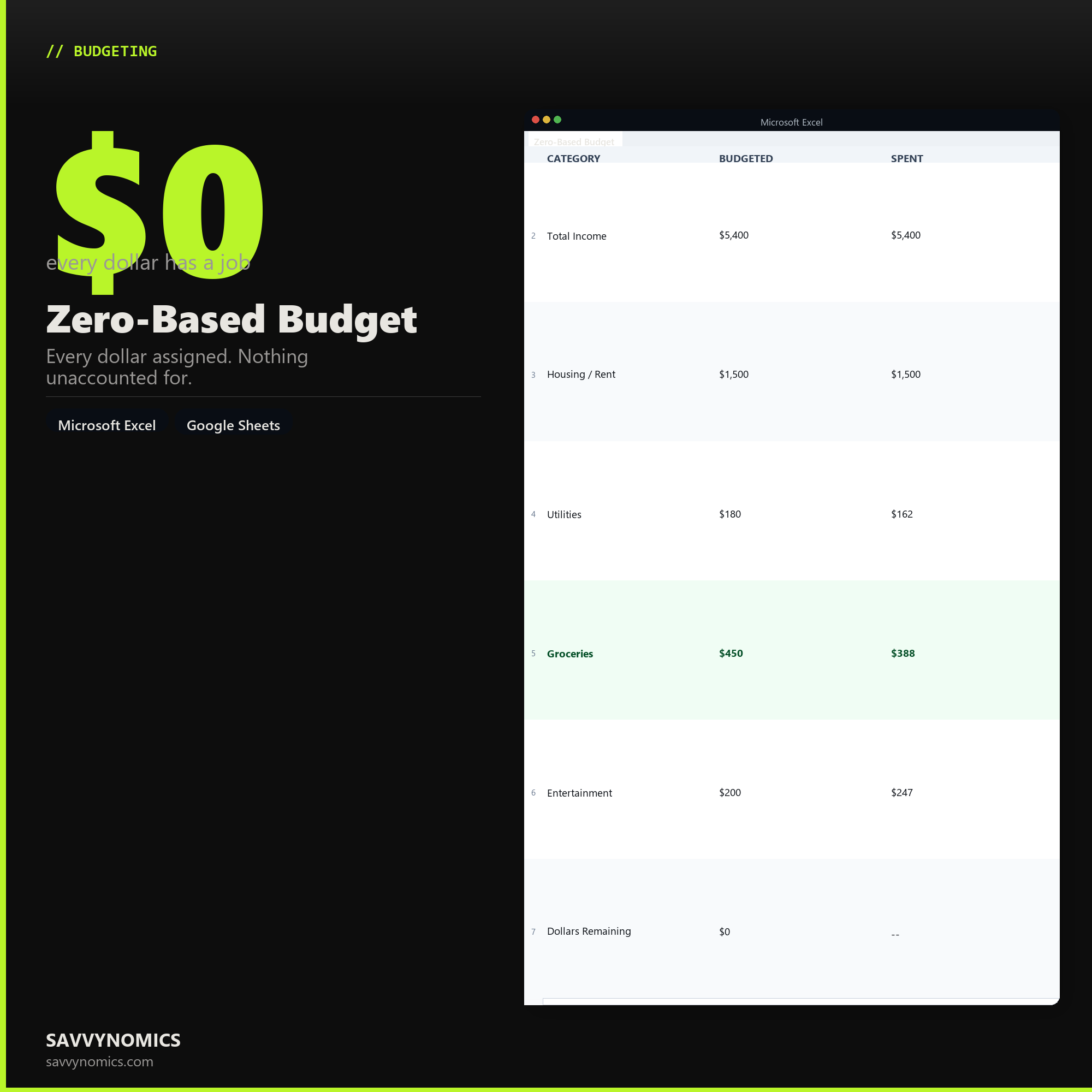
Real numbers showing what the spreadsheet looks like once you enter your information.
| CATEGORY | BUDGETED | SPENT |
|---|---|---|
| Total Income | $5,400 | $5,400 |
| Housing / Rent | $1,500 | $1,500 |
| Utilities | $180 | $162 |
| Groceries | $450 | $388 |
| Entertainment | $200 | $247 |
| Dollars Remaining | $0 | -- |
Ready to start
Zero-Based Budget
All sales are final, since the file arrives the moment you pay. If it will not open or does not match this page, tell us and we will make it right. Full terms.
Instant download after purchase. Works in Excel and Google Sheets. No macros, no subscription, no setup beyond entering your numbers.
Microsoft Excel 2016+ Google Sheets
Common questions
FAQ
What do I do with money left over at the end of the month?
Under zero-based budgeting there should not be any, because every dollar was assigned before the month started. If there is a surplus it means a category was overfunded, and the variance row will show you which one. Roll it into savings, debt, or next month's plan, but assign it somewhere rather than letting it sit.
How is this different from just tracking what I spend?
Tracking is backward-looking and tells you where the money went. This is forward-looking and decides where it goes before it moves. The two columns sit side by side so you get both, but the assignment happens first. That ordering is the whole method, and it is why the running counter at the top starts at your full income and has to reach zero.
Do I have to rebuild the budget from scratch every month?
No. The categories and their amounts carry forward, so a normal month is a few edits rather than a rebuild. Budget about twenty minutes for the first setup and five minutes at the start of each month after that, plus a weekly pass to log actual spending.
How do I get the files after buying?
Stripe takes the payment and the download link is emailed within a few seconds, no account needed. The link lasts 30 days and allows 10 downloads. Lost it? Send yourself a fresh one.
Refunds, file formats, Google Sheets, and customizing the template are covered on the templates page.