What you get
Three files, instant download
Excel / Google Sheets Template
The .xlsx file works in Microsoft Excel 2016 and later, plus Google Sheets. No macros. No add-ins required.
Step-by-Step Instructions
A complete HTML guide covering setup, how each tab works, and answers to the most common questions about the template.
Printable Worksheet
A clean, print-ready version so you can plan on paper first and fill in the spreadsheet later. No printer? Skip it entirely.
How it works
Investment Portfolio Tracker
Most investors own more funds than they realize. A 401(k) with a target-date fund plus a taxable account with VTI plus a Roth IRA with FSKAX is, functionally, three versions of the same US equity exposure. This tracker shows you what you actually own once you aggregate everything.
It also tells you whether your allocation has drifted from your target.
Stocks tend to outperform bonds in bull markets, which means a 70/30 portfolio gradually becomes 80/20 or 85/15 if you don't rebalance. The rebalancing column in this tracker calculates exactly how much to shift in each direction to get back to your target.
What's in the file:
- Holdings table: up to 20 positions with ticker, current value, and asset class
- Target allocation setup: set your desired percentage per asset class
- Actual vs. target comparison with a variance column
- Rebalancing action column: how much to buy or sell in each position
- Monthly contribution log: track every deposit date and amount
- Quarterly dividend income section: log dividends received per holding
Works in Excel and Google Sheets. No live price feeds. You enter current prices when you update (monthly or quarterly is typical).
Features
What's inside
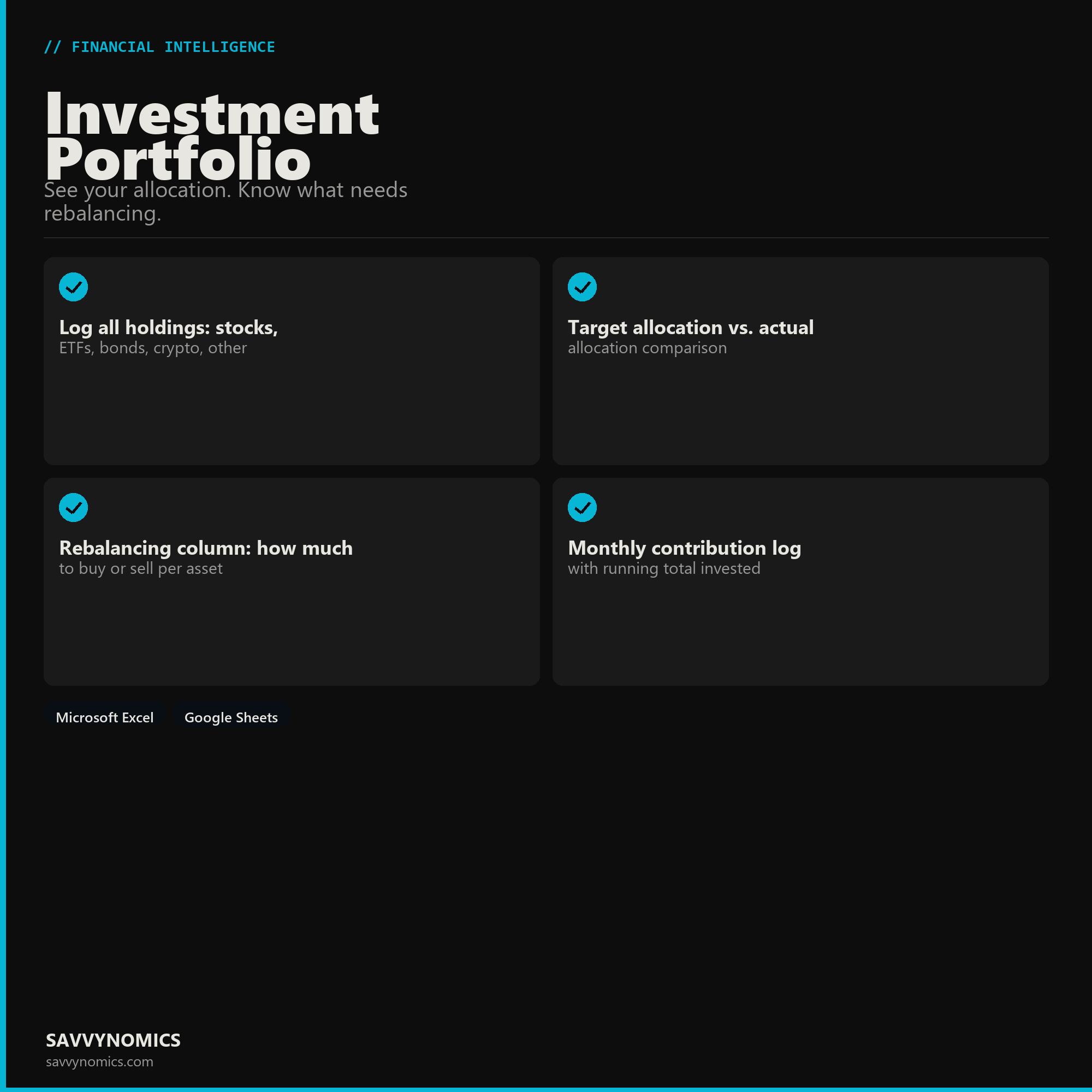
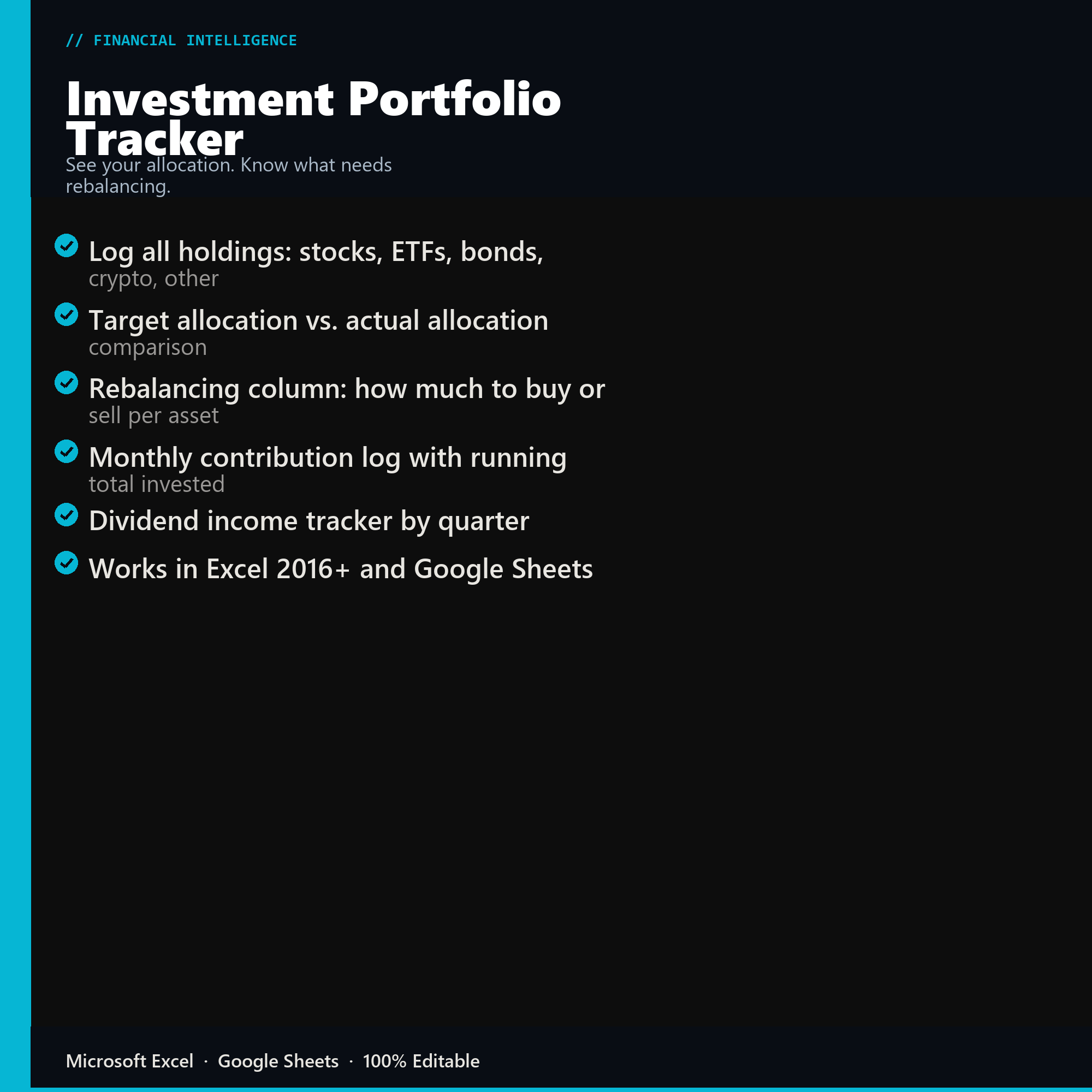
- Log all holdings: stocks, ETFs, bonds, crypto, other
- Target allocation vs. actual allocation comparison
- Rebalancing column: how much to buy or sell per asset
- Monthly contribution log with running total invested
- Dividend income tracker by quarter
- Works in Excel 2016+ and Google Sheets
Inside the template
Sample data
Real numbers showing what the spreadsheet looks like once you enter your information.
| HOLDING | VALUE | ALLOCATION |
|---|---|---|
| VTI (Total Market) | $48,200 | 62% |
| VXUS (International) | $14,100 | 18% |
| BND (Bonds) | $11,800 | 15% |
| Cash (Money Market) | $3,800 | 5% |
| Portfolio Total | $77,900 | 100% |
| Rebalance Action | -- | +$2,400 BND |
Ready to start
Investment Portfolio Tracker
All sales are final, since the file arrives the moment you pay. If it will not open or does not match this page, tell us and we will make it right. Full terms.
Instant download after purchase. Works in Excel and Google Sheets. No macros, no subscription, no setup beyond entering your numbers.
Microsoft Excel 2016+ Google Sheets
Common questions
FAQ
Does it pull live prices?
No, and that is deliberate. Live feeds break when an API changes and take the sheet down with them. You update holdings when you review the portfolio, which for a rebalancing tracker is monthly or quarterly rather than continuously. Nothing here depends on an external service staying available.
How does it decide what needs rebalancing?
You set a target allocation and a drift threshold, commonly five percentage points, and any holding outside its band is flagged with the dollar amount to buy or sell to correct it. Flagging by threshold rather than by calendar avoids trading on small movements that would reverse themselves anyway.
Does it handle more than one account?
Yes, and it aggregates across them, which is the only way allocation makes sense when the same portfolio is split across a 401(k), an IRA, and a taxable account. Each holding records which account it sits in, so you can also see where a given asset class is held for tax purposes.
How do I get the files after buying?
Stripe takes the payment and the download link is emailed within a few seconds, no account needed. The link lasts 30 days and allows 10 downloads. Lost it? Send yourself a fresh one.
Refunds, file formats, Google Sheets, and customizing the template are covered on the templates page.